Instructor User Guide
INSTRUCTOR STATION Sliding Panel
INSTRUCTOR STATION Sliding
Panel
13 Oct 2017
Page 157
10. INSTRUCTOR STATION Sliding Panel
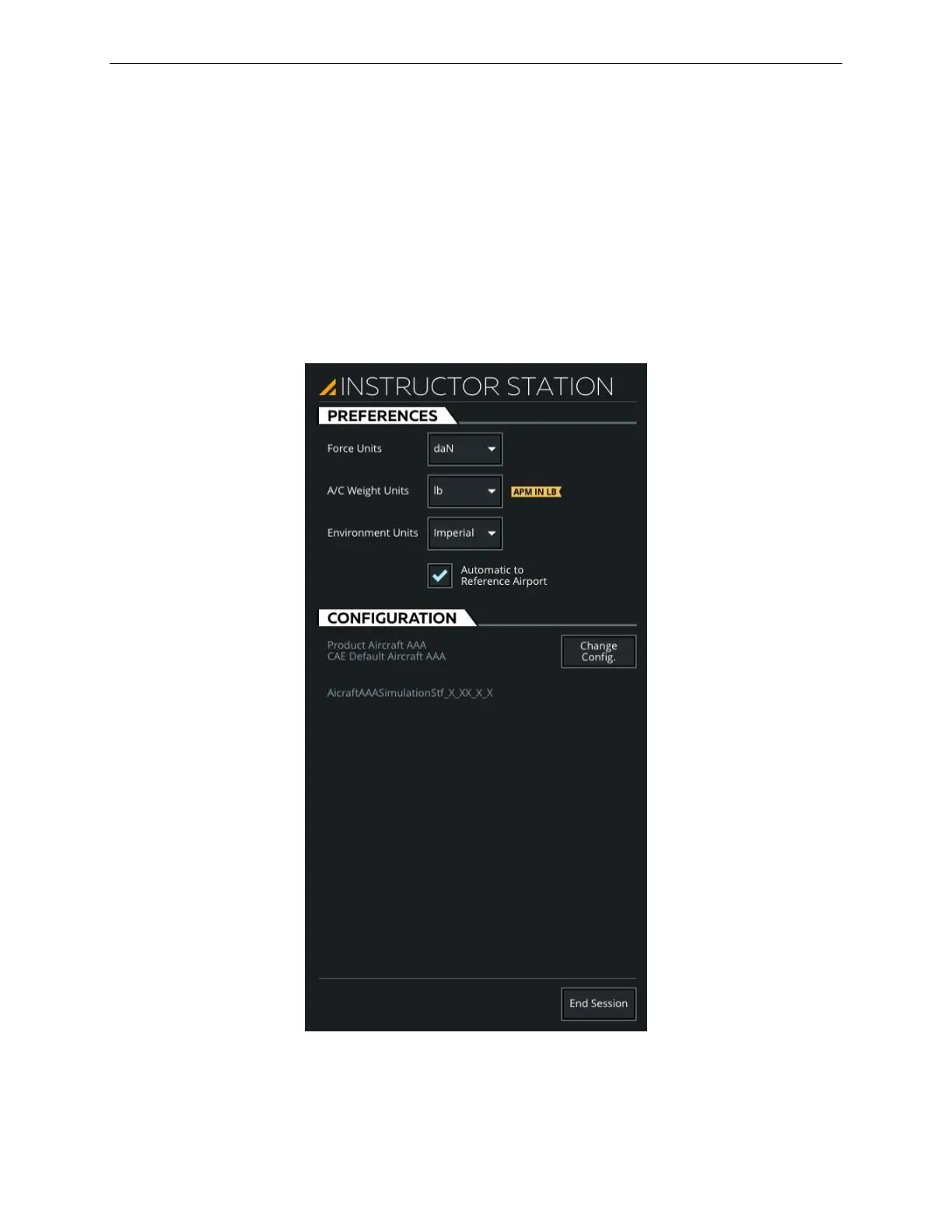
The INSTRUCTOR STATION sliding panel allows the instructor to:
• Set the Unit of Measure (UOM) of various parameters
• Change the IOS workspace configuration
• End the IOS session
To access the INSTRUCTOR STATION sliding panel, tap on the Expand button
located at the right side of the Control Board.
Figure 79 INSTRUCTOR STATION Sliding Panel



 To Next Page