A320 Neo Instructor Operating Station
Instructor User Guide
REFERENCE AIRPORT Tab
13 Oct 2017
Page 132
9.7 VISIBILITY / RVR Sliding Panel
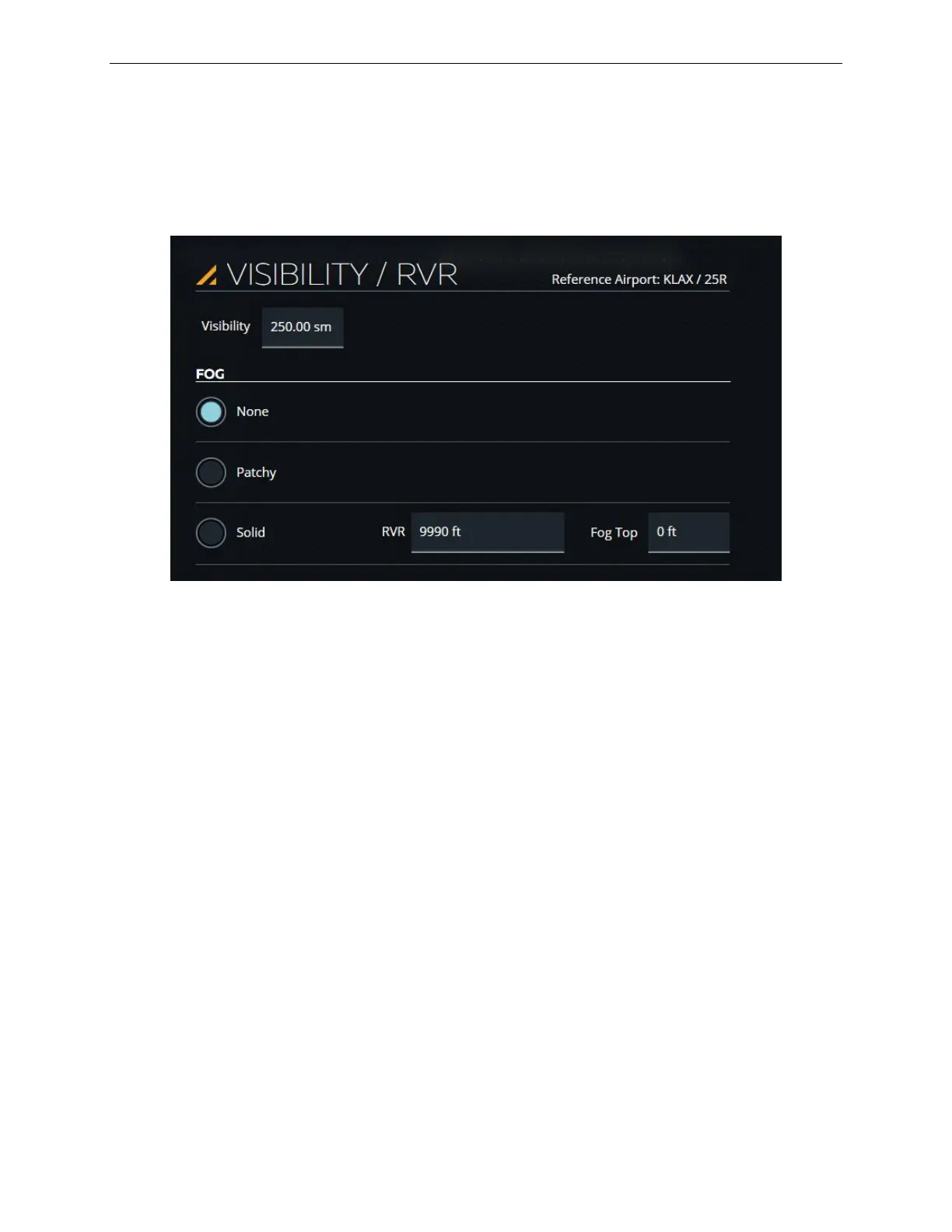
The VISIBILITY / RVR sliding panel allows the instructor to change visibility
parameters at the reference airport. It consists of a Visibility input text field and a
FOG section.
Figure 70 Visibility/RVR
9.7.1 Visibility
This input text field displays the current below cloud visibility. Tap on this input text
field to display the Visibility keypad. Use the keypad to change the below cloud
visibility.
9.7.2 FOG Tab
This tab includes fog radio buttons that are mutually exclusive.
9.7.2.1 None
Tap this button to remove the current fog condition.
9.7.2.2 Patchy
Tap this button to activate a patchy fog condition. During a patchy fog condition,
default minimum and maximum Runway Visual Range (RVR) values are set.



 To Next Page