A320 Neo Instructor Operating Station
Instructor User Guide
AIRCRAFT Tab
13 Oct 2017
Page 52
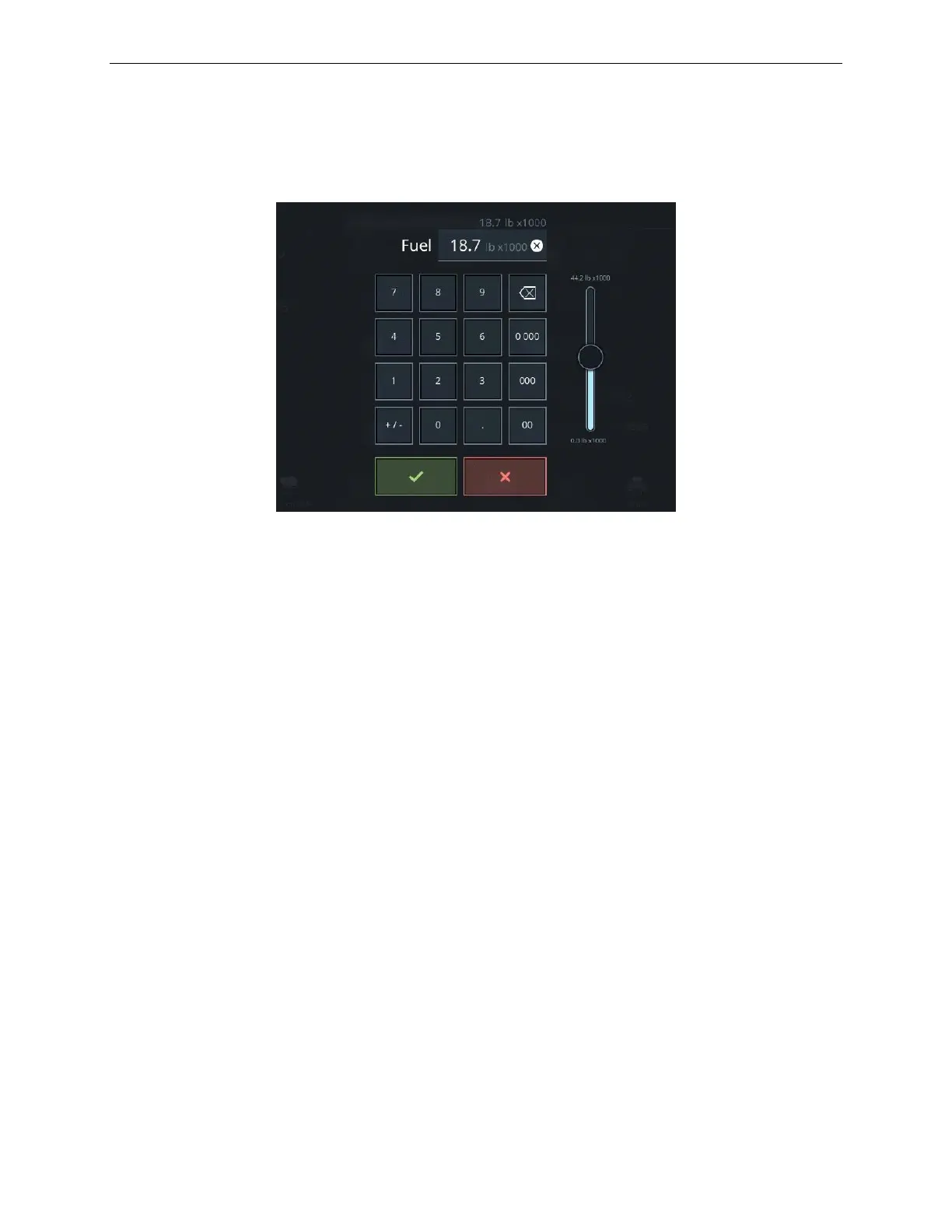
8.6 Fuel Keypad
The Fuel keypad displays the current fuel weight and allows the instructor to enter
another fuel weight value either through the keypad or the slider.
Figure 30 Fuel Keypad
8.7 Quick Access Buttons
The AIRCRAFT tab includes quick access buttons that upon tapping will display the
associated sliding panel.
8.7.1 DL
This button displays the Datalink (DL) status. When the datalink log has incoming
downlink messages from the crew, this button illuminates green.
Tap this button to display the DATALINK sliding panel.
8.7.2 UL
This button displays the Uplink (UL) status. When the datalink log has uplink
messages sent from instructor ground operation roleplay to crew, this button
illuminates orange.
Tap this button to display the DATALINK sliding panel.



 To Next Page