Instructor User Guide
LESSON PLAN Tab
LESSON PLAN Tab
13 Oct 2017
Page 21
5. LESSON PLAN Tab
The LESSON PLAN Tab allows the instructor to:
• View all available lessons on the IOS
• View all the training phases of a lesson
• View all the lesson steps included in a lesson
• Run a lesson automatically or step-by-step
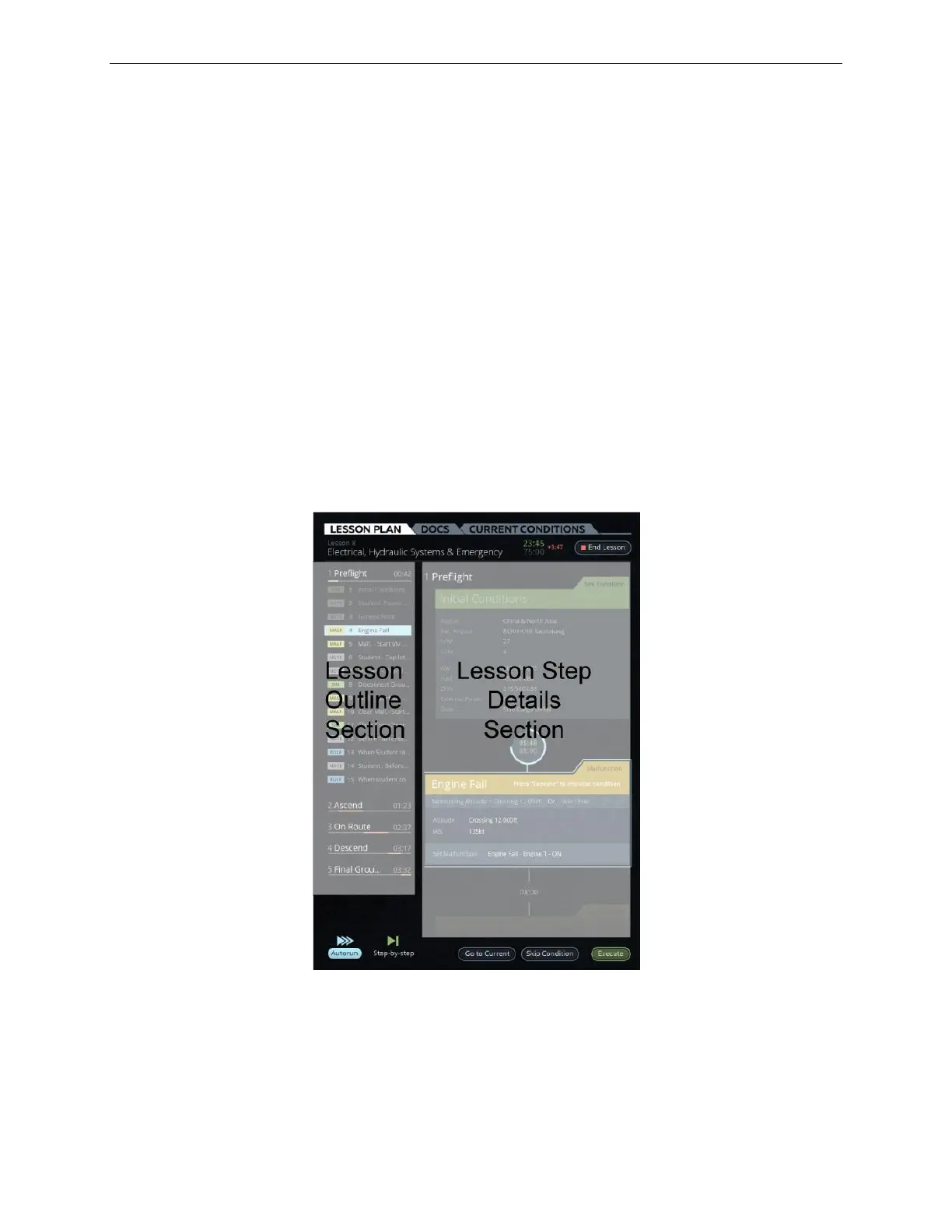
The LESSON PLAN Tab includes:
• Two main sections:
o Lesson Outline (Left side of tab)
o Lesson Step Details (Right side of tab)
• Buttons to control the execution of the lesson
Figure 13 LESSON PLAN Outline and Details



 To Next Page