A320 Neo Instructor Operating Station
Instructor User Guide
AIRCRAFT Tab
13 Oct 2017
Page 58
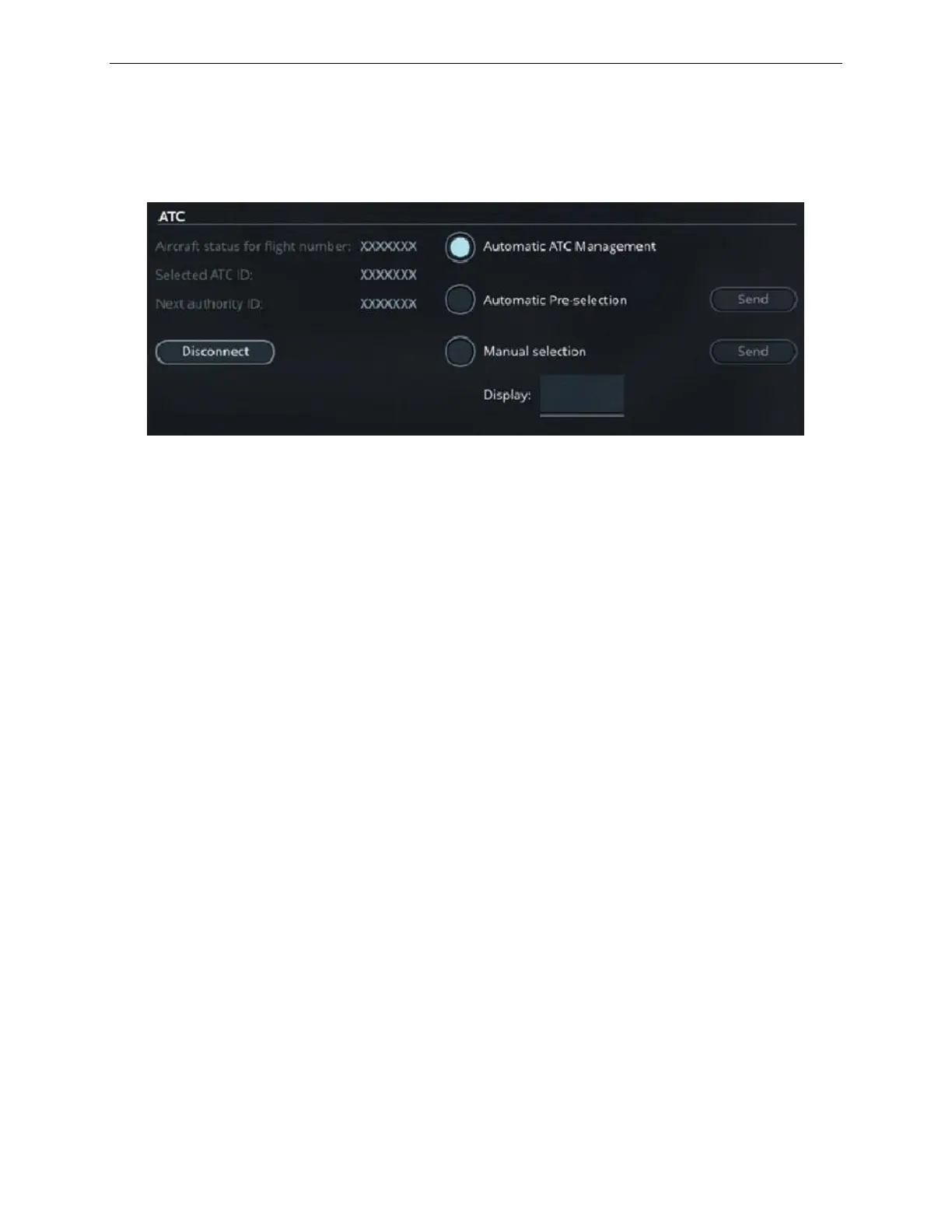
8.8.3.1 ATC Section
This section mainly consists of ready only fields and radio buttons.
Figure 34 ATC Section
8.8.3.1.1 Read-Only Fields
The read-only fields display the current ATC connection flight number, active ATC
ID and Next authority ID.
8.8.3.1.2 Radio Buttons
There are three mutually exclusive radio buttons to select the next data authority.
Tap this radio button to activate the Automatic
ATC Management mode. In this mode, the data
authority transfer is handled by the ground station
simulation which requires no action from the
instructor.
Tap this button to activate the Automatic Pre-
Selection mode. In this mode, the next data
authority is suggested by the software but the
transfer must be initiated by the instructor by
taping the Send button.
Tap this button to activate the Manual Selection
mode. In this mode, the next data authority must
be selected by the instructor through the Display
input text field. Once the next data authority
selected, tap on the Send button to initiate the
transfer.



 To Next Page