A320 Neo Instructor Operating Station
Instructor User Guide
AIRCRAFT Tab
13 Oct 2017
Page 54
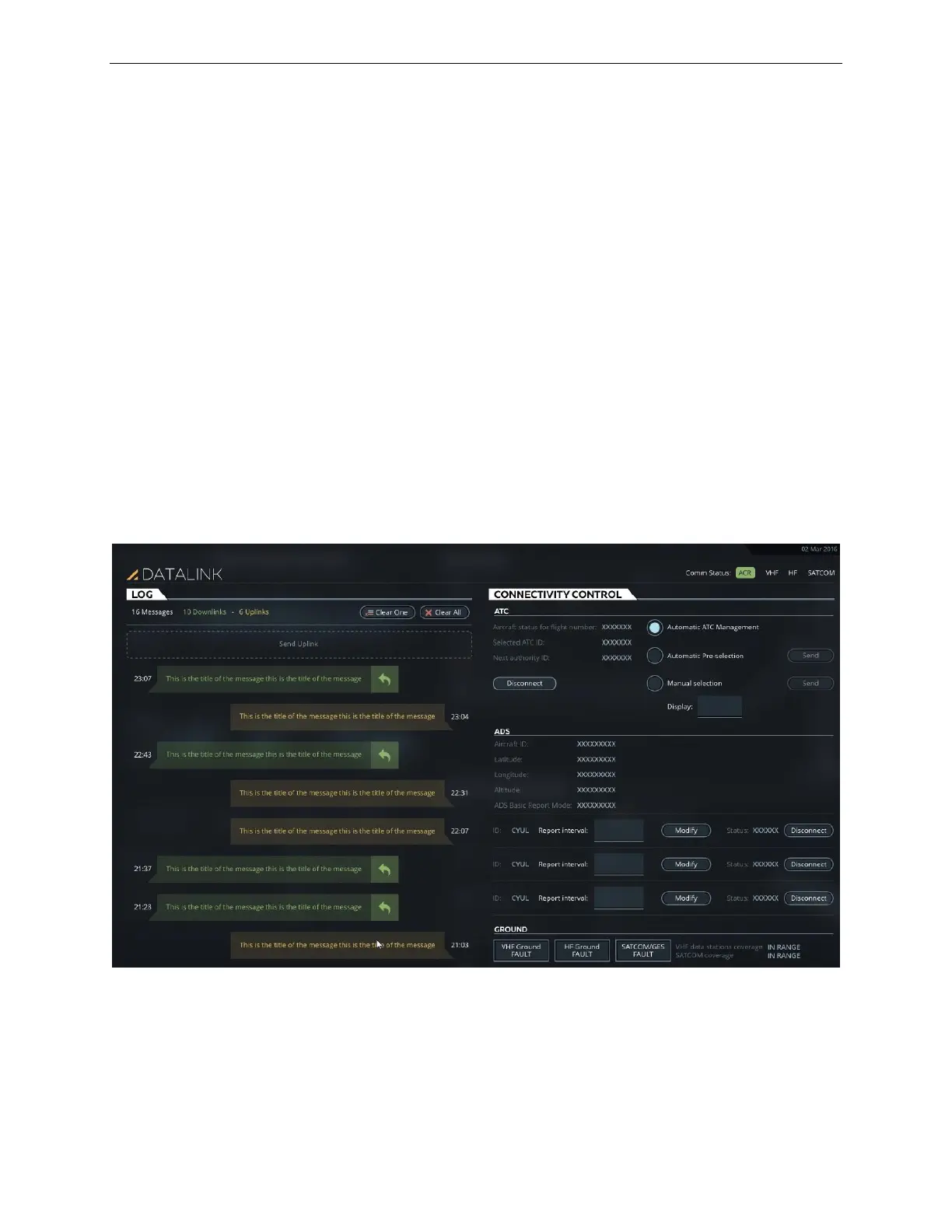
8.8 DATALINK (DL/UL) Sliding Panel
The DATALINK sliding panel allows the instructor to:
• Uplink messages to the simulated aircraft
• Show communication between the simulated aircraft and the simulated ground
station
• Review and reply to messages from the simulated aircraft
• Control connections of:
o Air Traffic Controller (ATC)
o Automatic Dependent Surveillance (ADS)
• Trigger various ground station datalink failures
This sliding panel includes two tabs:
• LOG
• CONNECTIVITY CONTROL
Figure 31 DATALINK (DL/UL) Sliding Panel



 To Next Page