A320 Neo Instructor Operating Station
Instructor User Guide
Map Workspace
13 Oct 2017
Page 214
15.2.1 Icons
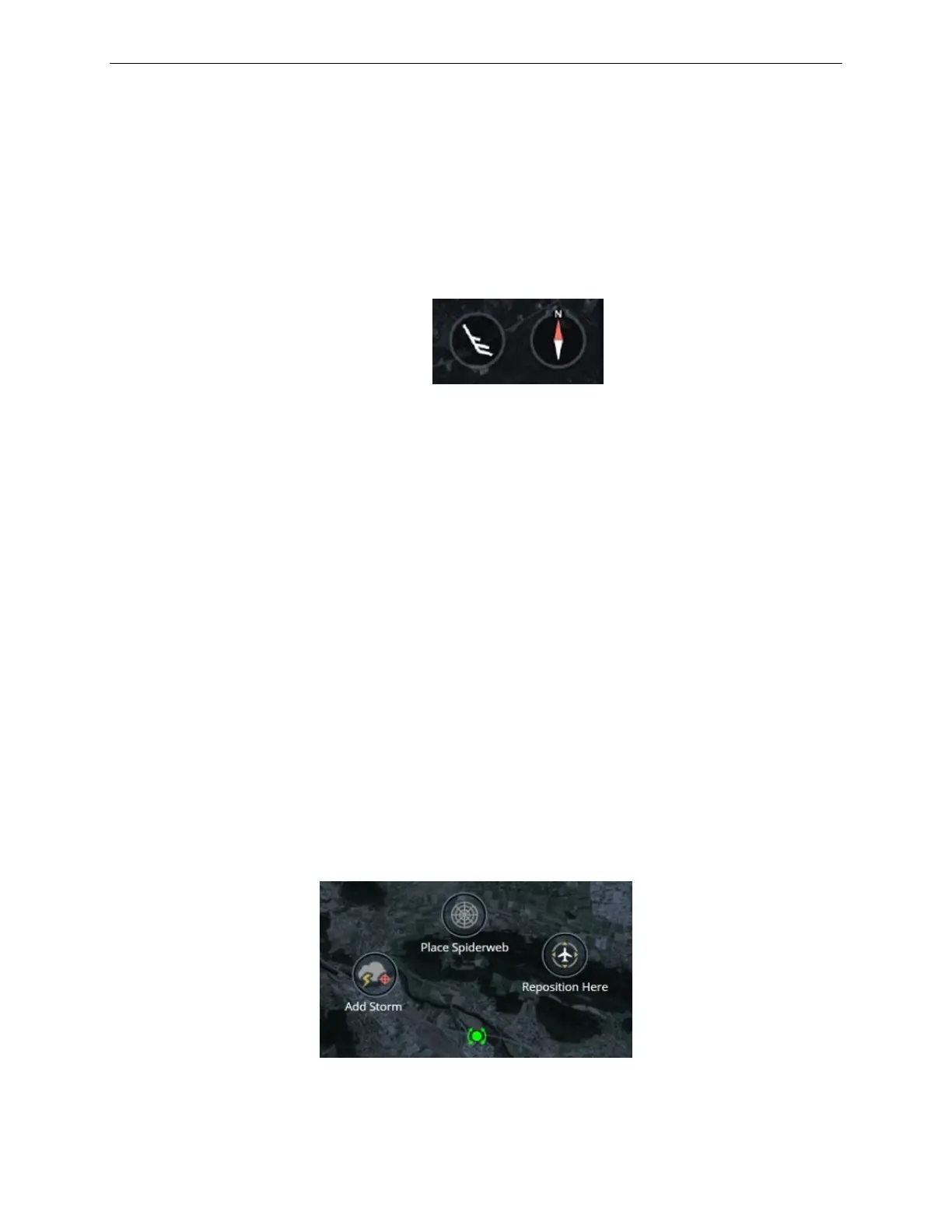
There are two main icons on the main section:
• Wind barb indicating the wind direction at the aircraft.
• Compass showing the Compass
o Tapping on the compass icon toggles north up/heading up.
Figure 119 Main Section Icons
15.2.2 Radial Menus
There are several types of radial menus used on the main section. These are
accessible by tapping on the main section of the map.
15.2.2.1 Cursor Radial Menu
The Cursor Radial menu allows the instructor to:
• Place a spider web around the cursor location.
• Reposition the aircraft to a specific location on the map.
• Add a storm to a specific location on the map.
• Add an entity to a specific location on the map.
To display the Cursor Radial Menu at a specific location on the map:
1) Tap the desired location on the map section.
2) This places the cursor at the tapped location.
3) The Cursor Radial menu buttons are displayed.
Figure 120 Cursor Radial Menu



 To Next Page