A320 Neo Instructor Operating Station
Instructor User Guide
Advanced
13 Oct 2017
Page 240
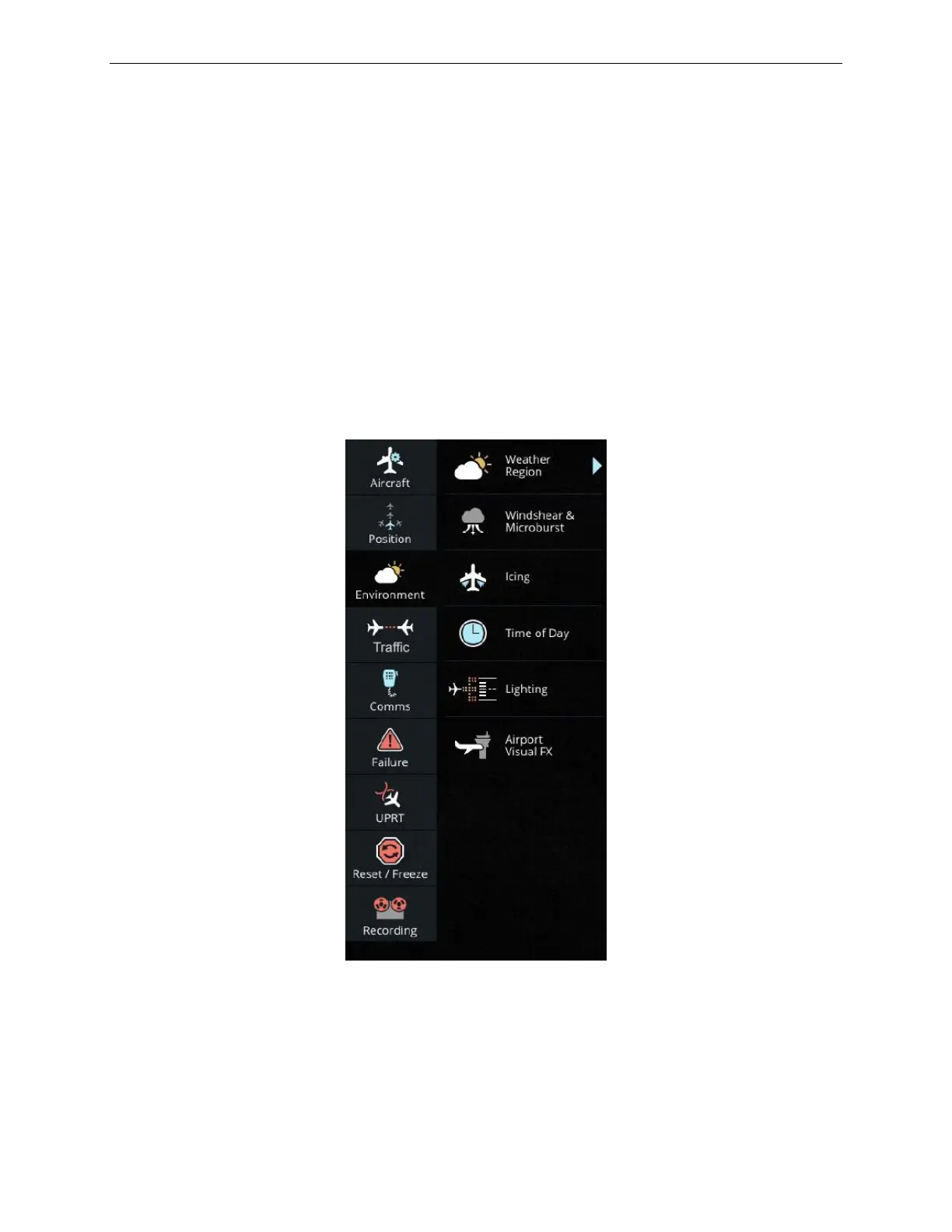
16.3 Environment
Environment includes several sub-buttons to alter various environmental parameters
for a specific airport or En Route region.
In Environment, the instructor can:
• Alter the weather and time of day of a region
• Introduce microbursts and windshears
• Apply ice conditions on the aircraft
• Change the runway lighting
• Introduce visual effects at the airport
Figure 147 Advanced - Environment



 To Next Page