A320 Neo Instructor Operating Station
Instructor User Guide
INSTRUCTOR STATION Sliding
Panel
13 Oct 2017
Page 158
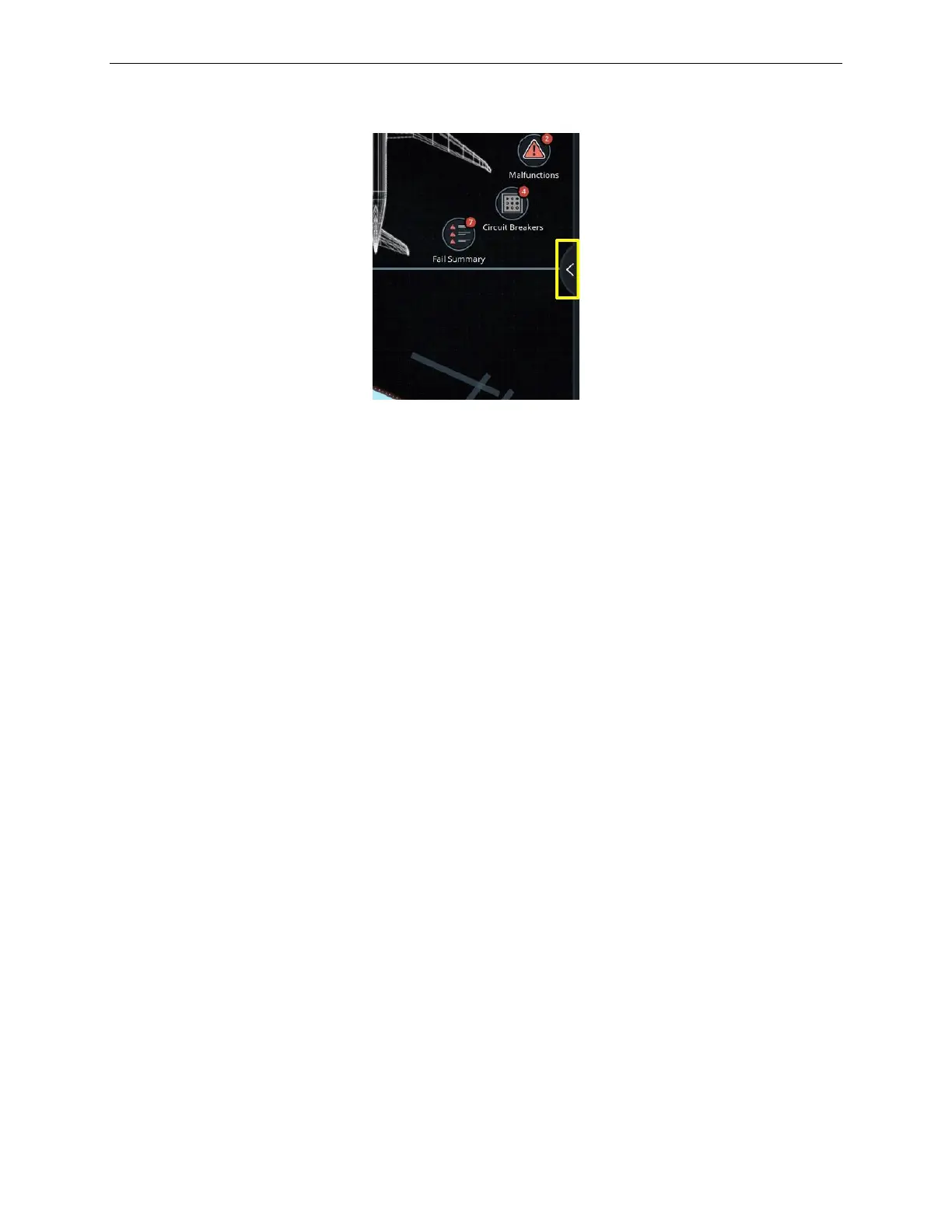
Figure 80 Control Board Expand Button
10.1 PREFERENCES Tab
The PREFERENCES Tab includes dropdown buttons that allow the instructor to set
the unit of measure of:
• Force units
• Aircraft weight
• Environment units
10.1.1 Force Units
Tap this dropdown button to expand selection, then tap to set the Force Units to
either:
Sets the force units to lbf
Sets the force units to daN
10.1.2 A/C Weight Units
Tap this dropdown button to expand selection, then tap to set the aircraft weight Unit
of Measure to either:
Sets the aircraft weight units to kilograms (kg).
(In the case of liquid volume, liters will be used).
Sets the aircraft weight units to pounds (lb).
(In the case of liquid volume, gal, qt and pt will be used).



 To Next Page