A320 Neo Instructor Operating Station
Instructor User Guide
CURRENT CONDITIONS Tab
13 Oct 2017
Page 44
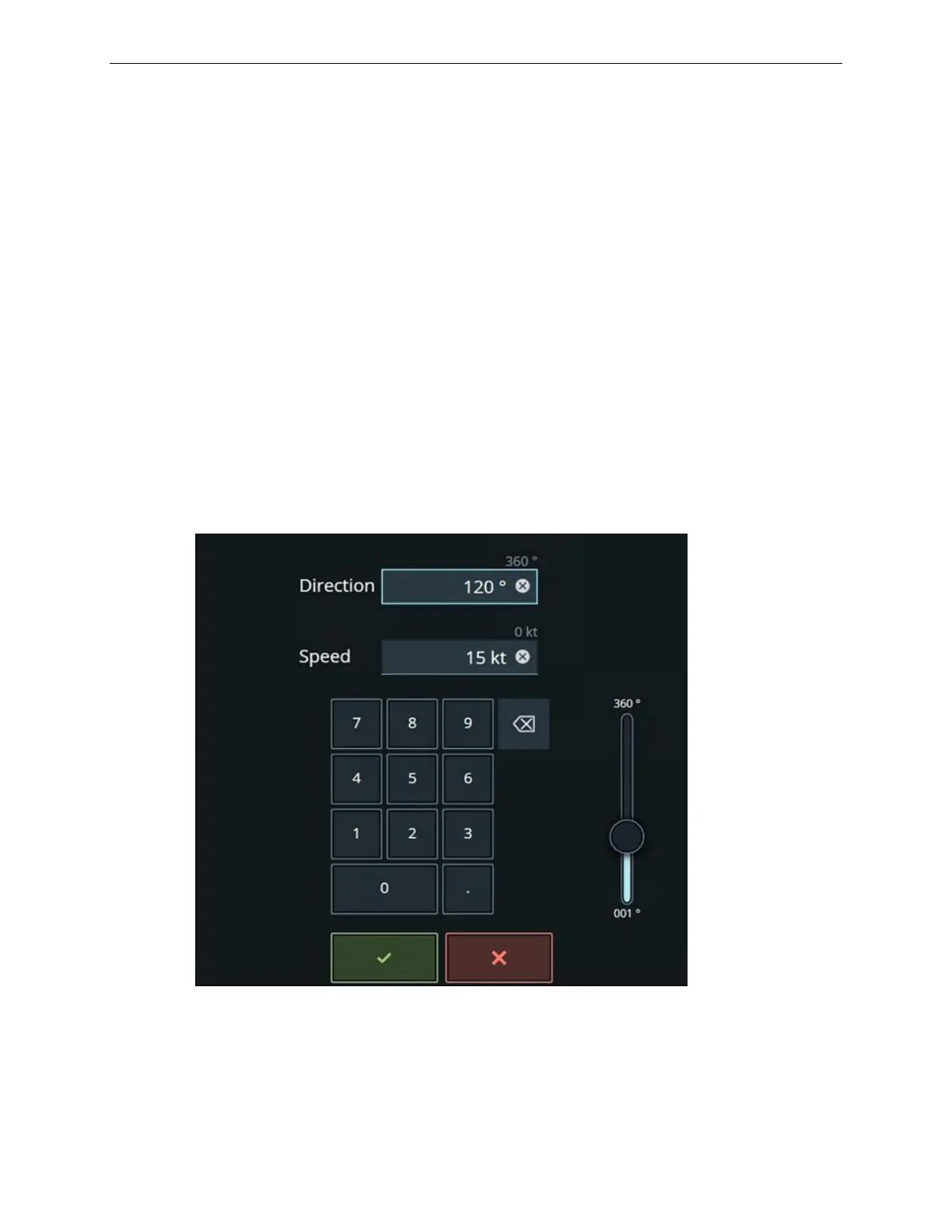
7.6 A/C Wind Keypad
The A/C Wind keypad displays the current wind direction and speed at the aircraft
location.
To change the A/C wind direction and speed at the aircraft location:
1) Use the keypad or the slider control to enter a new magnetic wind direction and
speed at the aircraft.
2) Tap on the green checkmark to confirm your selection or the red X to cancel
the entry.
The wind direction varies between 1° to 360°.
If flight freeze is not active, a change to A/C wind direction and speed is immediately
ramped, at a pre-determined rate, to the requested value.
If flight freeze is active, a change to the A/C wind direction and speed is delayed until
flight freeze is released.
Figure 22 A/C Wind Direction Keypad



 To Next Page