A320 Neo Instructor Operating Station
Instructor User Guide
IOS Software Interface
13 Oct 2017
Page 12
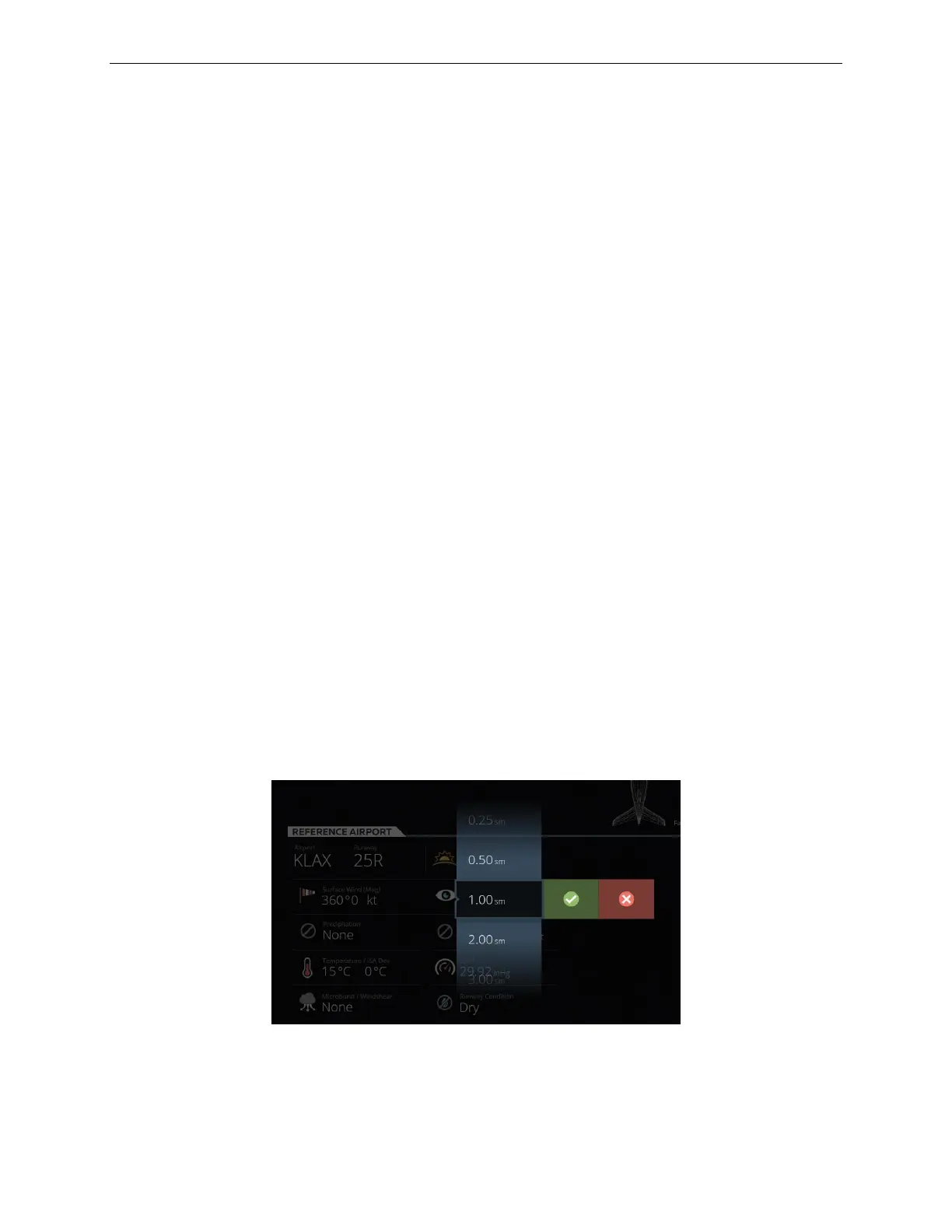
3.3.9 Wheel Picker
Depending on the configuration of the IOS Control Board, some parameters can be
adjusted with a Wheel Picker. To activate the Wheel Picker for a specific item,
proceed as follows:
• Choose a specific parameter.
• Press and hold on this parameter until the Wheel Picker is displayed or slide this
parameter up or down to display the Wheel Picker.
• Scroll through the selection and select:
o The green checkmark to confirm your selection.
o The red X to cancel your selection.
Depending on the IOS configuration, the following lists some of the parameters that
can be adjusted with the wheel picker are:
• Weight
• Time of day
• Reference airport
• Runway
• Runway conditions
• Surface wind
• Precipitation
• Temperature
• QNH
Figure 8 Wheel Picker (Typical)



 To Next Page