Instructor User Guide
Control Board Footer
Control Board Footer
13 Oct 2017
Page 193
11.8 Capture Flight
The Capture Flight button allows the instructor to create a flight capture into the
indicated capture slot.
The button is disabled if a capture, recall, reposition, or slew is active or if the aircraft
is moving on ground with a speed in excess of the VR speed.
11.9 Print
The Print button allows the instructor to:
• Print the current page being displayed on screen
• View printing options
To view additional print options:
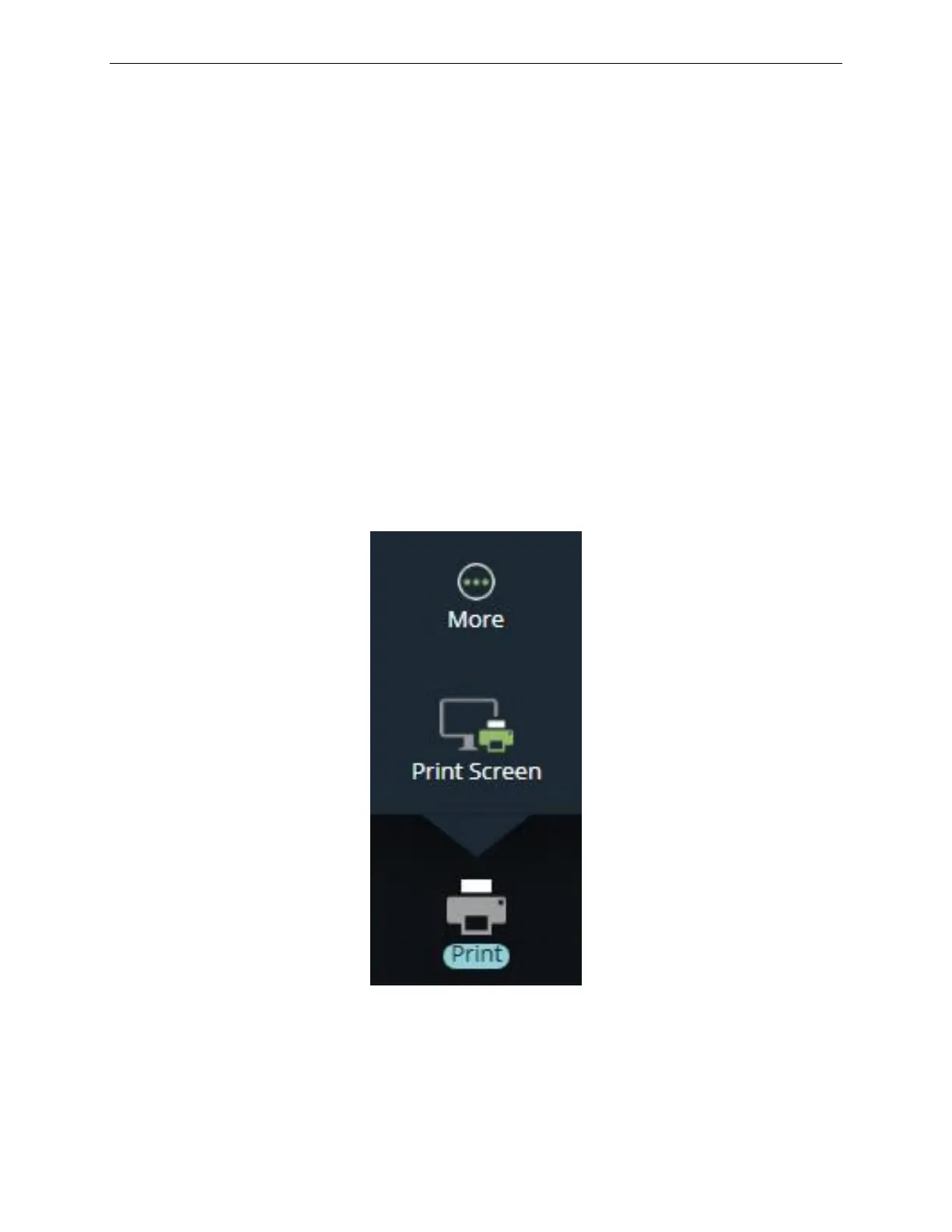
• Tap the Print button to display the roll up menu
• Tap More… to display the PRINT OPTIONS panel.
Figure 96 Print Roll Up Menu



 To Next Page