A320 Neo Instructor Operating Station
Instructor User Guide
Control Board Footer
13 Oct 2017
Page 190
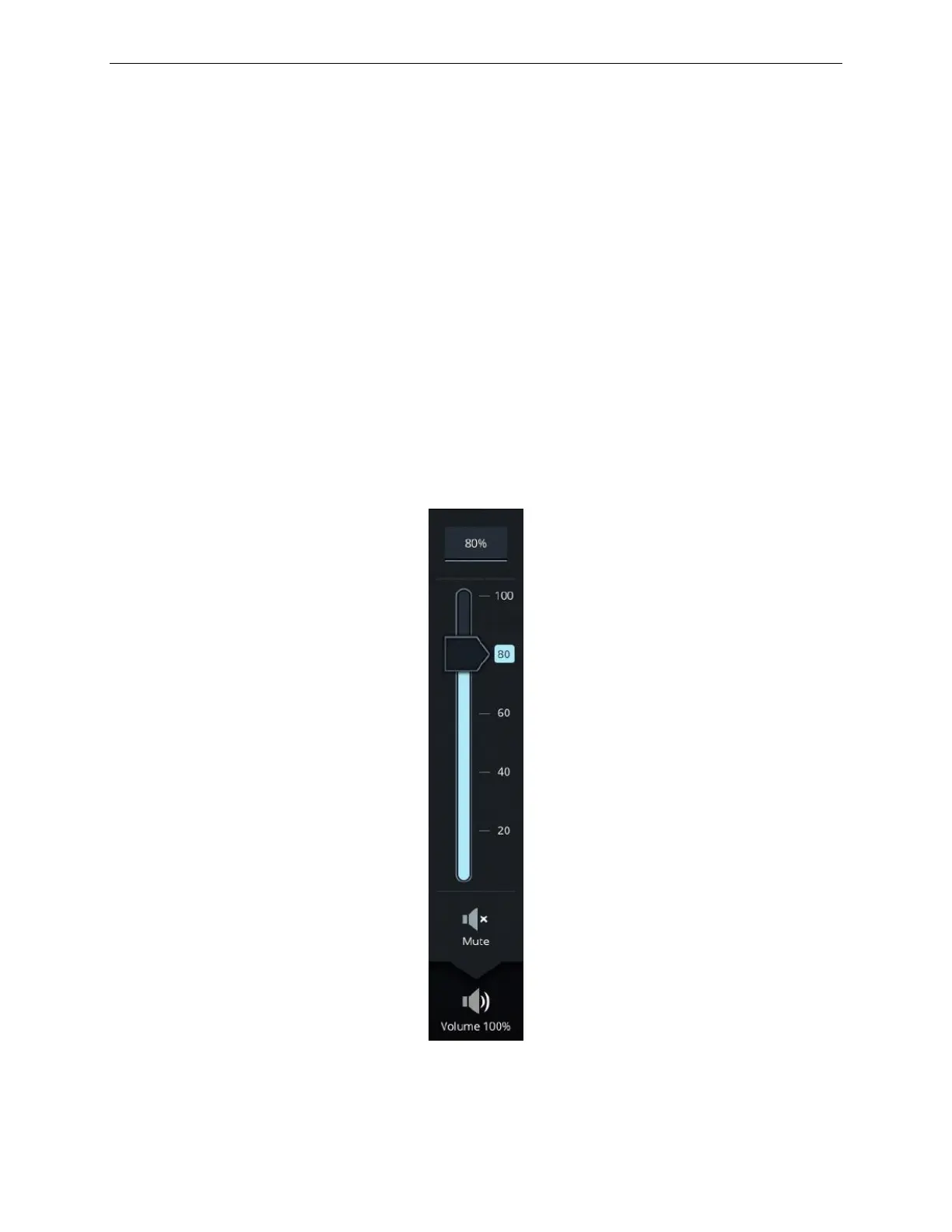
11.5 Volume
The Volume button allows the instructor to control the volume of the simulation
sound.
Adjusting the volume level can be changed instantly in either one of two ways:
• Input text field
• Slider Control
To adjust the volume:
1) Tap on the input text field, this will display a keypad.
2) Use the keypad to manually enter a specific value.
Or,
3) Use the slider control to adjust the volume between a minimum value.
A Mute button mutes the simulation sound.
Figure 93 Volume Roll up Menu



 To Next Page