A320 Neo Instructor Operating Station
Instructor User Guide
Control Board Footer
13 Oct 2017
Page 194
11.9.1 More…
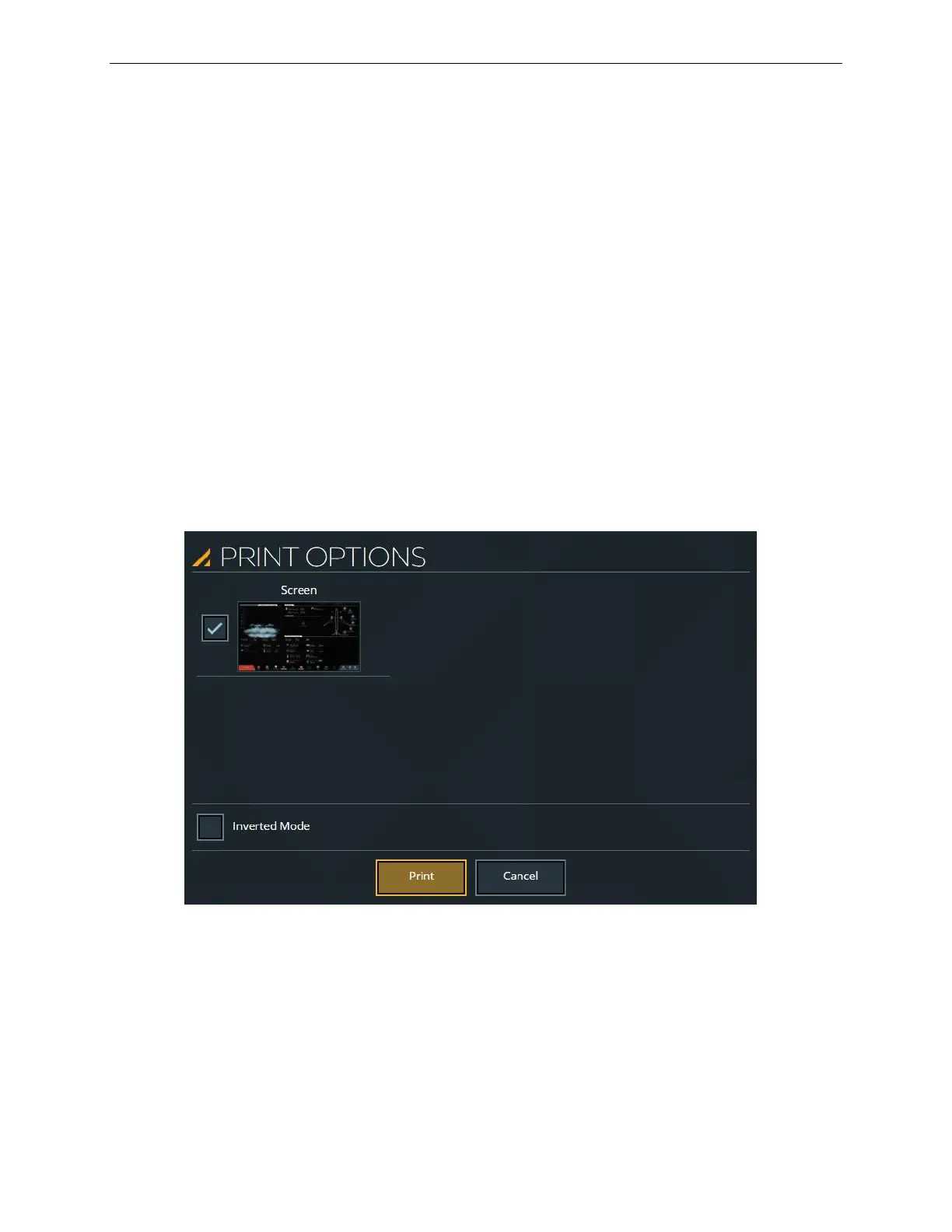
Tap the More… button to display the PRINT OPTIONS sliding panel.
11.9.1.1 PRINT OPTIONS Sliding Panel
The PRINT OPTIONS sliding panel consists of checkboxes to select the page to be
printed.
Tap on the screen checkbox to select the screen to be printed, then tap on the Print
button to print.
11.9.1.1.1 Inverted Mode
The Inverted Mode checkbox determines two print modes:
Black and white printing mode
Figure 97 PRINT OPTIONS Sliding Panel



 To Next Page