A320 Neo Instructor Operating Station
Instructor User Guide
Map Workspace
13 Oct 2017
Page 230
15.4.2 Middle Footer
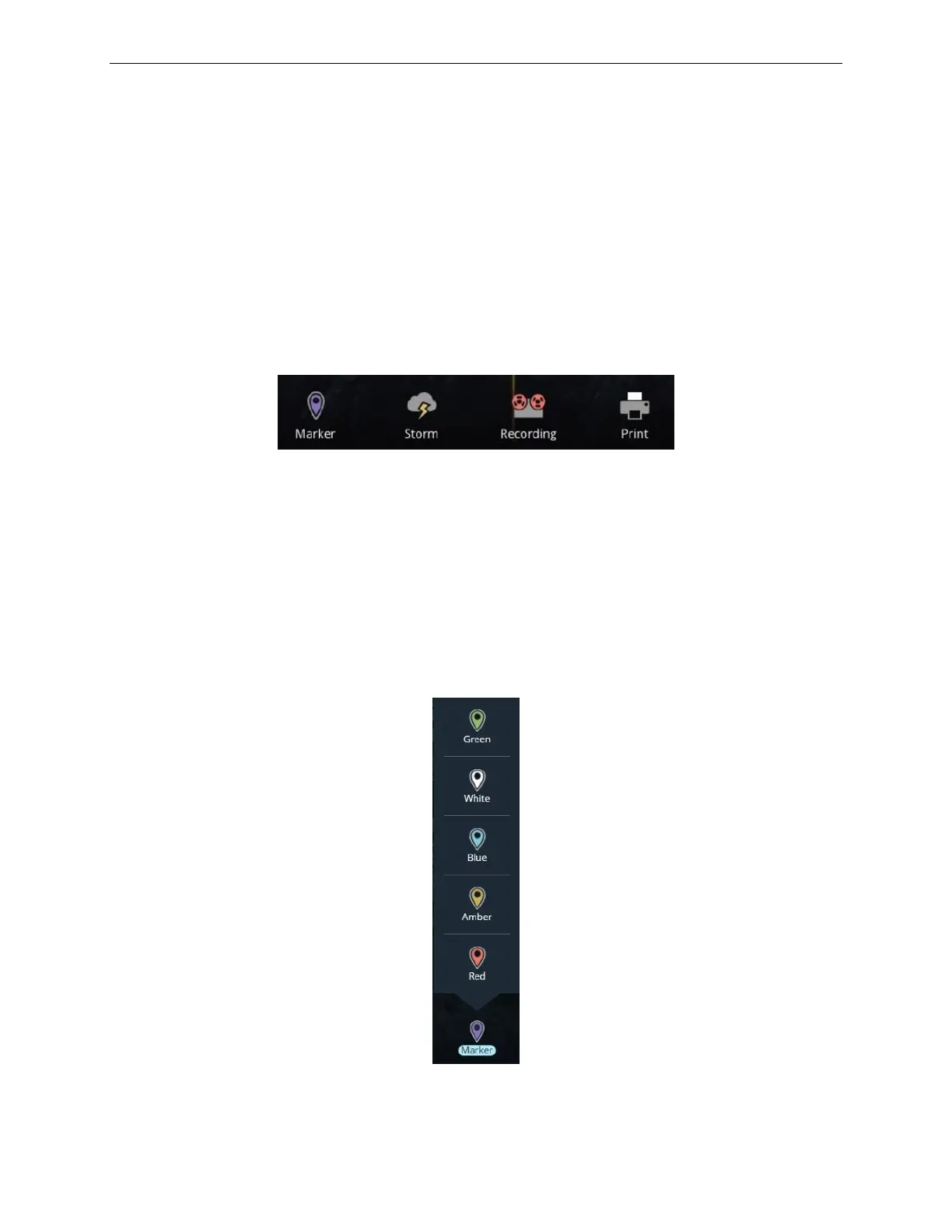
The Middle footer allows the user to add event markers, add and edit storms to the
simulation, record a training session as well as print the current page or additional
pages. It includes the following buttons:
• Marker
• Storm
• Recording
• Print
Figure 138 Middle Footer
15.4.2.1 Marker
Tap the Marker button to display the Marker roll up menu. This roll up menu features
various types of colored markers that can be used to mark an event on the flight path
of the aircraft and in the training session video recording (for IOS equipped with a
Brief/Debrief System).
These markers are intended to help the instructor find specific segments of the
training session.
Figure 139 Marker Roll up Menu



 To Next Page