Instructor User Guide
Advanced
Advanced
13 Oct 2017
Page 243
16.3.1.3 Saving/Recalling Weather Scenario
WEATHER REGION allows the instructor to save the current weather conditions for
a specific region as well as recall an existing pre-defined/pre-saved weather scenario.
The Save Scenario functionality only saves weather parameters, it does not save nor
include an active storm, microburst, predictive windshear, non-predictive windshear
or icing conditions. Similarly, the Recall Scenario functionality only recalls weather
parameters from a specific scenario.
In either case, the status of an active storm, microburst, predictive windshear,
non-predictive windshear or icing conditions remains unaffected by the Save/Recall
Scenario functionality.
During a Save Scenario, the following weather parameters are saved:
• Sea level temperature
• Intermediate and tropopause temperatures
• Altimeter setting (QNH)
• Surface, intermediate and tropopause winds
When a saved weather scenario is recalled from a different location with different
terrain elevation, the surface temperature and pressure (QFE) are recomputed from
the retained data to maintain the same profile from sea level to intermediate altitude.
The same surface wind and intermediate wind still apply at the new location as
defined at the location where the weather was saved.
16.3.1.3.1 Save Scenario
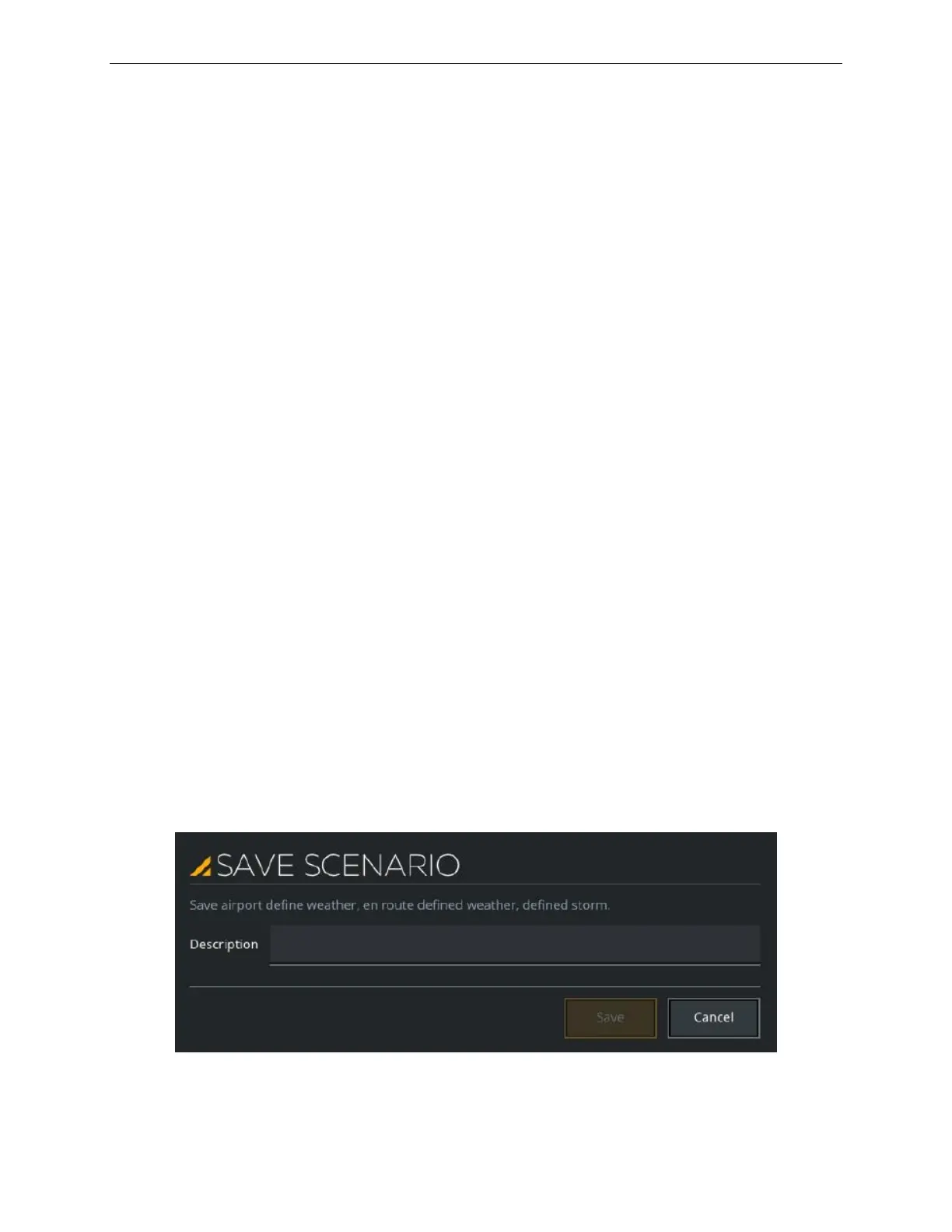
Tap this button to display the SAVE SCENARIO popup.
Then, enter the name of the airport/En Route weather scenario and then tap on Save
or Cancel (as applicable).
Figure 150 Weather Region – Save Scenario



 To Next Page