A320 Neo Instructor Operating Station
Instructor User Guide
Map Workspace
13 Oct 2017
Page 236
15.4.3 Right Side Footer
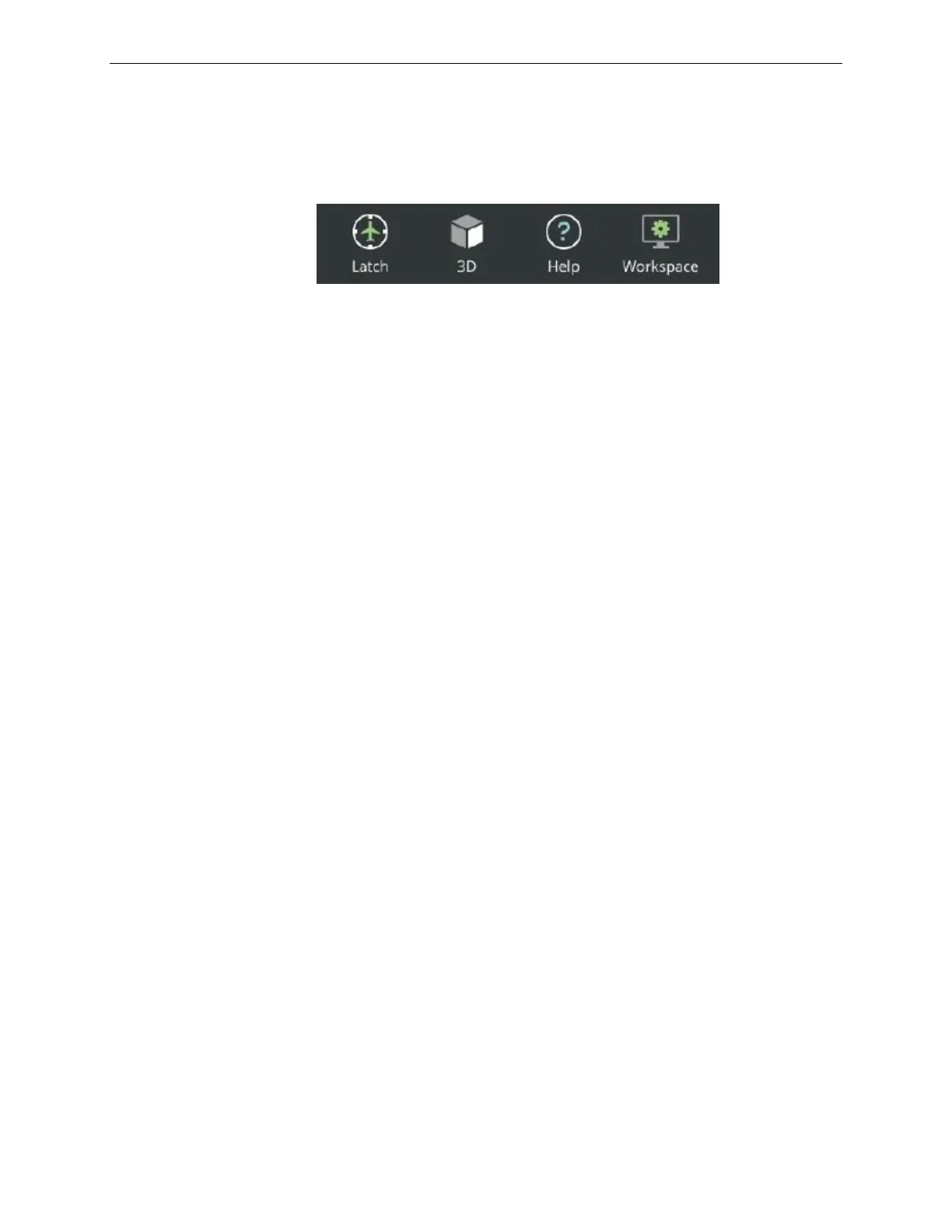
The right-side footer includes the following buttons:
Figure 143 Right Side Footer
15.4.3.1 Latch
The Latch button allows the instructor to:
• Latch the map to the ownship
o The ownship will remain centered in the map.
15.4.3.2 2D/3D
The 2D/3D toggle button switches the display mode on the main section between 2D
to 3D and vice versa.
15.4.3.3 Help
The Help button functions just like the Help button on the Control Board footer.
Refer to paragraph 11.13.
15.4.3.4 Workspace
The Workspace button functions just like the Workspace button on the Control Board
footer. Refer to paragraph 11.14.



 To Next Page