A320 Neo Instructor Operating Station
Instructor User Guide
REFERENCE AIRPORT Tab
13 Oct 2017
Page 118
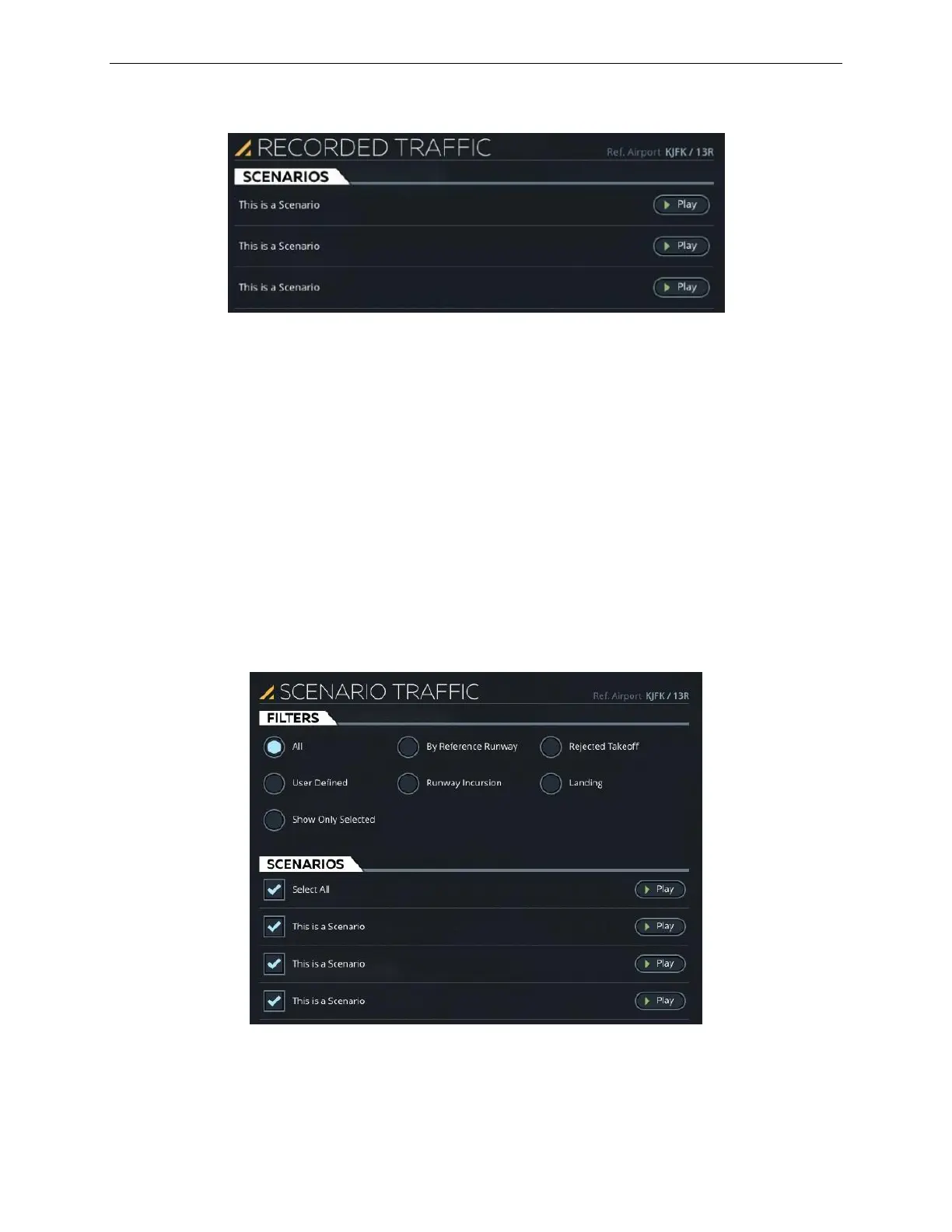
Figure 60 RECORDED TRAFFIC Sliding Panel
9.2.3.5.3 Scenario Traffic
Tap this expandable button to display the SCENARIO TRAFFIC sliding panel. This
button is disabled if gates traffic or TCAS/random traffic is active.
9.2.3.5.4 SCENARIO TRAFFIC Sliding Panel
The SCENARIO TRAFFIC sliding panel allows the instructor to add traffic effects to
the visual scene by playing pre-recorded traffic scenarios. The selected scenario that
is played is added to the visual scene at the reference airport and active runway.
A FILTER tab allows the instructor to filter the available recorded scenario by
various category.
Figure 61 SCENARIO TRAFFIC Sliding Panel



 To Next Page