A320 Neo Instructor Operating Station
Instructor User Guide
CURRENT CONDITIONS Tab
13 Oct 2017
Page 38
7.4 ICING Sliding Panel
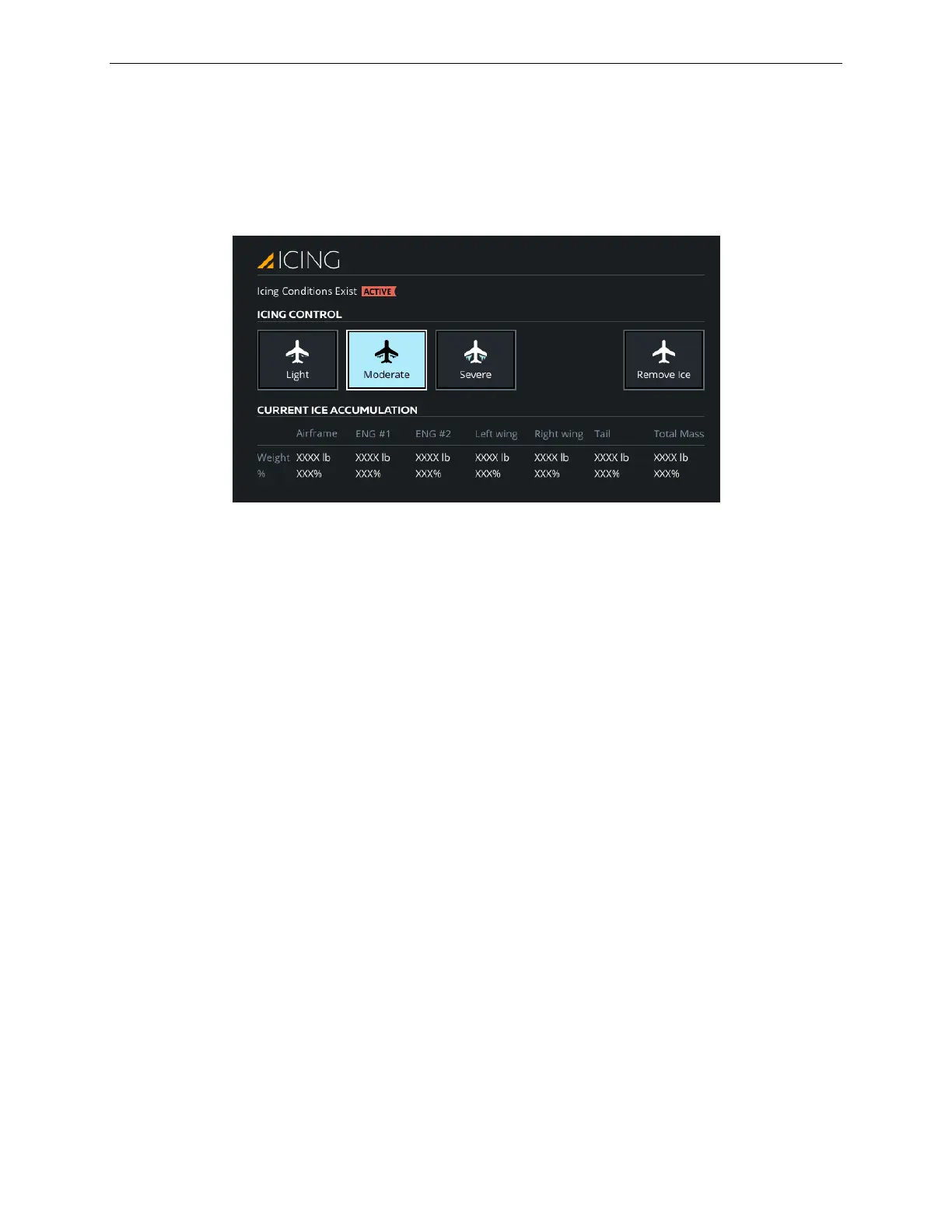
The ICING sliding panel allows the instructor to control the icing conditions on the
aircraft. The selection of icing conditions on the aircraft is done by selecting either
one of the Light, Moderate or Severe buttons which are mutually exclusive.
Figure 20 ICING Sliding Panel
7.4.1 Icing Conditions Exist
There are two flags to indicate the selection of an icing condition.
An Armed Yellow flag indicates:
• That an icing condition is selected
• The aircraft is not in the icing condition location (not in cloud)
• TAT <6 and >-20 degree Celsius
An Active Red flag indicates:
• That an icing condition is selected
• The aircraft is in the icing condition location (in cloud)
• TAT <6 and >-20 degree Celsius
7.4.2 Light
From the Normal state, tap this button to set the rate and quantity of ice buildup on
the airframe/wing/probe to the light setting (33%).
7.4.3 Moderate
From the Normal state, tap this button to set the rate and quantity of ice buildup on
the airframe/wing/probe to the moderate setting (67%).



 To Next Page