Instructor User Guide
Advanced
Advanced
13 Oct 2017
Page 267
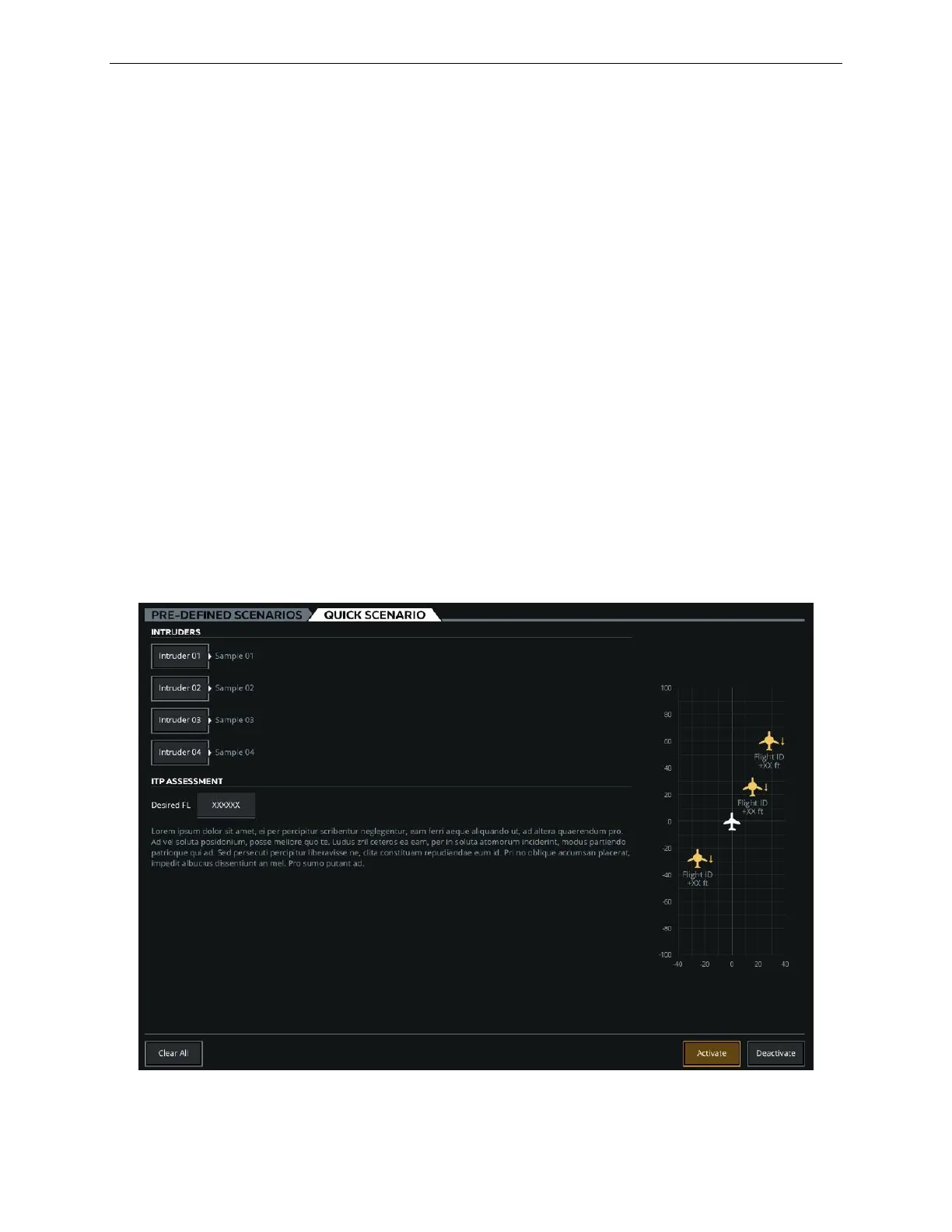
16.4.1.4.2 QUICK SCENARIO Tab
This tab includes the necessary controls to allow the instructor to quickly setup an
ITP scenario.
16.4.1.4.2.1 INTRUDERS Section
This section provides a listing of available intruders that can be customized.
16.4.1.4.2.2 ITP ASSESSMENT Section
Given the ITP scenario comprising several intruders, this section allows the instructor
to evaluate whether the ITP opportunity is possible (or not) at the Desired Flight
Level (FL), prior to activating this selected scenario into the training session.
The instructor customizes the parameters of each intruder, enters the desired Flight
Level and observes the message in the ITP Assessment section to decide whether or
not to activate the scenario.
16.4.1.4.2.3 ITP Map
The Map provides a preview of the ITP scenario being created. It shows all intruders
included in the scenario in relation to the ownship (aircraft). For each intruder, the
map provides an aircraft symbol, Flight ID and relative altitude.
Figure 163 QUICK SCENARIO Tab



 To Next Page