A320 Neo Instructor Operating Station
Instructor User Guide
REFERENCE AIRPORT Tab
13 Oct 2017
Page 154
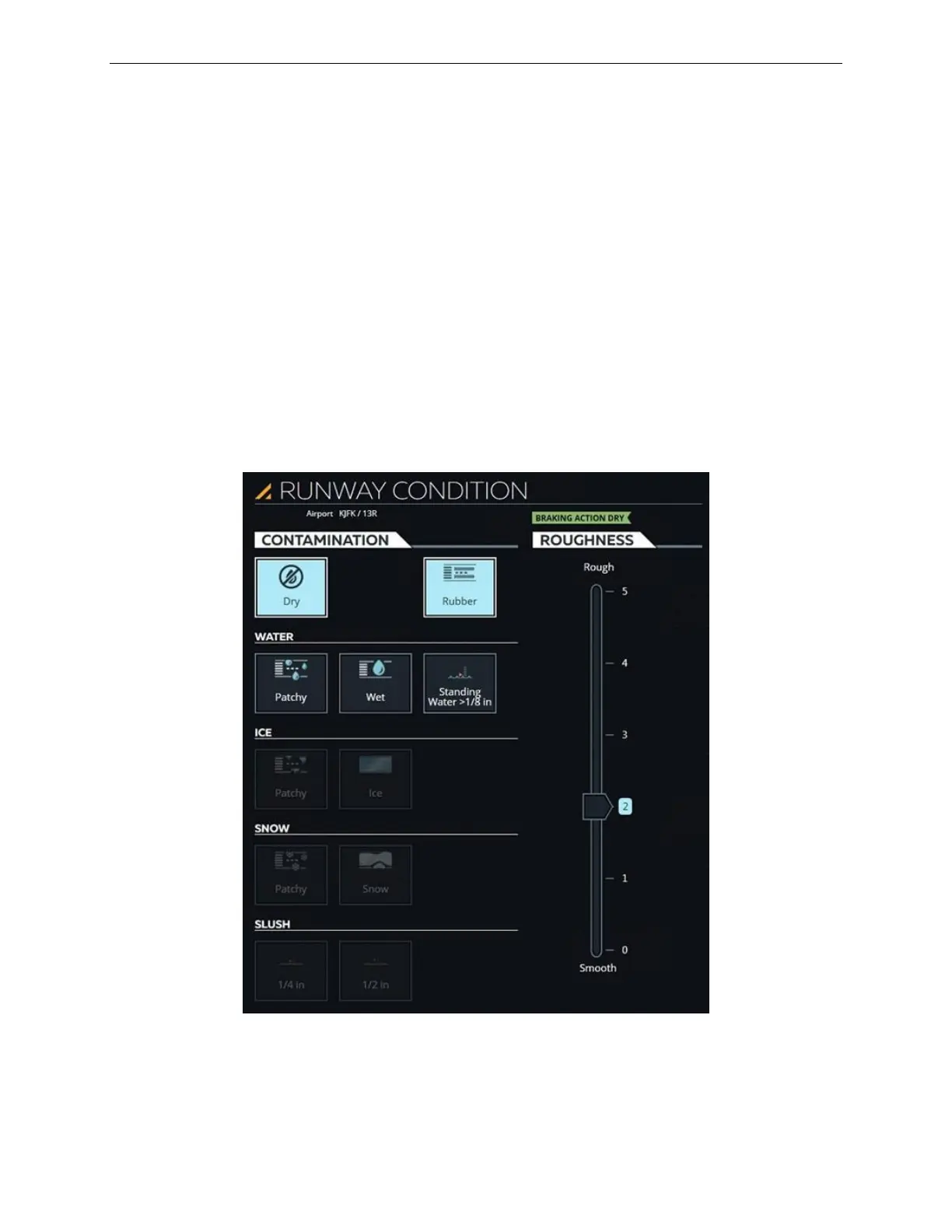
9.14 RUNWAY CONDITION Sliding Panel
The RUNWAY CONDITIONS sliding panel allows the instructor to affect the
braking action of the aircraft by modifying runway conditions. Runway conditions are
modified by:
• Adding contaminants to the runway surface
• Changing the runway roughness
Runway contamination and roughness can be incorporated into the Automatic
Terminal information Service (ATIS) message.
This sliding panel includes the following tabs:
• CONTAMINATION
• ROUGHNESS
Figure 78 RUNWAY CONDITION Sliding Panel



 To Next Page