Instructor User Guide
Control Board Workspace
Control Board Workspace
13 Oct 2017
Page 17
4. Control Board Workspace
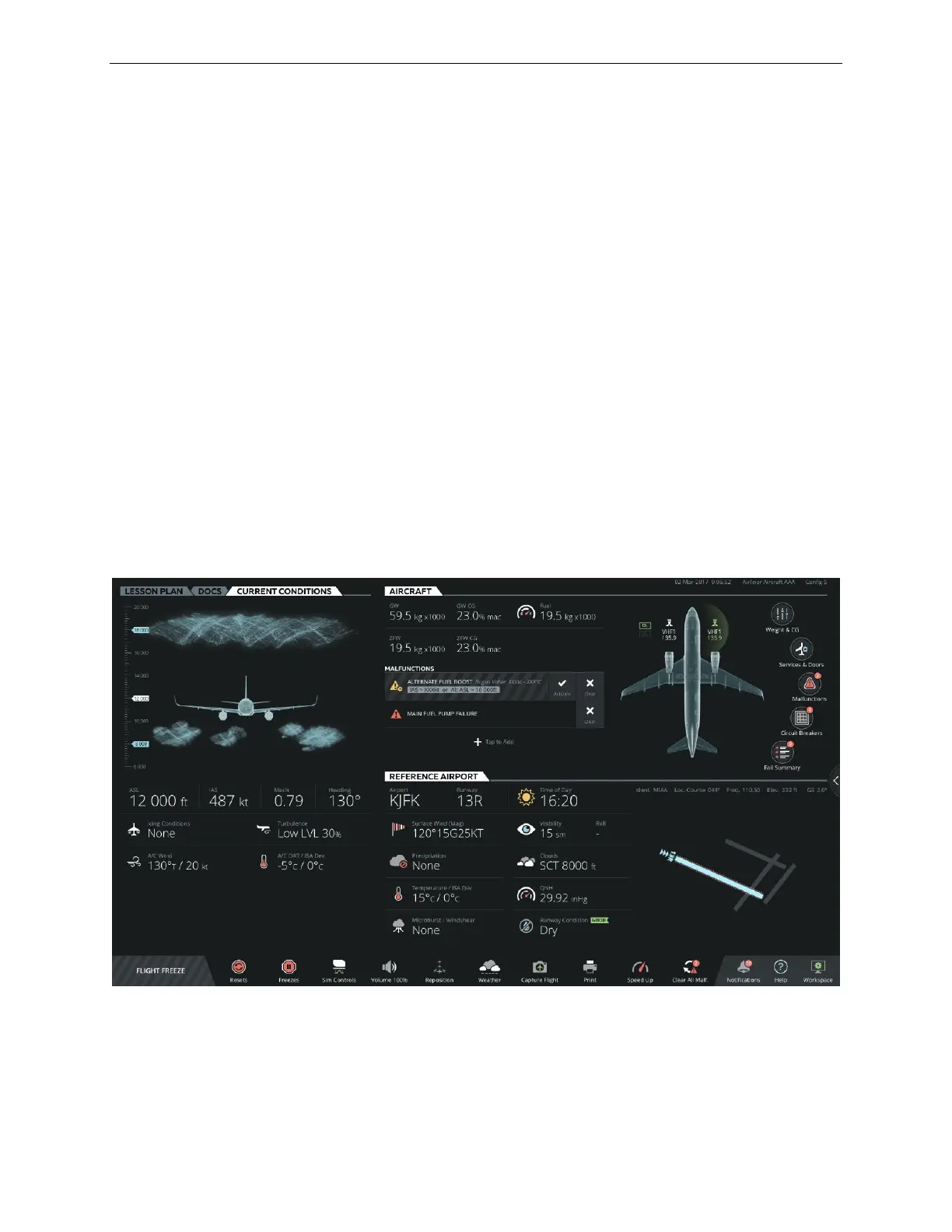
The Control Board workspace consolidates all the ownship parameters required to
control and monitor various aspects of a training session. It features a set of tabs that
groups all required ownship and environmental parameters by type.
In this IOS configuration the Control Board workspace includes the following tabs:
• LESSON PLAN
• DOCS
• CURRENT CONDITIONS
• AIRCRAFT
• REFERENCE AIRPORT
The Control Board also includes an INSTRUCTOR STATION sliding panel
accessible by the expand button located at the right side of the Control Board. This
sliding panel allows the instructor to set various Unit of Measures.
Figure 12 Control Board – Main View



 To Next Page