Instructor User Guide
Control Board Footer
Control Board Footer
13 Oct 2017
Page 201
11.14 Workspace
The Workspace button allows the instructor to choose which application workspace
will be displayed on the current monitor.
To display a specific workspace:
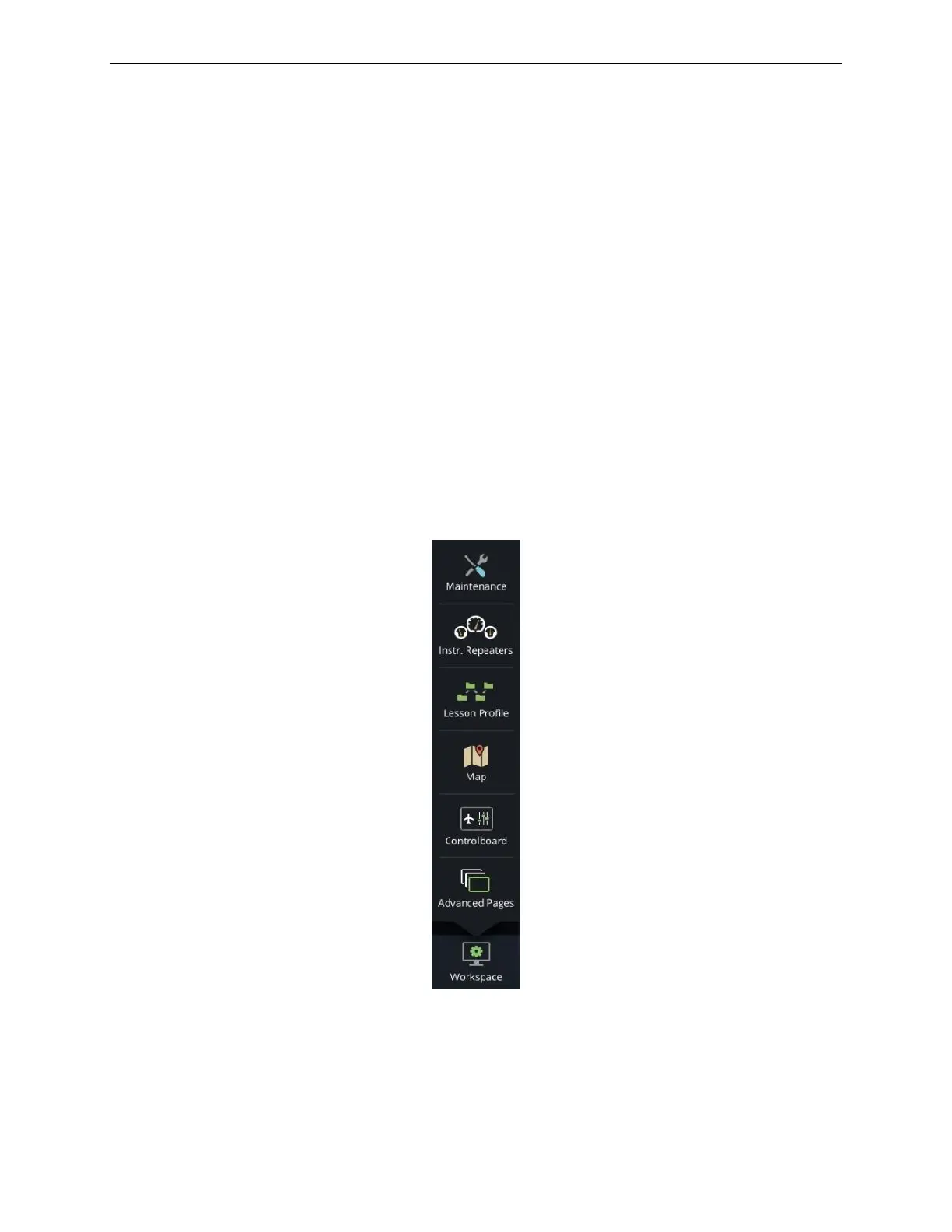
1) Tap on the Control Board footer Workspace button. This displays the Workspace
roll up menu.
2) Tap on the desired button to select. Some of the main workspaces can include:
o Control Board
o Map
o Lesson Plan
The Workspace roll up menu includes additional buttons such as:
• Maintenance, to toggle to the Maintenance mode and,
• Close Workspace Manager
Figure 107 Workspace Roll Up Menu



 To Next Page