A320 Neo Instructor Operating Station
Instructor User Guide
AIRCRAFT Tab
13 Oct 2017
Page 56
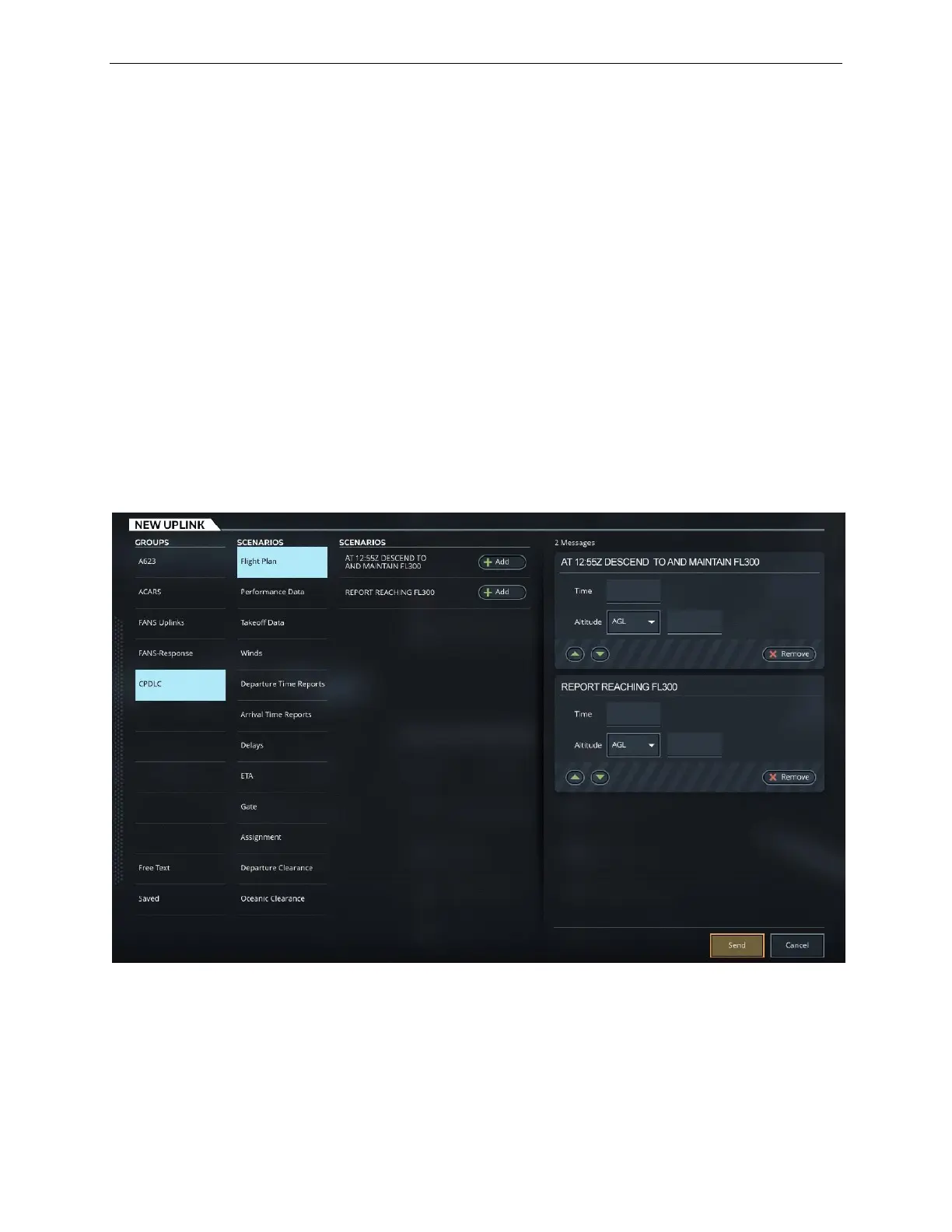
8.8.2.4 Message Editor Section
This section shows the selected uplink messages and includes the controls to allow
the instructor to set parameters such as time and altitude as well as control the order
in which messages are sent to the crew.
8.8.2.4.1 Remove
Tap the Remove button within an uplink message, removes the uplink message from
the Message editor section.
8.8.2.4.2 ▲ and ▼ Buttons
Tap the ▲ and ▼ buttons to change the message priority within the Message Editor
section. The message priority within this box is the order in which messages will be
sent the crew.
Figure 32 NEW UPLINK Tab



 To Next Page