A320 Neo Instructor Operating Station
Instructor User Guide
INSTRUCTOR STATION Sliding
Panel
13 Oct 2017
Page 160
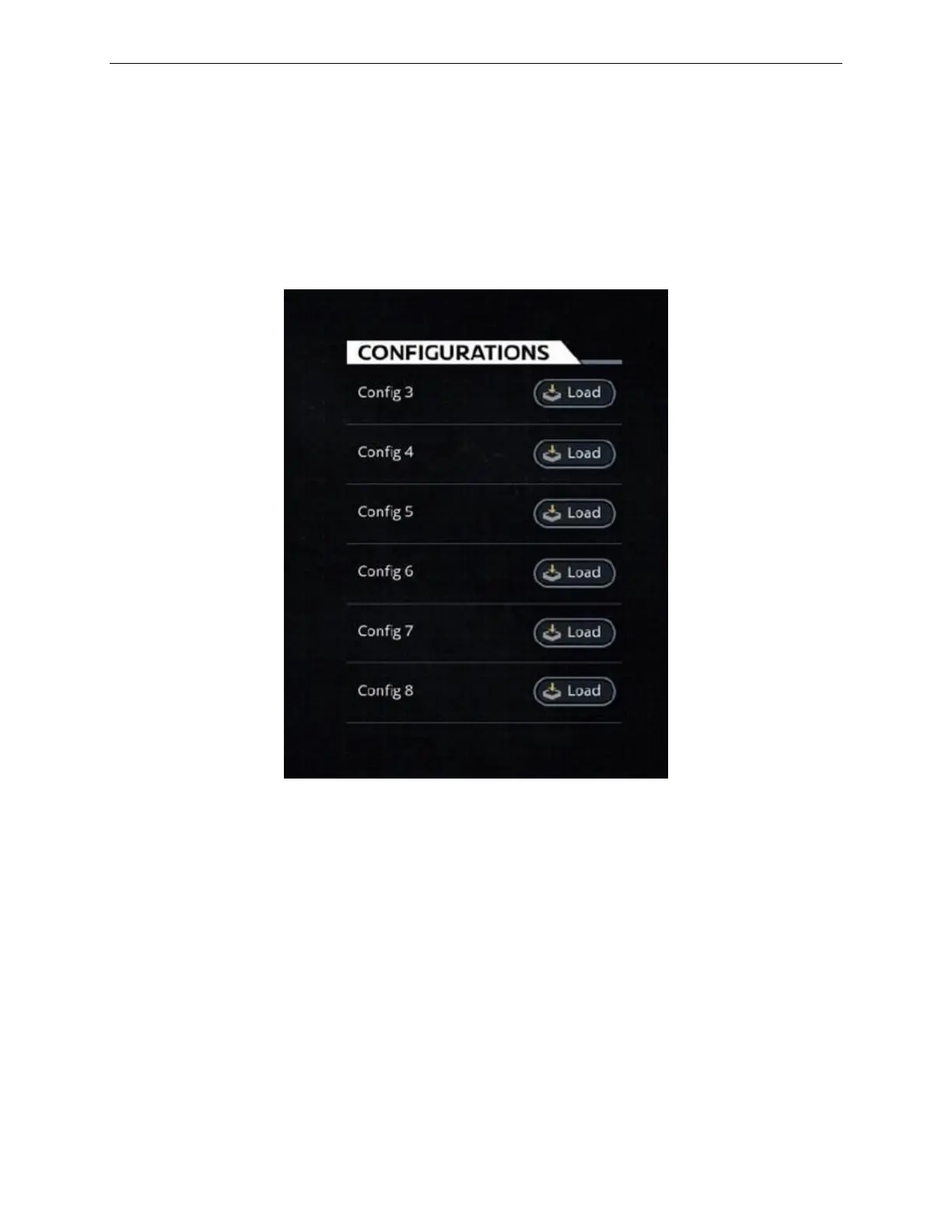
10.2.1 Change Configuration Button
Tap this button to display the CONFIGURATIONS page which allows the instructor
to:
• View all the IOS configurations
• Load a specific IOS configuration by tapping on the associated Load button.
Figure 81 IOS CONFIGURATIONS Selection Page
10.3 End Session
Tap this button to:
• End the current session
• Return the IOS Main Page
• Select another Configuration by tapping the Change button.



 To Next Page