Instructor User Guide
AIRCRAFT Tab
AIRCRAFT Tab
13 Oct 2017
Page 47
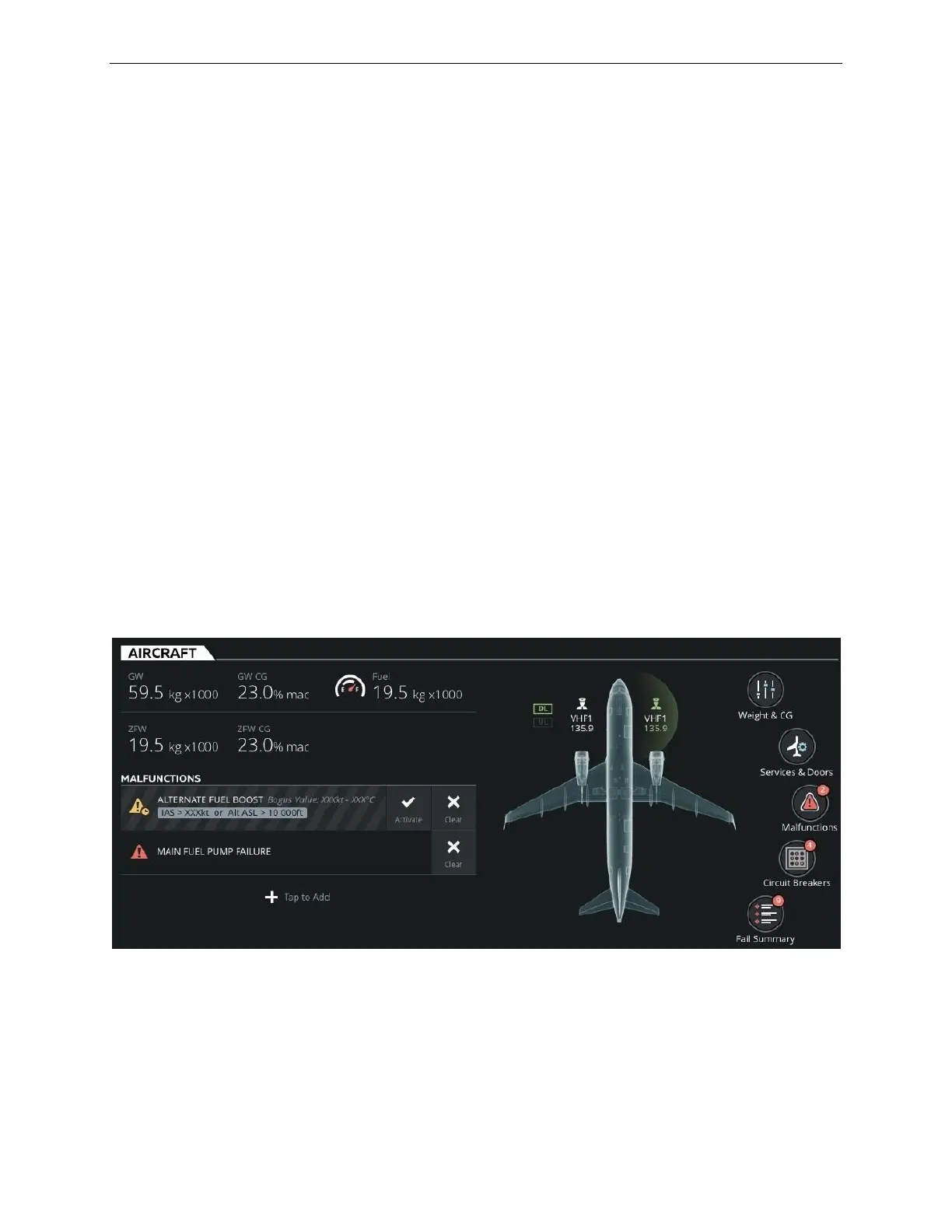
8. AIRCRAFT Tab
The AIRCRAFT Tab allows the instructor to:
• Quickly set aircraft initial conditions
• Control and monitor aircraft parameters such as:
o Weight and balance
o Fuel Tank quantities
o Data Link (DL)
• Control and monitor communication and navigation radios
• Open and close aircraft doors and access service panels
• Carry out certain ground service operations
• Monitor aircraft conditions
• Trigger malfunctions
• Trip/pop circuit breakers
This tab features input text fields and quick access buttons to quickly access sliding
panels and keypads and change aircraft parameters.
Figure 25 AIRCRAFT Tab



 To Next Page