Instructor User Guide
Advanced
Advanced
13 Oct 2017
Page 263
16.4.1.4.1.1 ITP Map
The Map provides a preview of the selected ITP scenario. It shows all intruders
included in the selected scenario in relation to the ownship (aircraft). For each
intruder, the map provides an aircraft symbol, Flight ID and relative altitude.
16.4.1.4.1.2 New Scenario
Tap the New Scenario button to display the NEW SCENARIO page.
16.4.1.4.1.3 Edit Scenario
Tap the Edit Scenario button to display the EDIT SCENARIO page.
16.4.1.4.1.4 Delete Scenario
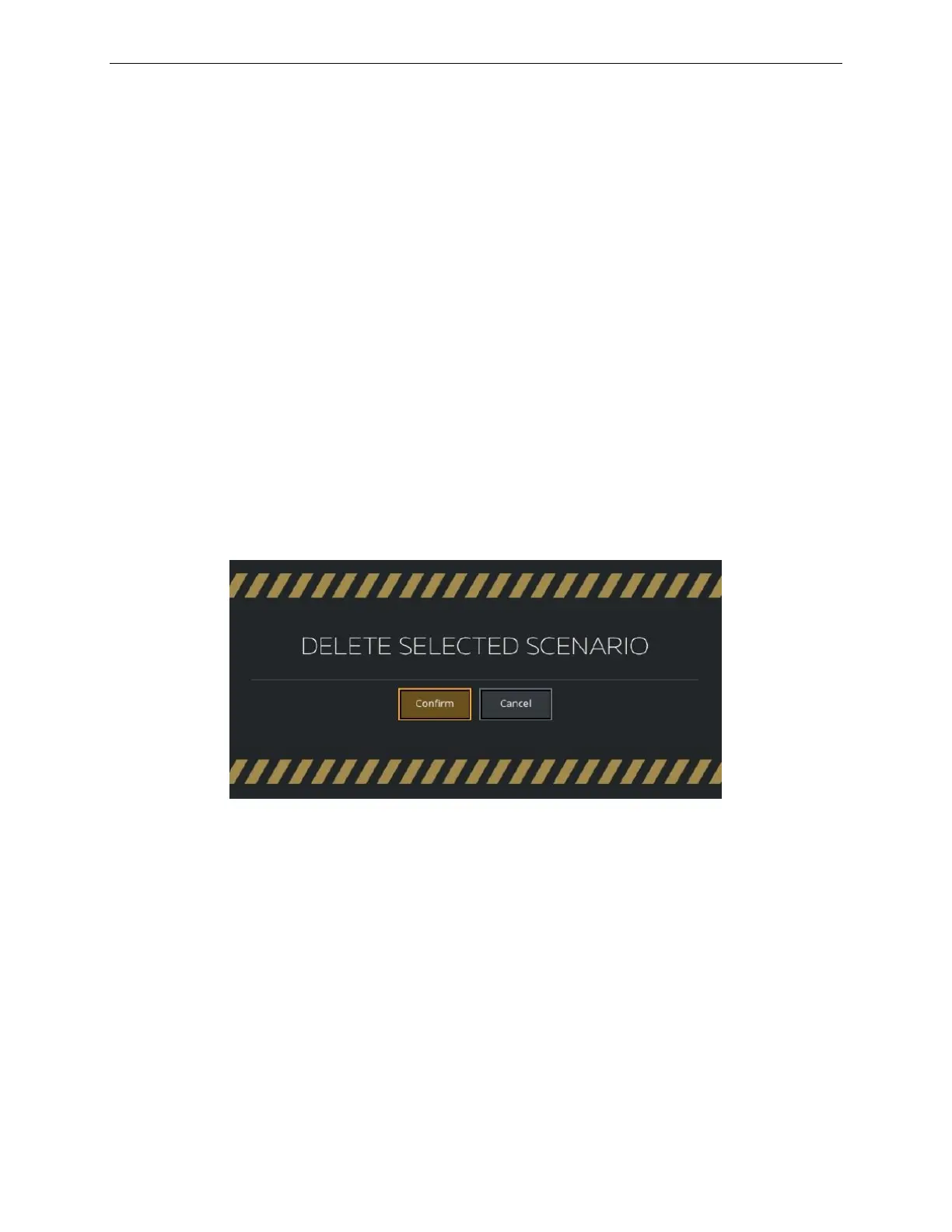
Tap the Delete Scenario button to remove the selected scenario from the
SCENARIOS list. Prior to permanently deleting the selected scenario, a confirmation
popup is displayed.
Figure 159 Delete Scenario Popup



 To Next Page