A320 Neo Instructor Operating Station
Instructor User Guide
CURRENT CONDITIONS Tab
13 Oct 2017
Page 30
• Type of fog, and
• Weather presets visual conditions
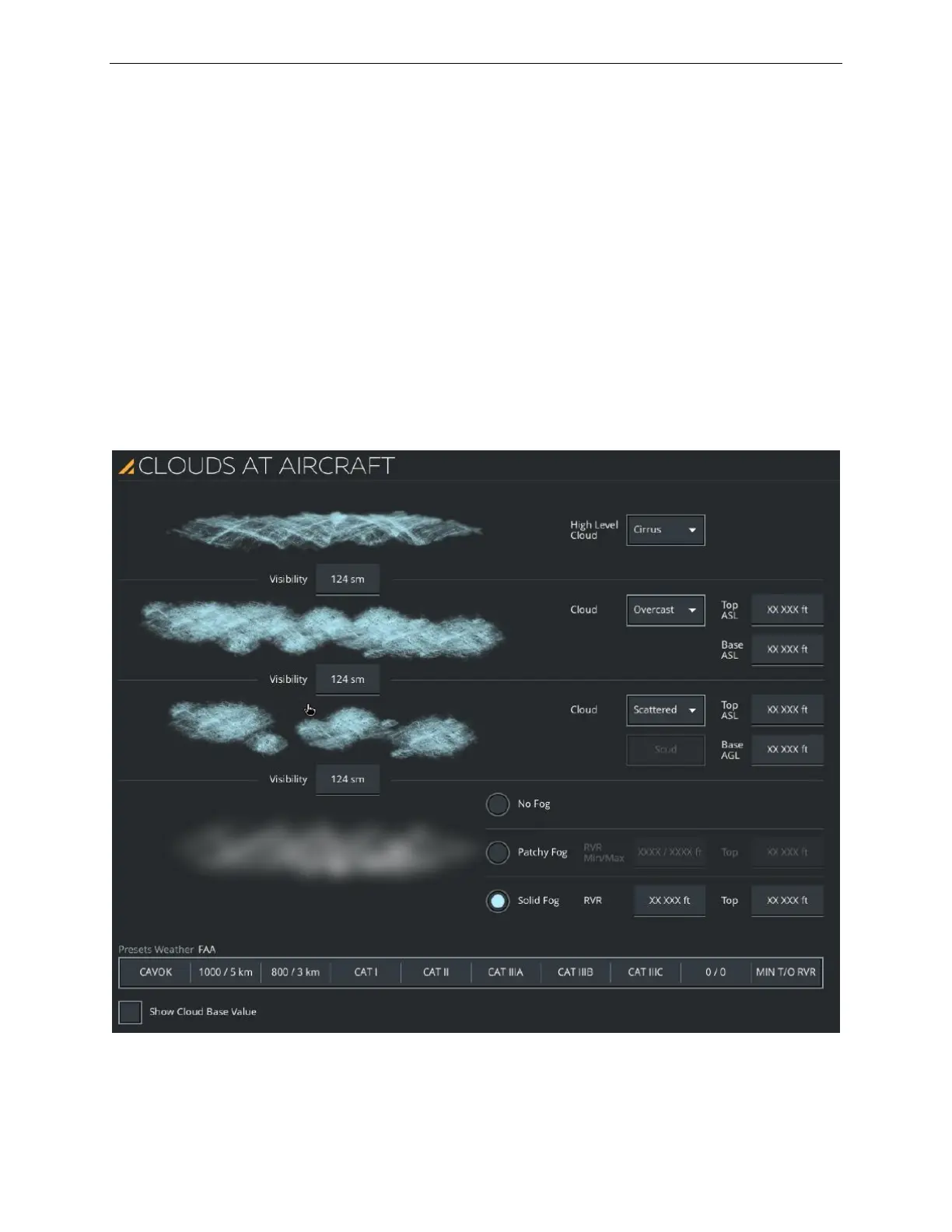
This panel includes:
• Dropdown buttons to select the types of clouds and cloud density
• Input text fields to enter the upper and lower limits of the cloud layer
• The following sections:
o Visibility
o Cloud levels
o Fog
o Weather presets
Figure 18 CLOUDS AT AIRCRAFT Sliding Panel (Typical)



 To Next Page