Special functions | Defining a counter
10
Defining FUNCTION COUNT
The FUNCTION COUNT function provides the following possibilities:
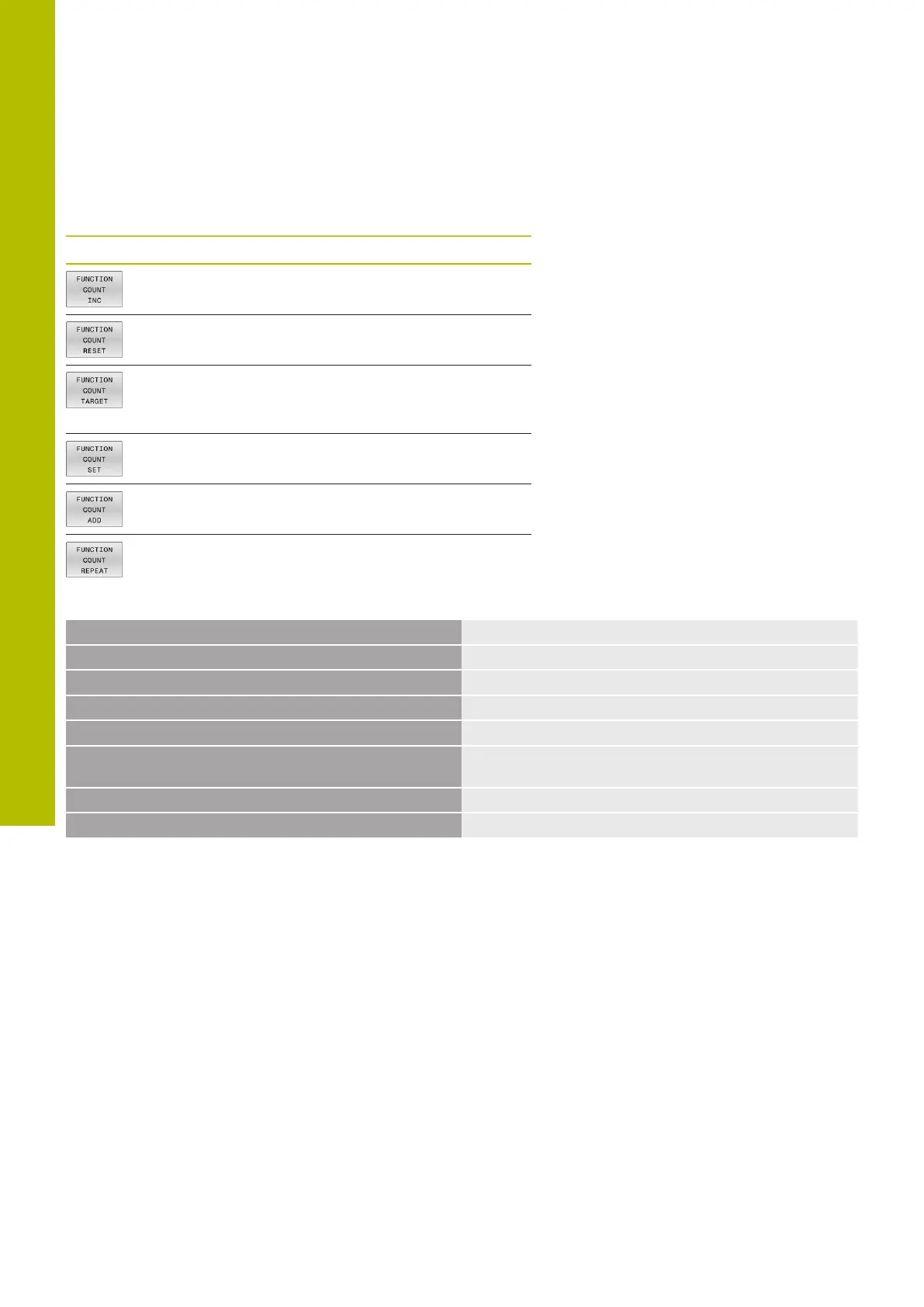
Soft key Function
Increase count by 1
Reset counter
Set the nominal count (target value) to the desired
value
Input value: 0–9999
Set the counter to the desired value
Input value: 0–9999
Increment the counter by the desired value
Input value: 0–9999
Repeat the NC program starting from this label if
more parts are to be machined.
Example
5 FUNCTION COUNT RESET
Reset the counter value
6 FUNCTION COUNT TARGET10
Enter the target number of parts to be machined
7 LBL 11
Enter the jump label
8 L ...
Machining
51 FUNCTION COUNT INC
Increment the counter value
52 FUNCTION COUNT REPEAT LBL 11
Repeat the machining operations if more parts are to be
machined
53 M30
54 END PGM
408
HEIDENHAIN | TNC620 | Klartext Programming User's Manual | 01/2022



 To Next Page