D1 Servo Drive User Manual Tuning
HIWIN MIKROSYSTEM CORP. 6-15
Figure6.5.1.4
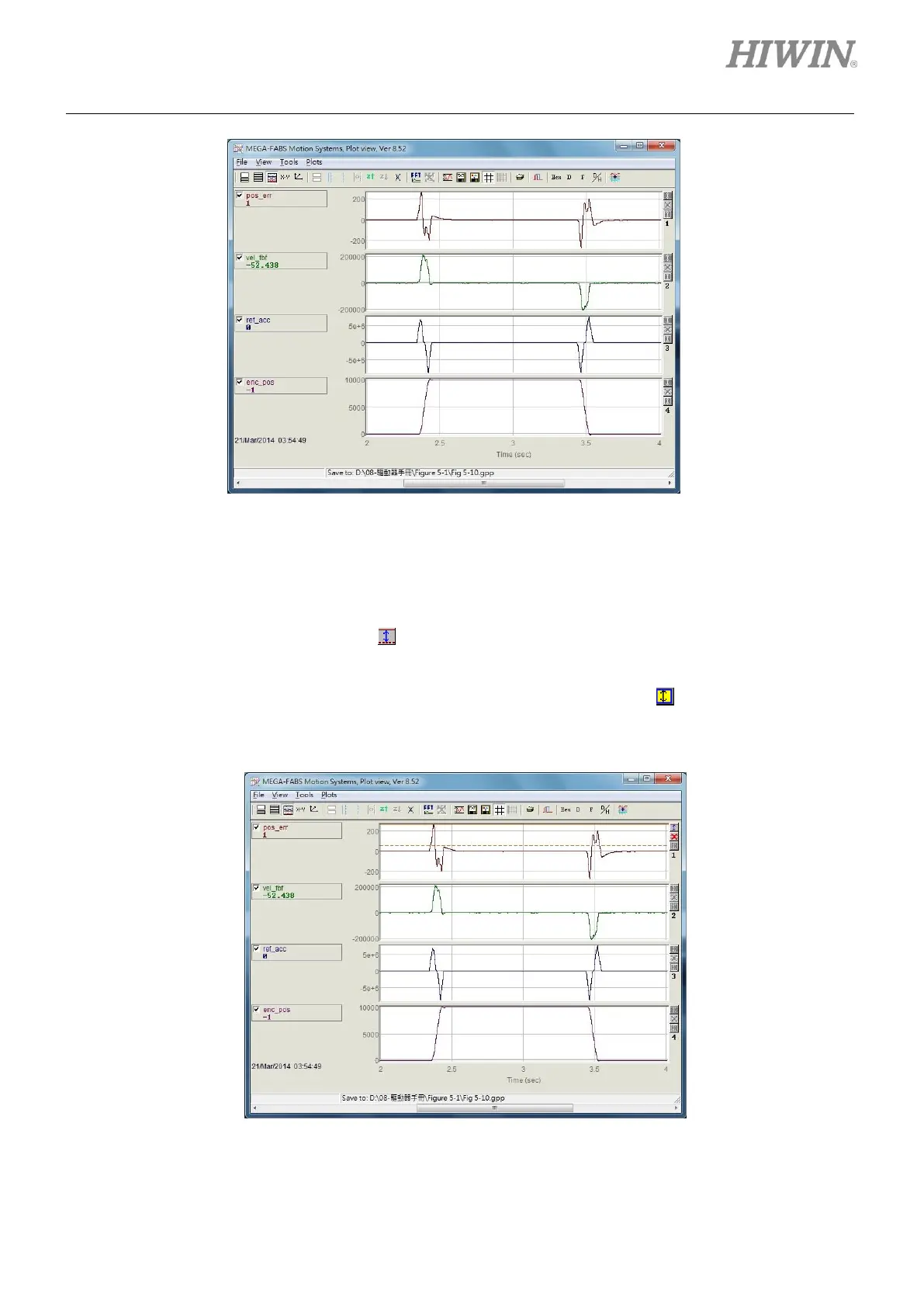
(5) Zoom in or zoom out on Y axis
If user would like to zoom in on Y axis, user needs to press Ctrl key and left click or press Ctrl key
and right click at the same time to show two reference lines (red line and red dotted line) to select a
segment, as figure 6.5.1.5. Click on to zoom in on the selected segment, as figure 6.5.1.6. At this
time, the values on Y axis are locked and displayed in red. When scrolling the timeline scrollbar, the
locked values on Y axis will not be updated, as figure 6.5.1.7. Click on to return to the original
graph, as figure 6.5.1.5.
Figure6.5.1.5



 To Next Page