D1 Servo Drive User Manual LCD Display
HIWIN MIKROSYSTEM CORP. 7-31
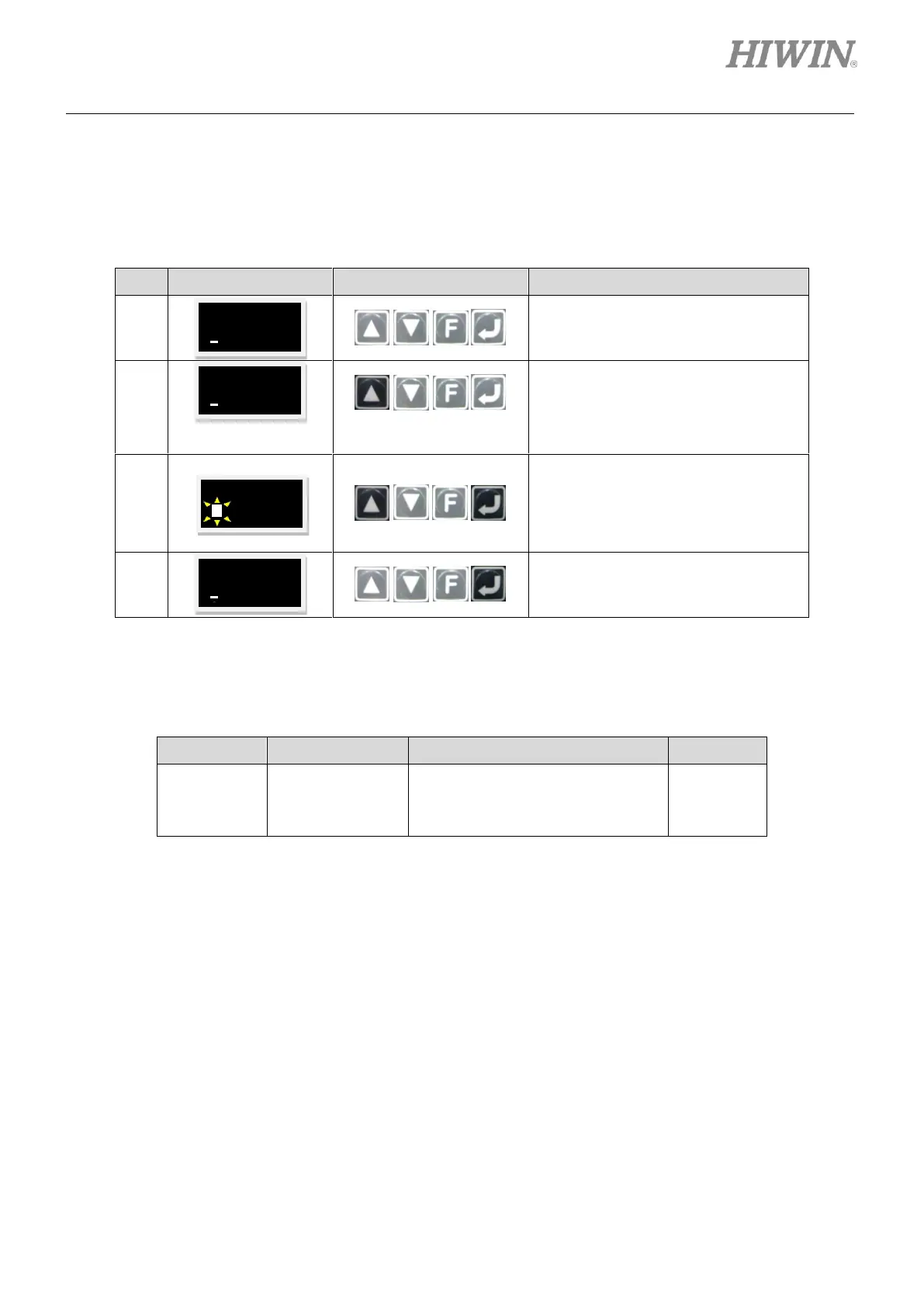
(3) Single-ended pulse signal/differential pulse signal setting
D1 servo drive supports both single-ended pulse signal and differential pulse signal. The steps of
setting single-ended pulse signal input or differential pulse signal input are provided in table 7.6.1.5.
Table7.6.1.5
Continue from the setting page of
pulse type selection.
Press and hold Up key to go to LCD
No. 216 page (Refer to the note
below.) which is the setting page of
single-ended pulse signal and
differential pulse signal.
Press Enter key. Then press Up key
once to change the parameter to 1.
Note:
In this example, differential pulse signal
input is set.
Press Enter key to complete setting.
Note:
Refer to the table below for the parameter setting of single-ended pulse signal or differential pulse signal.
Table7.6.1.6
Set single-ended pulse signal input
and differential pulse signal input.
0: Single-ended
1: Differential



 To Next Page