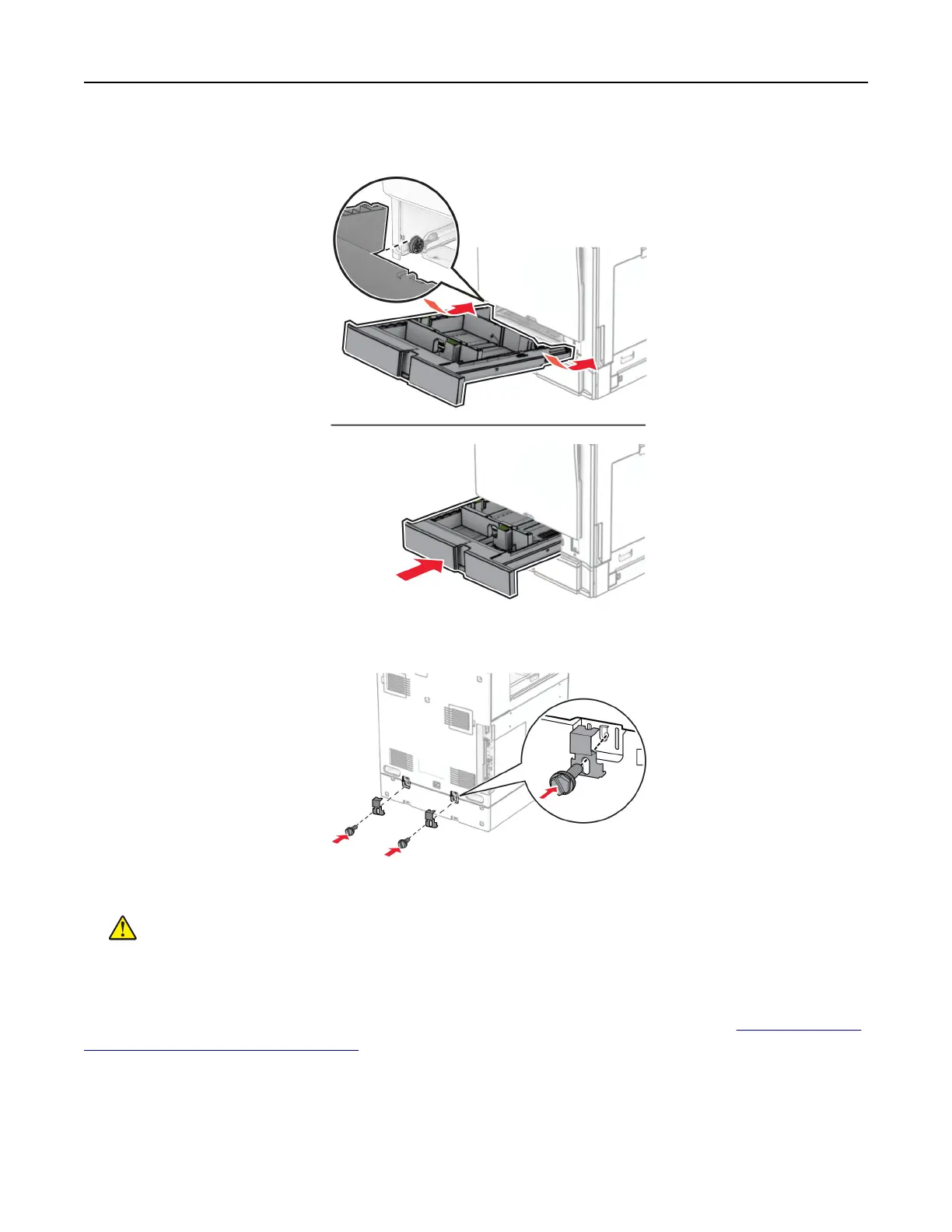
16 Insert the standard tray insert.
17 Secure the rear part of the 550‑sheet tray to the printer.
18 Connect one end of the power cord to the printer, and then the other end to the electrical outlet.
CAUTION—POTENTIAL INJURY: To avoid the risk of fire or electrical shock, connect the power cord
to an appropriately rated and properly grounded electrical outlet that is near the product and easily
accessible.
19 Turn on the printer.
Add the tray in the print driver to make it available for print jobs. For more information, see
“Adding available
options in the print driver” on page 96.
Set up, install, and configure 103



 To Next Page