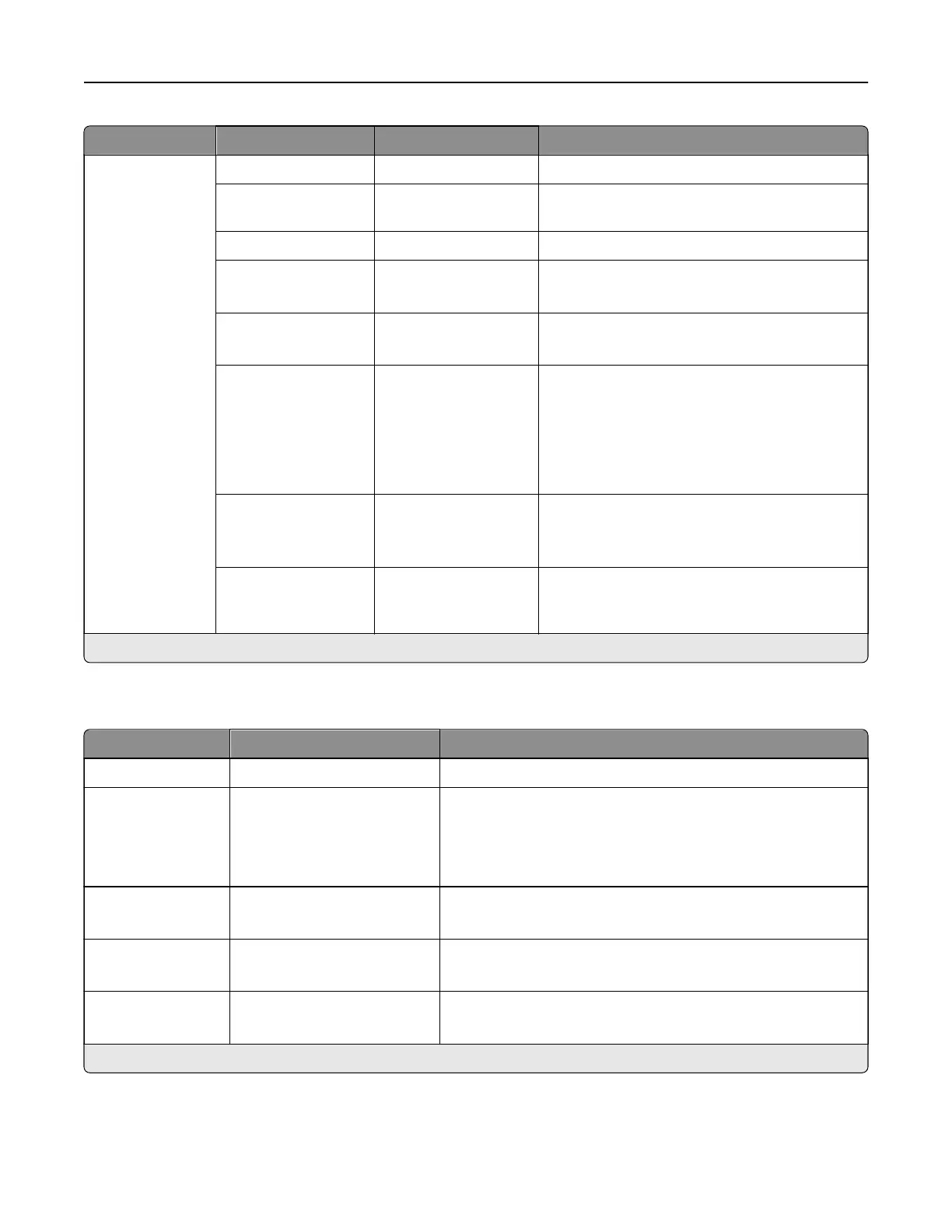
Menu item Submenu item Settings Description
Admin Controls Text Default 5–95 (75*) Set the quality of text on the scanned image.
Text/Photo Default 5–95 (75*) Set the quality of text and photo on the scanned
image.
Photo Default 5–95 (50*) Set the quality of a photo on the scanned image.
Use Multi‑Page TIFF O
On*
Enable scanning of multiple TIFF images in one
TIFF file.
TIFF Compression JPEG
LZW*
Specify the compression type for TIFF files.
Custom Job
Scanning
O*
On
Set the printer to scan the first set of original
documents using the specified settings, and
then scan the next set with the same or dierent
settings.
Note: This menu item appears only when a
storage drive is installed.
Scan Preview O*
On
Show a scan preview of the original document.
Note: This menu item appears only when a
storage drive is installed.
Adjust ADF Skew O
On*
Set the printer to adjust the skewed images
from documents that are scanned from the
automatic document feeder.
Note: An asterisk (*) next to a value indicates the factory default setting.
Flash Drive Print
Menu item Settings Description
Number of Copies 1–9999 (1*) Set the number of copies in a print job.
Paper Source Tray [x] (1*)
Multipurpose Feeder
Manual Paper
Manual Envelope
Set the paper source for the print job.
Color O
On*
Print the flash drive in color.
Collate O [1,1,1,2,2,2]
On [1,2,1,2,1,2]*
Keep the pages of a print job stacked in sequence, particularly
when printing multiple copies of the job.
Sides 1‑Sided*
2‑Sided
Specify whether to print on one side or both sides of the paper.
Note: An asterisk (*) next to a value indicates the factory default setting.
Printer menus 347



 To Next Page