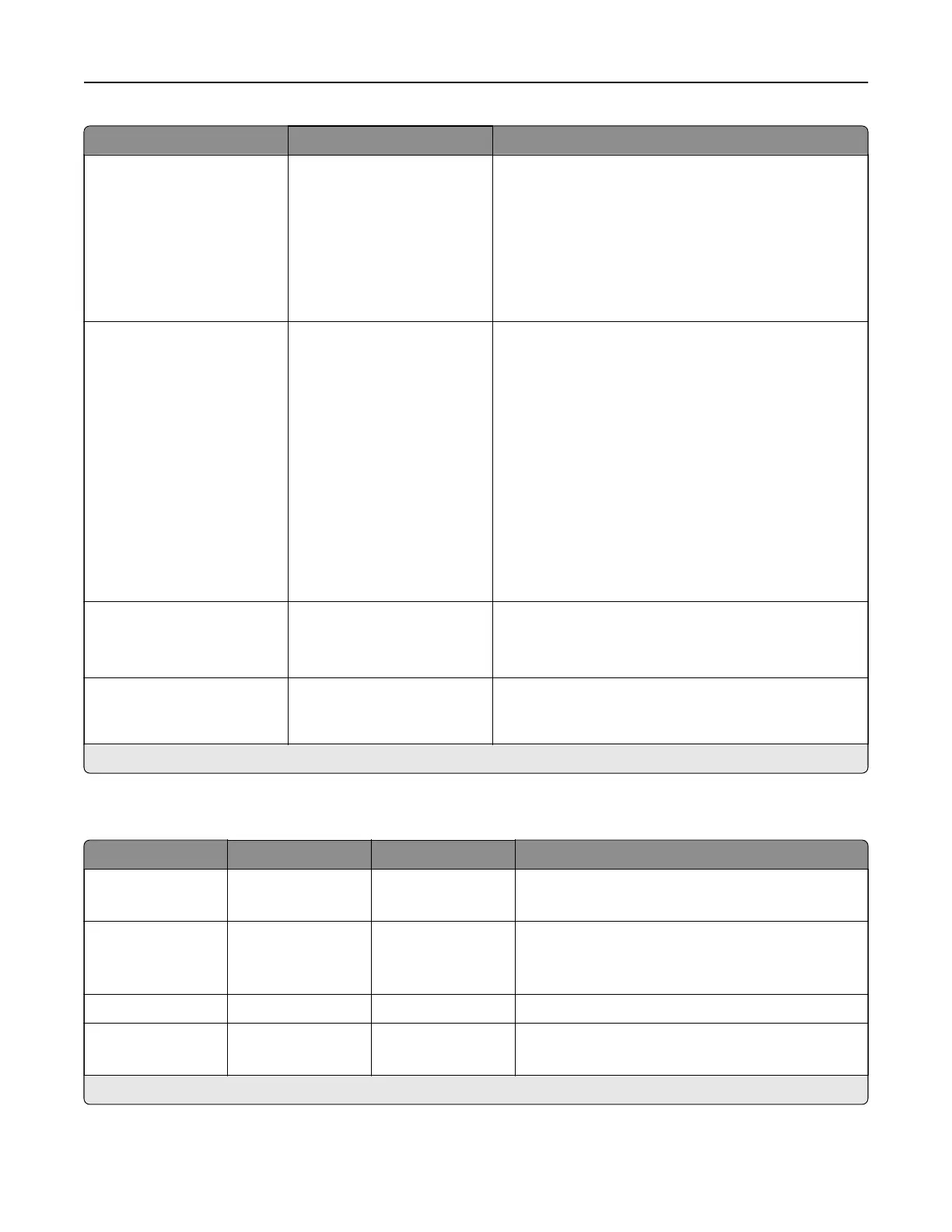
Menu item Settings Description
Low‑Speed Printer Usage Max Yield*
Max Speed
Let the printer switch between high‑yield (black only
mode) and high‑speed (color mode) when running at
low speed.
Note: This setting only changes printer behavior
when the print engine is running at a 25
pages‑per‑minute process speed. It has no eect
when the print engine is running at faster process
speeds.
Resource Save O*
On
Determine what the printer does with downloaded
resources when it receives a job that requires more
than the available memory.
Notes:
• When set to O, the printer retains downloaded
resources only until memory is needed.
Resources associated with the inactive printer
language are deleted.
• When set to On, the printer preserves all the
permanent downloaded resources across all
language switches. When necessary, the printer
shows memory full messages instead of deleting
permanent resources.
Print All Order Alphabetical*
Newest First
Oldest First
Specify the order when you choose to print all held and
confidential jobs.
Automatic Deletion of
Suspended Print Jobs
O*
On
Set the printer to cancel automatically the queued print
jobs that are interrupted by errors such as paper jams
and missing supplies.
Note: An asterisk (*) next to a value indicates the factory default setting.
Quality
Menu item Submenu item Settings Description
Print Mode N/A Black and White
Color*
Set how the printer generates color content.
Print Resolution N/A 4800 CQ*
1200 dpi
Set the resolution for the printed output.
Note: 4800 CQ provides high‑quality output at
maximum speed.
Toner Darkness N/A 1 to 5 (4*) Determine the lightness or darkness of text images.
Halftone N/A Normal*
Detail
Enhance the printed output to have smoother lines
with sharper edges.
Note: An asterisk (*) next to a value indicates the factory default setting.
Printer menus 305



 To Next Page