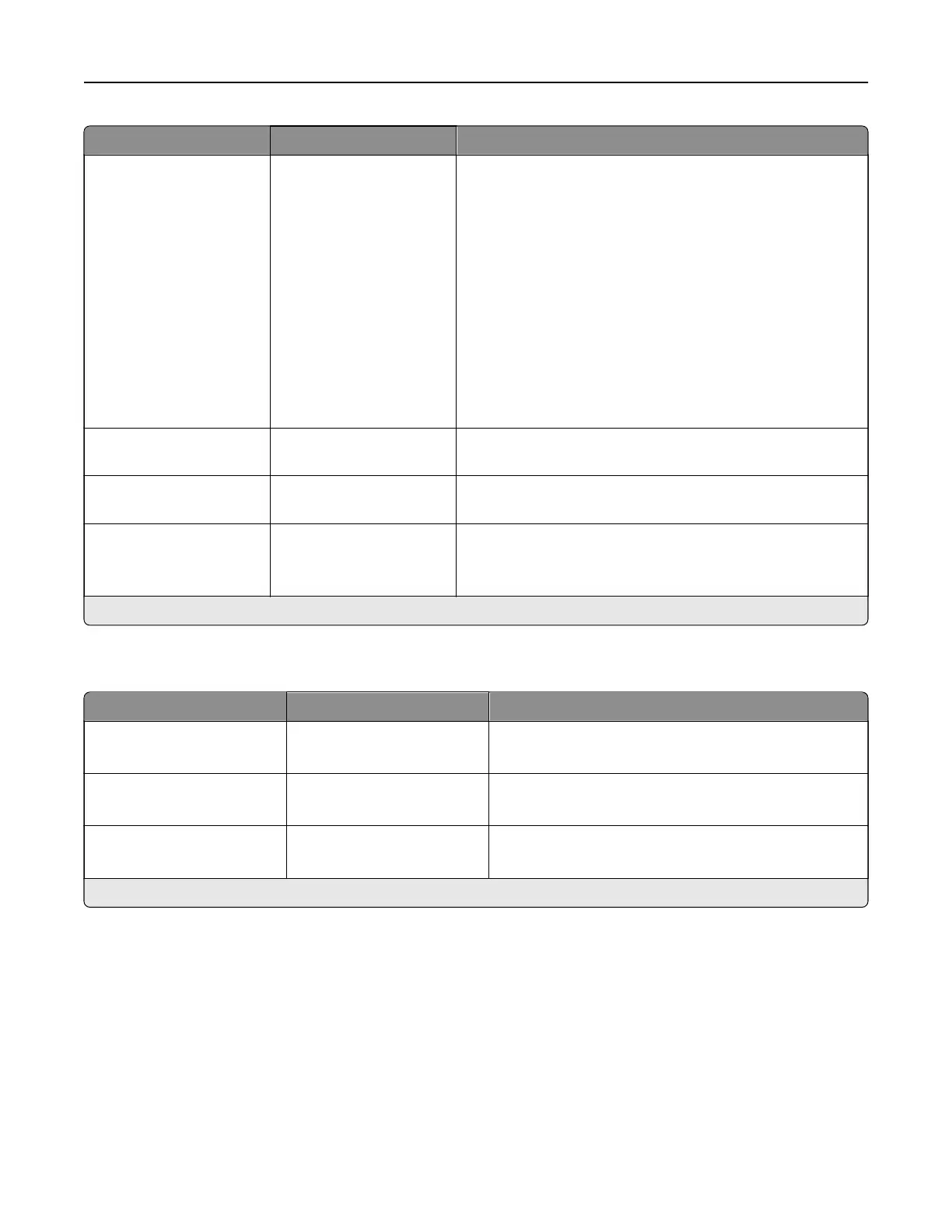
Menu item Settings Description
Log Action at Full None*
E‑mail & Delete Current
Log
E‑mail & Delete Oldest
Log
Post & Delete Current
Log
Post & Delete Oldest Log
Delete Current Log
Delete Oldest Log
Delete All But Current
Delete All Logs
Specify how the printer responds when a storage drive
usage reaches the maximum limit (100MB).
URL to Post Log The setting is user-
defined.
Specify where the printer posts job accounting logs.
E‑mail Address to Send
Logs
The setting is user-
defined.
Specify the email address to which the printer sends job
accounting logs.
Log File Prefix The setting is user-
defined.
Specify the prefix for the log files.
Note: The current host name
defined
in the TCP/IP menu
is used as the default log file prefix.
Note: An asterisk (*) next to a value indicates the factory default setting.
PDF
Menu item Settings Description
Scale To Fit O*
On
Scale the page content to fit the selected paper size.
Annotations Print
Do Not Print*
Specify whether to print annotations in the PDF.
Print PDF Error O
On*
Enable the printing of PDF error.
Note: An asterisk (*) next to a value indicates the factory default setting.
PostScript
Printer menus 308



 To Next Page