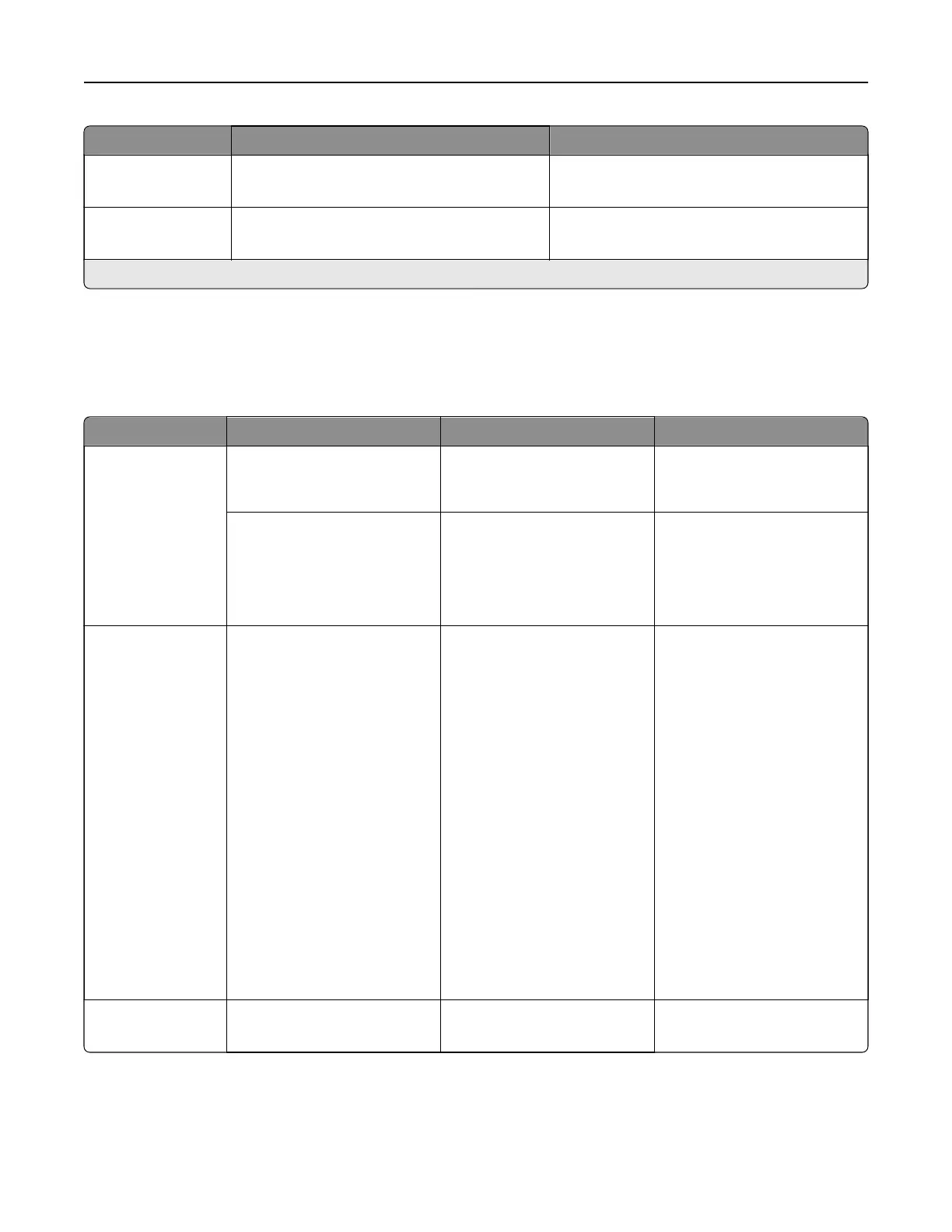
Menu item Settings Description
Enable Network
Connections
O
On*
Enable the printer to connect to a network.
Enable LLDP O*
On
Show the network status on the home screen.
Note: An asterisk (*) next to a value indicates the factory default setting.
Wireless
Note: This menu is available only in printers connected to a Wi‑Fi network or printers that have a wireless
network adapter.
Menu item Submenu item Settings Description
Setup On Printer
Panel
Choose Network [List of available wireless
networks]
Determine the wireless
network that the printer
connects to.
Add Wi‑Fi Network Network Name
Network Mode
(Infrastructure*)
Wireless Security Mode
(Disabled*)
Manually enter a network
name and network type.
Wi‑Fi Protected
Setup
N/A Start Push Button Method
Start PIN Method
Establish a Wi‑Fi network and
enable network security.
Notes:
• Start Push-Button
Method connects the
printer to a Wi‑Fi network
when buttons on both
the printer and the
access point (wireless
router) are pressed within
a given time.
• Start PIN Method
connects the printer to a
Wi‑Fi network when a
PIN on the printer is
entered into the wireless
settings of the access
point.
Network Mode N/A BSS Type
Infrastructure*
Specify the network mode.
Printer menus 350



 To Next Page