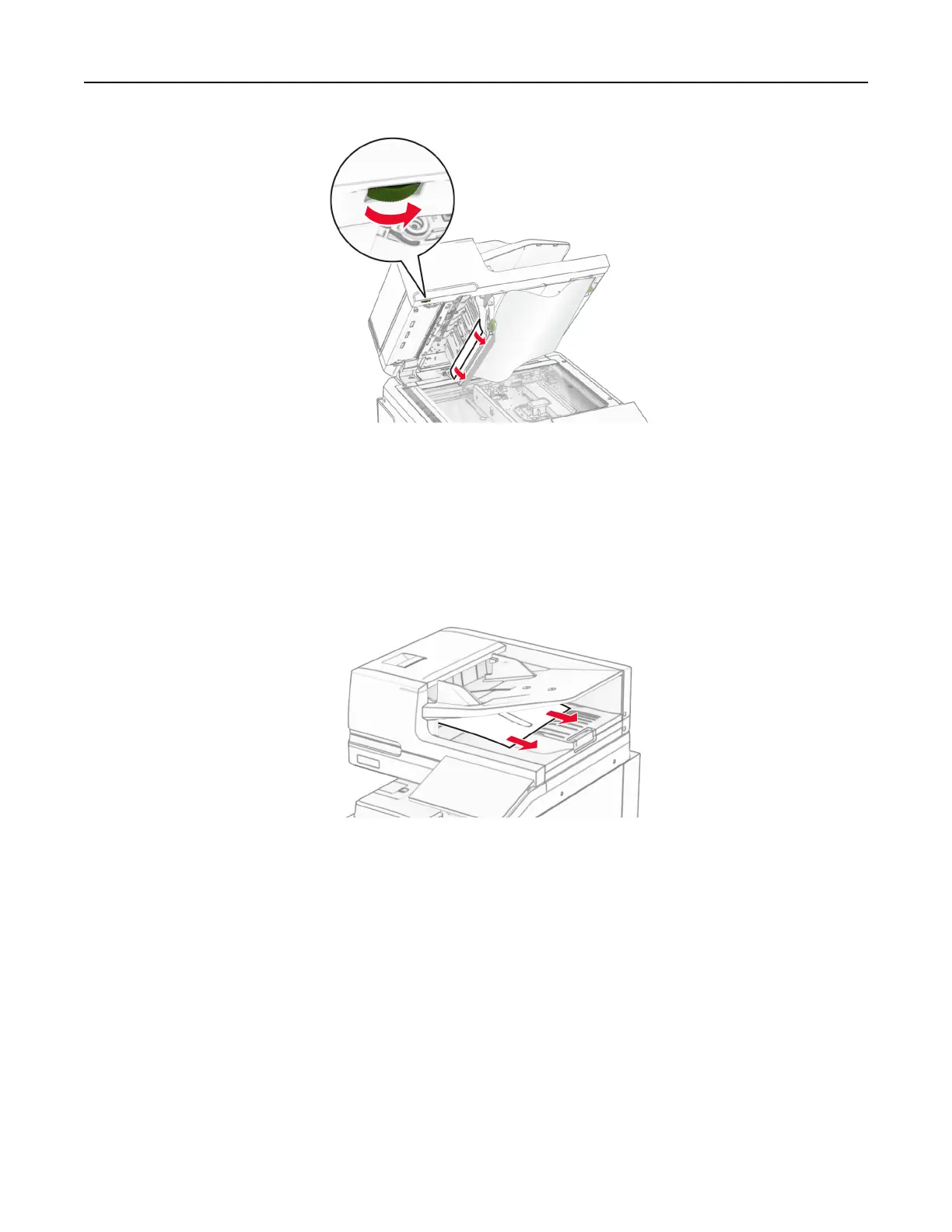
4 Close door A1, and then close the scanner cover.
Paper jam in the automatic document feeder bin
1
Remove any paper from the automatic document feeder bin.
2 Remove the jammed paper.
Note: Make sure that all paper fragments are removed.
Paper jam in the multipurpose feeder
1 Remove any paper from the multipurpose feeder.
2 Remove the jammed paper.
Note: Make sure that all paper fragments are removed.
Troubleshoot a problem 478



 To Next Page