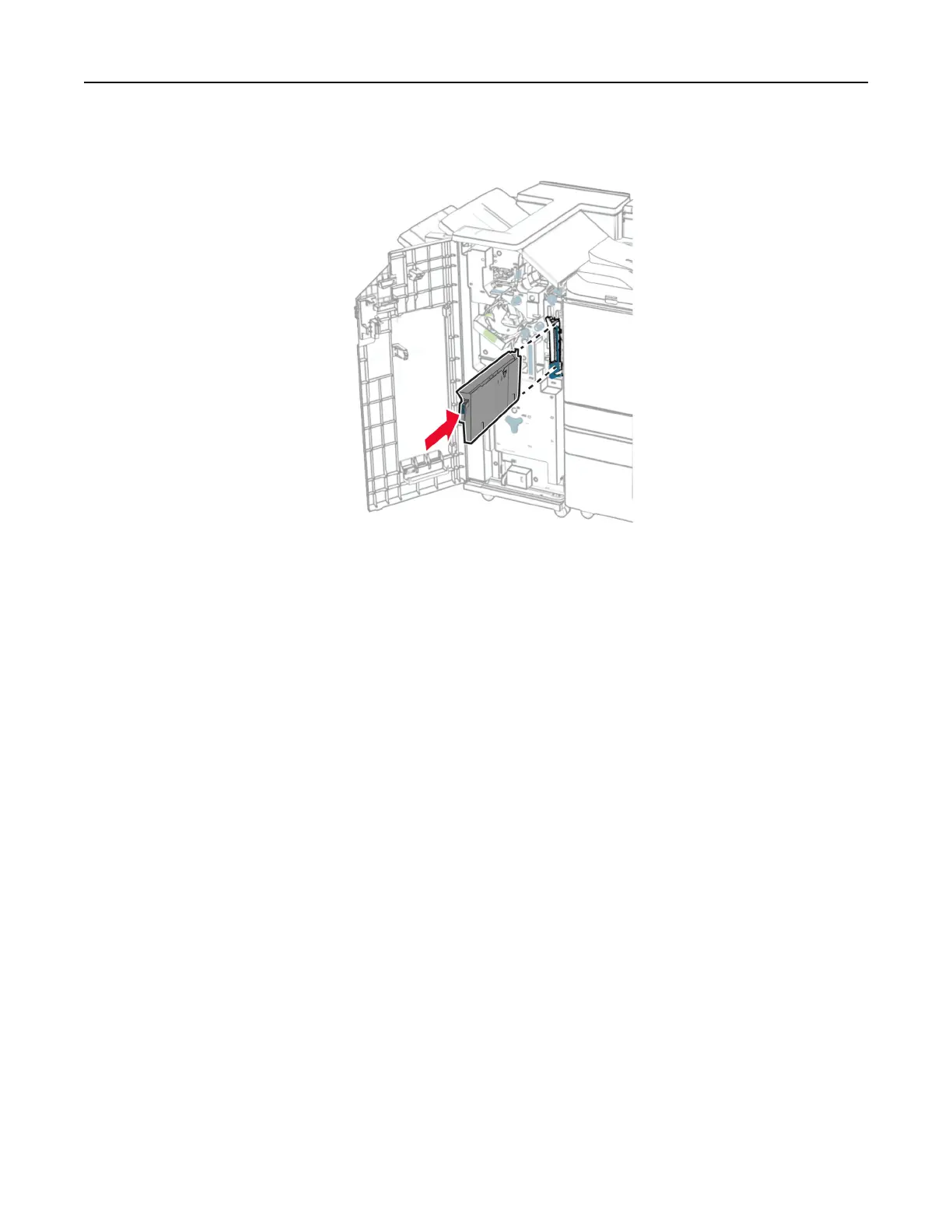
3 Insert the hole punch box.
4 Close the
finisher
door.
Saving energy and paper
Configuring
the power save mode settings
Configuring the power save mode settings
Sleep mode
1
From the control panel, navigate to Settings > Device > Power Management > Timeouts > Sleep Mode.
2 Set the amount of time that the printer stays idle before it enters Sleep Mode.
Hibernate mode
1
From the control panel, navigate to Settings > Device > Power Management > Timeouts > Hibernate
Timeout.
2 Set the amount of time that the printer stays idle before it enters hibernate mode.
Notes:
• For Hibernate Timeout to work, set Hibernate Timeout on Connection to Hibernate.
• The Embedded Web Server is disabled when the printer is in hibernate mode.
Adjusting the brightness of the display
Maintain the printer 440



 To Next Page