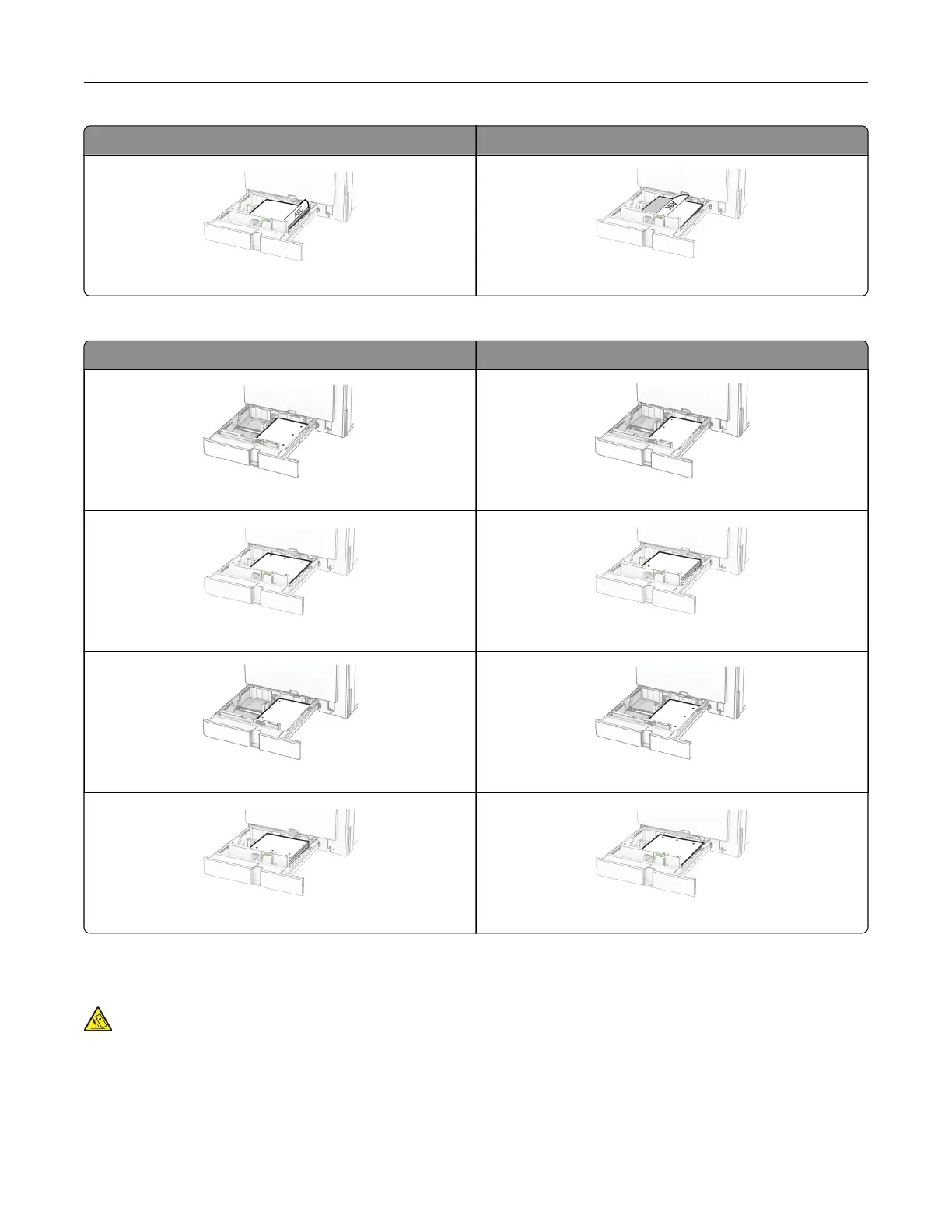
Without a finisher With a finisher
Two‑sided, short‑edge printing Two‑sided, short‑edge printing
When loading prepunched paper, do any of the following:
Without an optional finisher With an optional finisher
One‑sided, long‑edge printing One‑sided, long‑edge printing
One‑sided, short‑edge printing One‑sided, short‑edge printing
Two‑sided, long‑edge printing Two‑sided, long‑edge printing
Two‑sided, short‑edge printing Two‑sided, short‑edge printing
Loading the 2000-sheet tandem tray
CAUTION—TIPPING HAZARD: To reduce the risk of equipment instability, load each tray separately.
Keep all other trays closed until needed.
1 Open the tray.
Note: To avoid jams, do not pull out trays while the printer is busy.
Set up, install, and configure 84



 To Next Page