Updating firmware
Updating the firmware using the control panel
Using the notification center
This method is applicable only in some printer models.
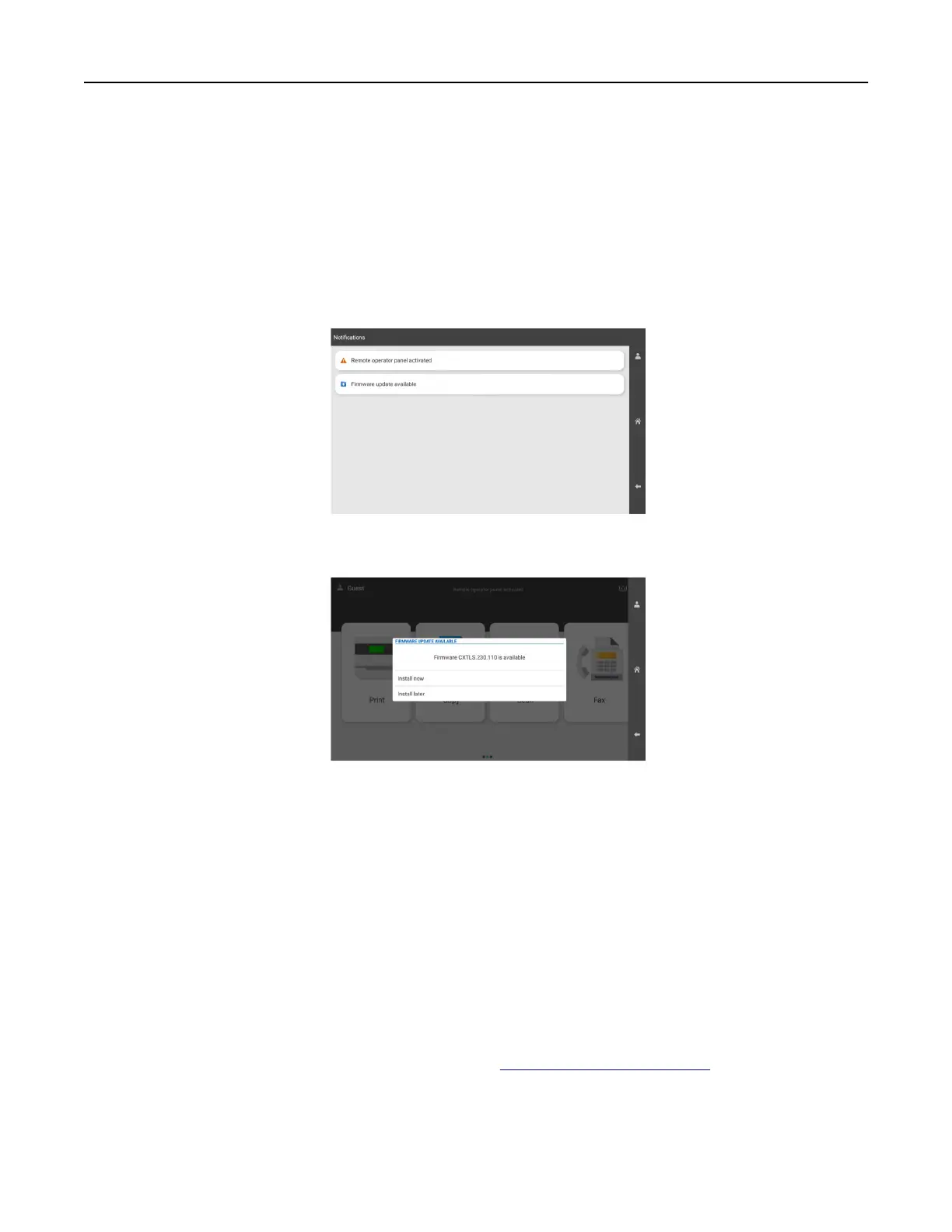
1 From the control panel, navigate to the notification center, and then select Firmware update available.
2 Select Install now.
The printer reboots automatically after the update.
Using the Settings menu
1 From the control panel, navigate to Settings > Device > Update Firmware.
2 Depending on your printer model, select Check for updates or Check for updates now.
3 If a new update is available, then select Install now.
The printer reboots automatically after the update.
Updating the firmware using the Embedded Web Server
Before you begin, make sure that:
• You have downloaded the latest printer firmware from https://support.lexmark.com and saved it to your
flash drive or computer.
Note: To deploy the printer
firmware,
extract the FLS
firmware
file
from the ZIP package.
• You are not using a special code on your printer to avoid losing this functionality.
Set up, install, and configure 97



 To Next Page