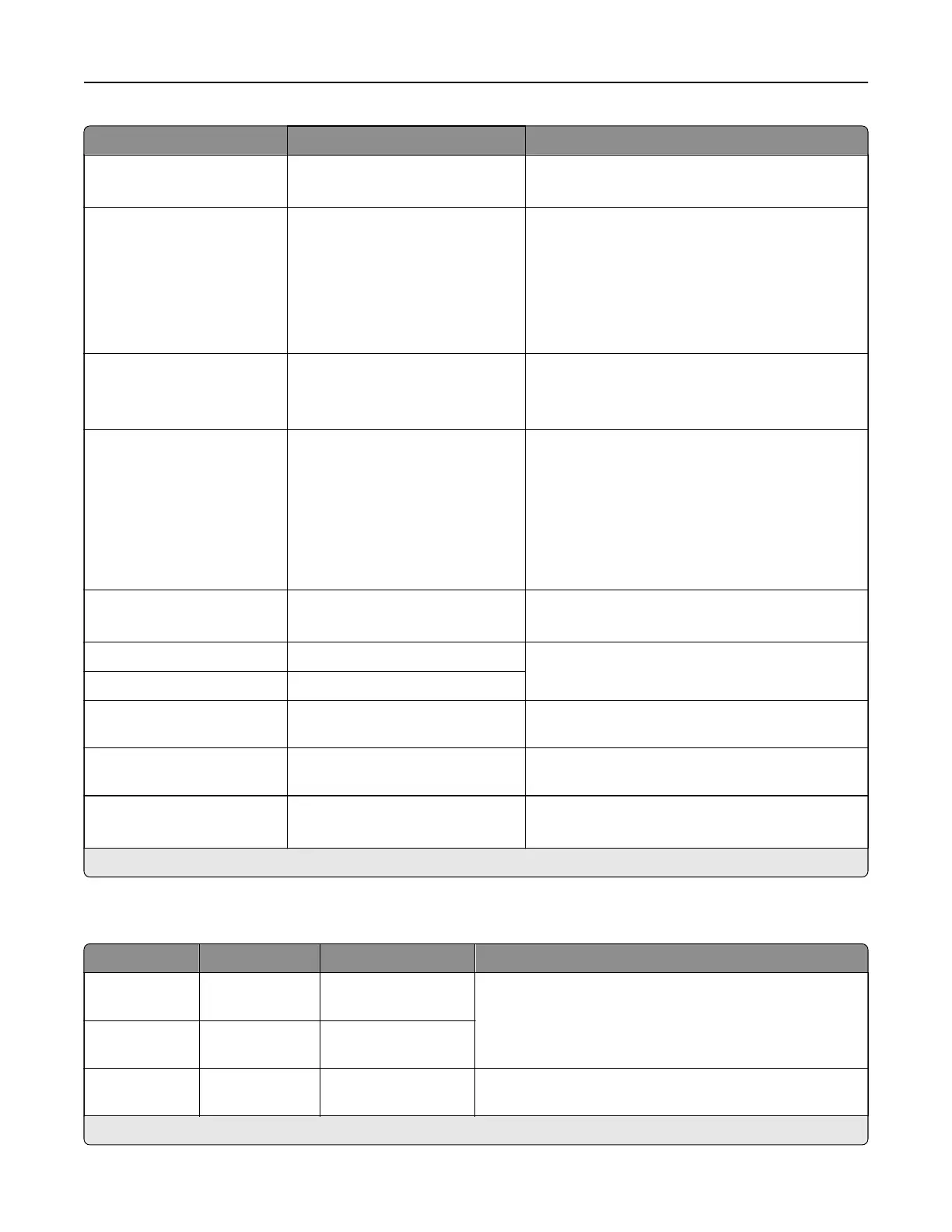
Menu item Settings Description
Require Trusted Certificate O
On*
Require a trusted certificate when accessing the
SMTP server.
SMTP Server
Authentication
No authentication required*
Login / Plain
NTLM
CRAM‑MD5
Digest‑MD5
Kerberos 5
Set the authentication type for the SMTP server.
Device‑Initiated Email None*
None*
Use Device SMTP Credentials
Specify whether credentials are required for
device‑initiated email.
User‑Initiated Email None*
Use Device SMTP Credentials
Use Session User ID and
Password
Use Session Email address and
Password
Prompt user
Specify whether credentials are required for
user‑initiated email.
Use Active Directory Device
Credentials
O*
On
Specify whether credentials are required for
user‑initiated email.
Device Userid The setting is user-defined. Specify the user ID and password to connect to
the SMTP server.
Device Password The setting is user-defined.
Kerberos 5 REALM The setting is user-defined. Specify the realm for the Kerberos 5
authentication protocol.
NTLM Domain The setting is user-defined. Specify the domain name for the NTLM security
protocol.
Disable “SMTP server not
set up” error
O*
On
Hide the “SMTP server not set up” error message.
Note: An asterisk (*) next to a value indicates the factory default setting.
Email Defaults
Menu item Submenu items Settings Description
Subject: N/A The setting is
user‑defined.
Specify the email subject and message.
Message: N/A The setting is
user‑defined.
File Name N/A The setting is
user‑defined.
Specify the filename for the scanned document.
Note: An asterisk (*) next to a value indicates the factory default setting.
Printer menus 334



 To Next Page