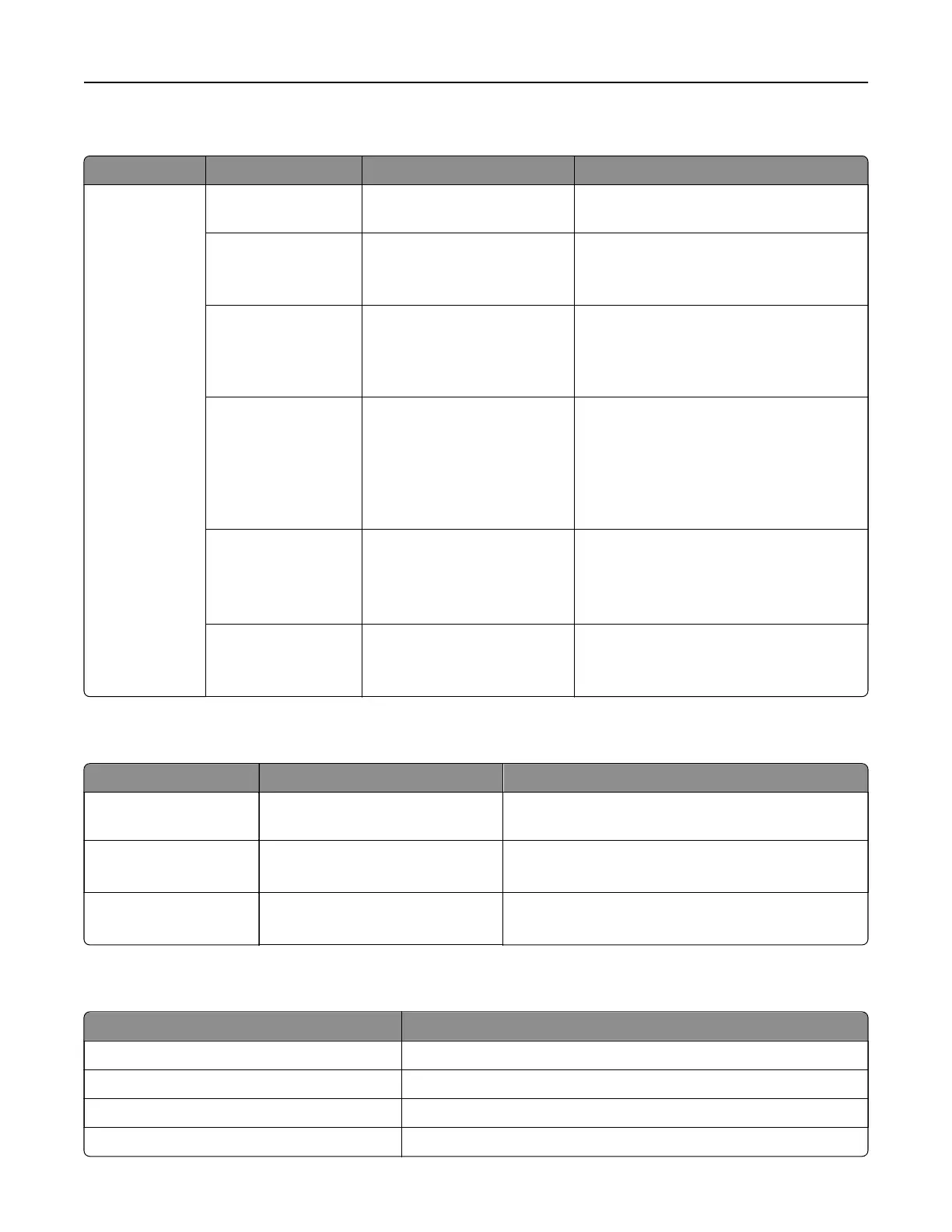
Out of Service Erase
Menu item Submenu item Settings Description
Out of Service
Erase
Memory Last
Sanitized
The setting is a read‑only
information.
Show when the printer memory was last
erased.
Hard Disk Last
Sanitized
The setting is a read‑only
information.
Show when hard disk was last erased.
Note: This menu item appears only when
a hard disk is installed.
ISD last erased The setting is a read‑only
information.
Show when the intelligent storage drive
(ISD) was last erased.
Note: This menu item appears only when
an ISD is installed.
Sanitize all
information on
nonvolatile memory
Erase all printer and network
settings
Erase all apps and app
settings
Erase all shortcuts and
shortcut settings
Clear all information on nonvolatile
memory.
Sanitize all
information on hard
disk
Erase downloads (Erases all
macros, fonts, PFOs, etc.)
Erase buered jobs
Erase Held Jobs
Clear all information on the hard disk.
Note: This menu item appears only when
a hard disk is installed.
Erase Intelligent
Storage Drive
Erase Clear all information on the ISD.
Note: This menu item appears only when
an ISD is installed.
Update
firmware
Menu item Settings Description
Current Version The setting is a read‑only
information.
Show the current firmware version installed on the
printer.
Check for updates now Install now
Install later
Check for firmware updates.
Auto check for updates On
O*
Set the printer to check for firmware updates
automatically.
About this Printer
Menu item Description
Asset Tag Specify the identity of the printer.
Printer’s Location Specify the printer location.
Contact Specify the contact information for the printer.
Firmware Version Show the firmware version installed on the printer.
Printer menus 301



 To Next Page