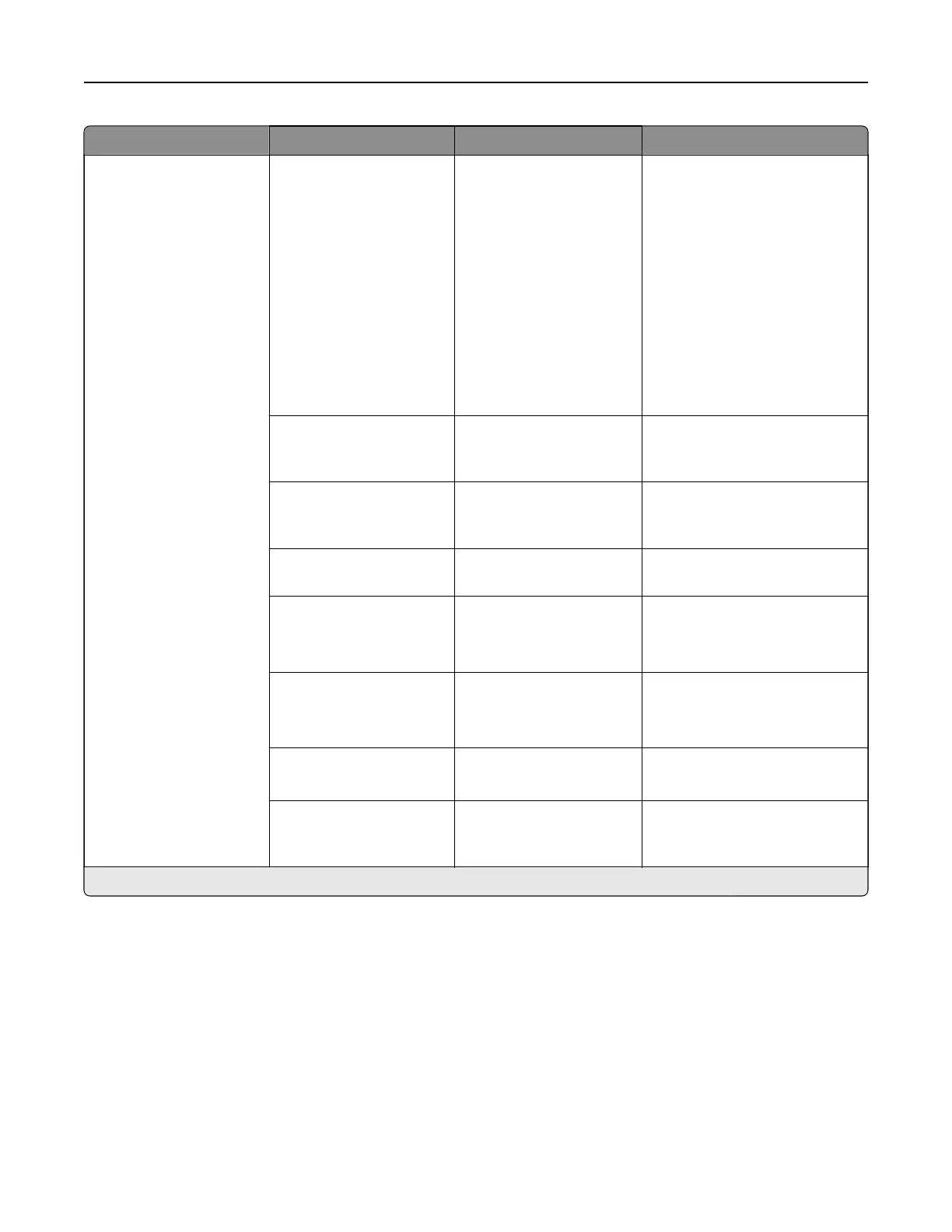
Menu item Submenu item Settings Description
Scanner Configuration Scanner Manual
Registration
Print Quick Test
Front ADF Registration
Rear ADF Registration
Flatbed Registration
Print a Quick Test target page, or
manually register the flatbed
and automatic document feeder
(ADF) after replacing the ADF,
scanner glass, or controller
board.
Note: When printing a Quick
Test target page, make sure
that the margin spacing on the
target page is uniform all the
way around the target. If it is
not, then the printer margins
must be reset.
Reset Maintenance
Counter
Resetting ADF
Maintenance Counter
(Start)
Reset the counter after
replacing the ADF maintenance
kit.
Edge Erase Flatbed Edge Erase (3*)
ADF Edge Erase (3*)
Set the size, in millimeters, of the
no‑print area around an ADF or
flatbed scan job.
ADF Deskew ADF Electronic Deskew
(On*)
Reduce skewing of documents
that are scanned from the ADF.
Disable Scanner No*
Ye s
ADF Only
Disable the scanner when it is
not working properly.
Ti Byte Order CPU Endianness
Little Endian
Big Endian
Set the byte order of a
TIFF‑formatted scan output.
Exact Ti Rows Per Strip On*
O
Set the RowsPerStrip tag value
of a TIFF‑formatted scan output.
Scanner Glass Cleaning
Threshold
1000–30000 (10000*) Set the number of scans before
the user receives a prompt to
clean the scanner glass.
Note: An asterisk (*) next to a value indicates the factory default setting.
Printer menus 300



 To Next Page