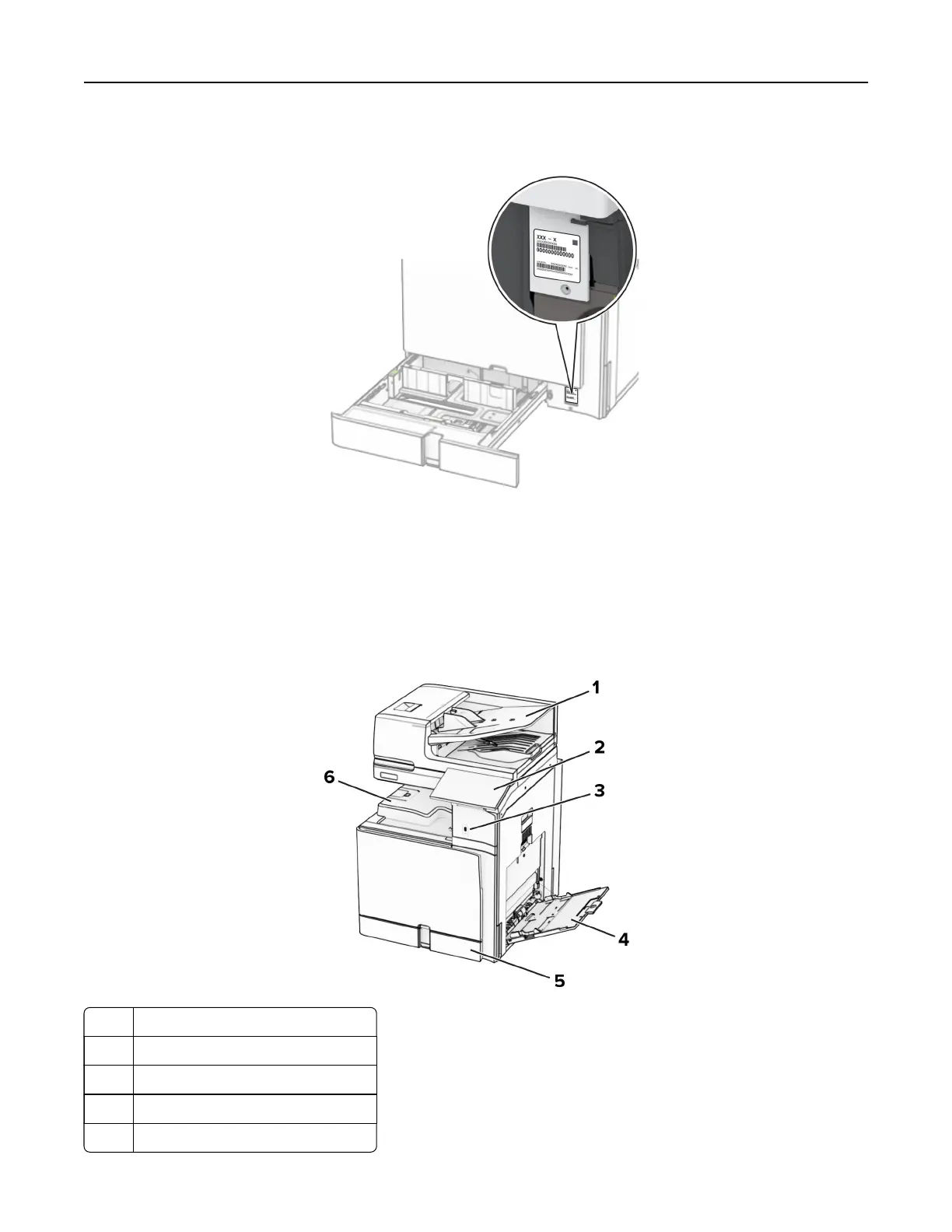
2 Locate the serial number at the right side of the printer.
Printer configurations
Note: Make sure to configure the printer on a flat, sturdy, and stable surface.
Basic model
1 Automatic document feeder (ADF)
2 Control panel
3 USB port
4 Multipurpose feeder
5 Standard 550‑sheet tray
Learn about the printer 11



 To Next Page