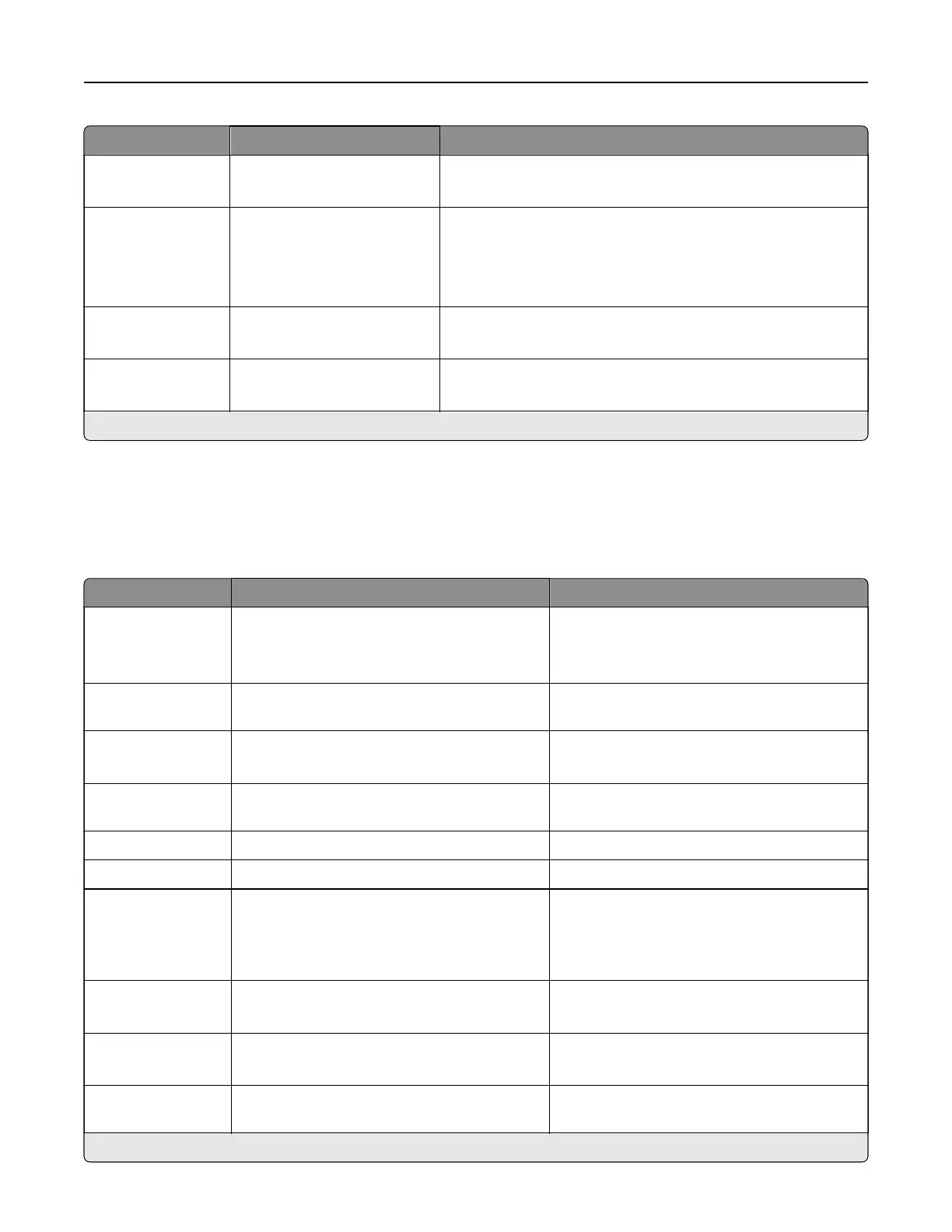
Menu item Settings Description
Pages per Side
Border
None*
Solid
Print a border around each page image when using the Pages
per Side menu.
Separator Sheets O*
Between Copies
Between Jobs
Between Pages
Insert blank separator sheets when printing.
Separator Sheet
Source
Tray [x] (1*)
Multipurpose Feeder
Specify the paper source for the separator sheet.
Blank Pages Do Not Print*
Print
Print blank pages in a print job.
Note: An asterisk (*) next to a value indicates the factory default setting.
Network/Ports
Network Overview
Menu item Settings Description
Active Adapter Auto*
Standard Network
Wireless
Specify the type of the network connection.
Note: Wireless is available only in printers
connected to a wireless network.
Network Status The setting is a read‑only information. Show the connectivity status of the printer
network.
Display Network
Status on Printer
O
On*
Show the network status on the display.
Speed, Duplex The setting is a read‑only information. Show the speed of the currently active
network card.
IPv4 The setting is a read‑only information. Show the IPv4 address.
All IPv6 Addresses The setting is a read‑only information. Show all the IPv6 addresses.
Reset Print Server Start Reset all active network connections to the
printer.
Note: This setting removes all network
configuration settings.
Network Job
Timeout
O
On* (90 seconds)
Set the time before the printer cancels a
network print job.
Banner Page O
On*
Print a banner page.
Scan to PC Port
Range
The setting is user‑defined. Specify a valid port range for printers that are
behind a port blocking firewall.
Note: An asterisk (*) next to a value indicates the factory default setting.
Printer menus 349



 To Next Page