3 Read the warning message, and then select Continue.
4 Using two fingers, touch the display for 15 seconds to clear the message.
Note: If you are unable to reset the supply usage counters, then return the supply item to the place of
purchase.
Paper feed problems
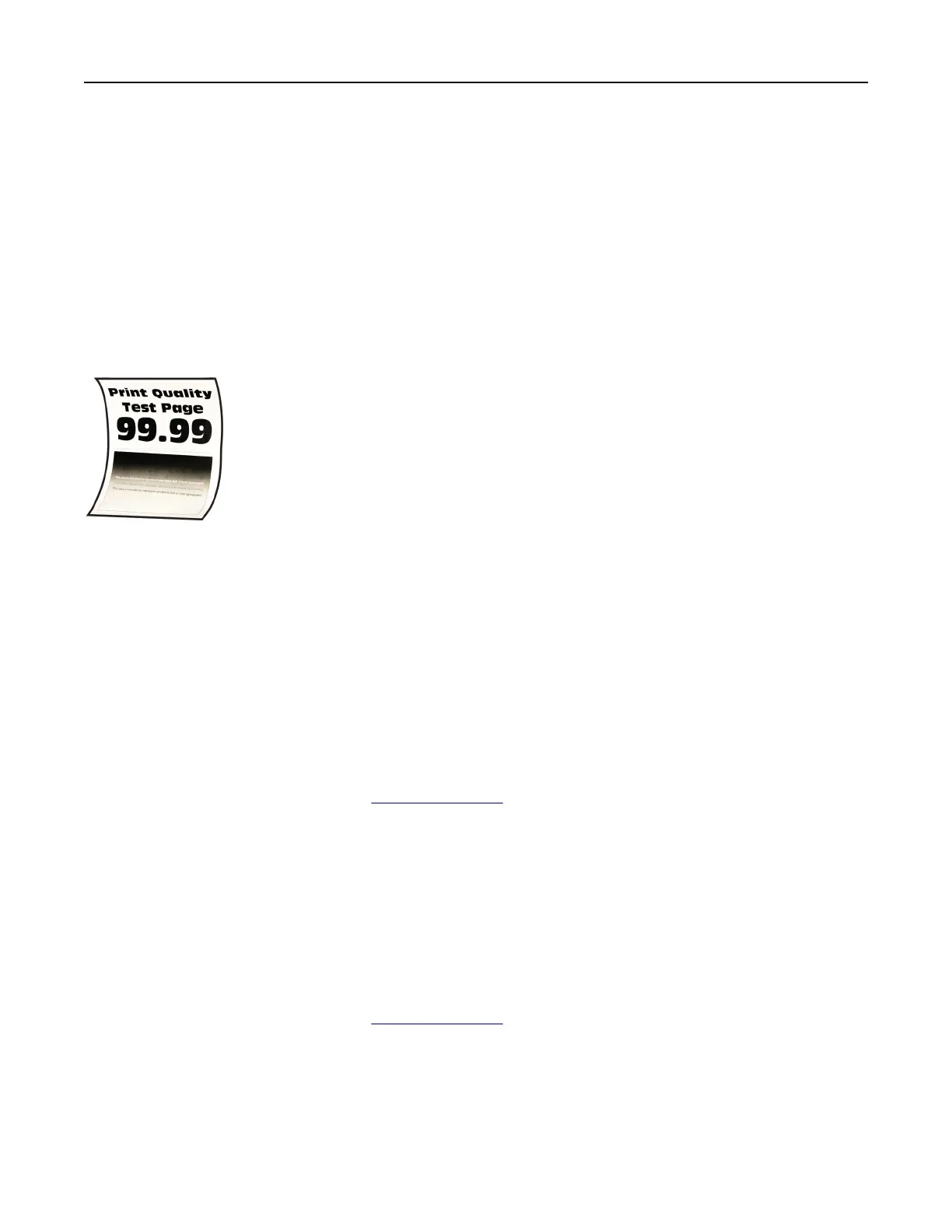
Paper curl
Try one or more of the following:
• Adjust the guides in the tray to the correct position for the paper loaded.
• Depending on your operating system, specify the paper type from the Printing Preferences or Print
dialog. Make sure that the setting matches the paper loaded.
Note: You can also change the setting on the printer control panel. Navigate to Settings > Paper >
Tray Configuration > Paper Size/Type.
• Remove the paper,
flip
it over, and then reload the paper.
• Load paper from a fresh package.
Note: Paper absorbs moisture due to high humidity. Store the paper in its original wrapper until you
are ready to use it.
If the problem persists, then contact
customer support.
Envelope seals when printing
Try one or more of the following:
• Use an envelope that has been stored in a dry environment.
Note: Printing on envelopes with high moisture content can seal the
flaps.
• Make sure that the paper type is set to Envelope. From the control panel, navigate to Settings > Paper
> Tray
Configuration
> Paper Size/Type.
If the problem persists, then contact
customer support.
Troubleshoot a problem 525



 To Next Page