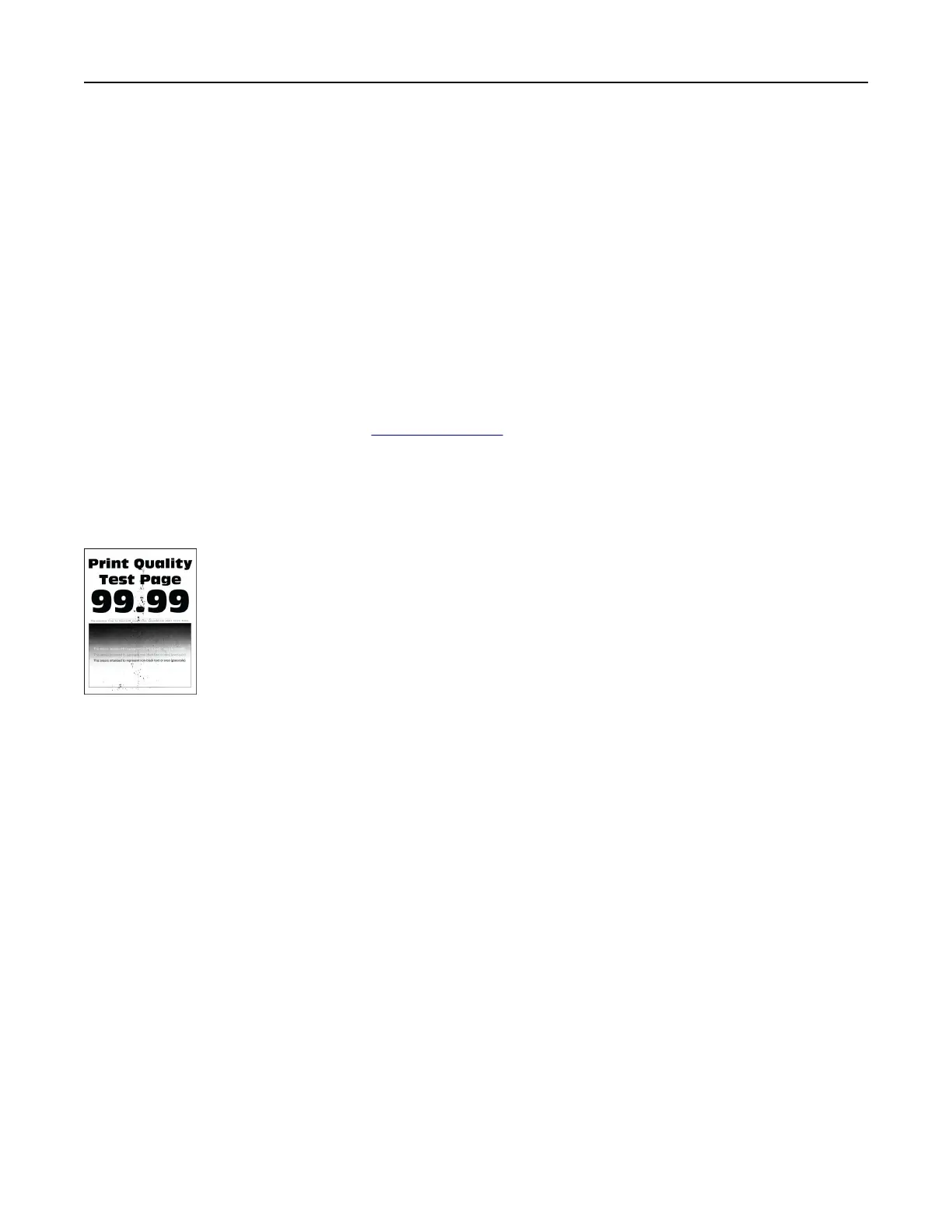
• Use tray 1 to print the sample pages and make sure that the paper is loaded in the portrait orientation.
Try one or more of the following:
• Make sure that all packing material is removed from the imaging kit, imaging unit, and toner cartridges.
• Remove the developer unit of the missing color.
1 Remove the imaging kit.
Warning—Potential Damage: Do not expose the imaging kit and black imaging unit to direct
light for more than 10 minutes. Extended exposure to light may cause print quality problems.
Warning—Potential Damage: Do not touch the photoconductor drum under the imaging kit
and black imaging unit. Doing so may
aect
the quality of future print jobs.
2 Remove, and then insert the developer unit of the missing color.
3 Insert the imaging kit.
If the problem persists, then contact
customer support.
Mottled print and dots
Mottled print and dots
Notes:
• Before solving the problem, print the Print Quality Test Pages. From the control panel, navigate to
Settings > Troubleshooting > Print Quality Test Pages.
• Use tray 1 to print the sample pages and make sure that the paper is loaded in the portrait orientation.
Try one or more of the following:
• Check the printer for leaked toner contamination.
• Make sure that the paper size and paper type settings match the paper loaded. From the control panel,
navigate to Settings > Paper > Tray Configuration > Paper Size/Type.
Note: Make sure that the paper does not have a texture or rough finish.
• Depending on your operating system, specify the paper size and paper type from the Printing
Preferences or Print dialog. Make sure that the settings match the paper loaded in the tray.
• Load paper from a fresh package.
Note: Paper absorbs moisture due to high humidity. Store the paper in its original wrapper until you
are ready to use it.
Troubleshoot a problem 460



 To Next Page