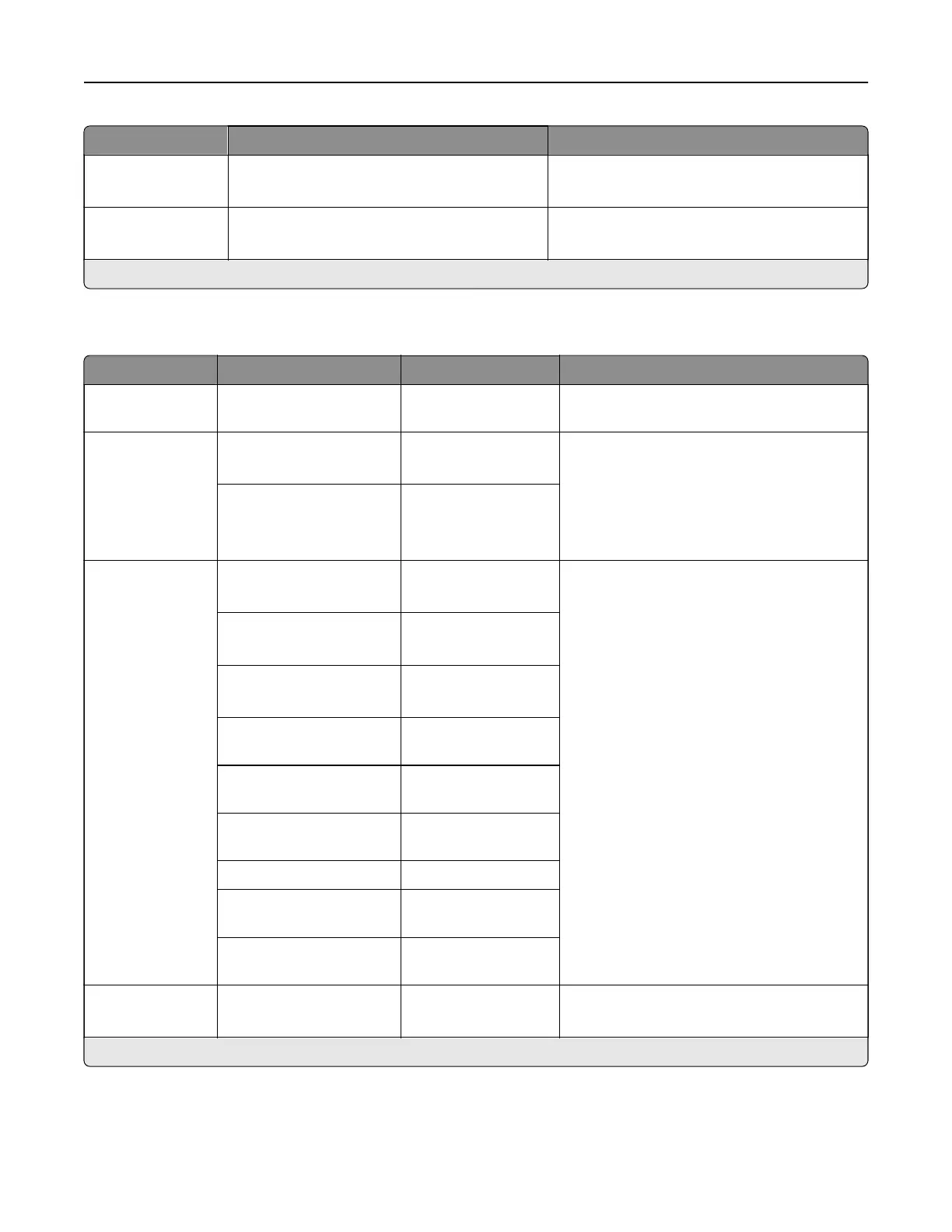
Menu item Settings Description
Enable Scan On*
O
Enable a network printer to print jobs using
eSCL protocol.
Enable Mopria
Discovery
On*
O
Enable mobile devices to discover a Mopria™
certified printer.
Note: An asterisk (*) next to a value indicates the factory default setting.
Ethernet
Menu item Submenu item Settings Description
Network Speed N/A The setting is a read-
only information.
Show the speed of the active network
adapter.
IPv4 Enable DHCP On*
O
Configure the IPv4 settings.
Note: The settings are user‑defined.
Set Static IP Address IP Address
Netmask
Gateway
IPv6 Enable IPv6 On*
O
Configure the IPv6 settings.
Enable DHCPv6 O*
On
Stateless Address
Autoconfiguration
On*
O
DNS Server Address The setting is user-
defined.
Manually Assigned IPv6
Address
The setting is user-
defined.
Manually Assigned IPv6
Router
The setting is user-
defined.
Address Prefix (64*) 0–128 (64*)
All IPv6 Addresses The setting is a read-
only information.
All IPv6 Router
Addresses
The setting is a read-
only information.
Network Address N/A UAA
LAA
Specify the network address.
Note: An asterisk (*) next to a value indicates the factory default setting.
Printer menus 354



 To Next Page