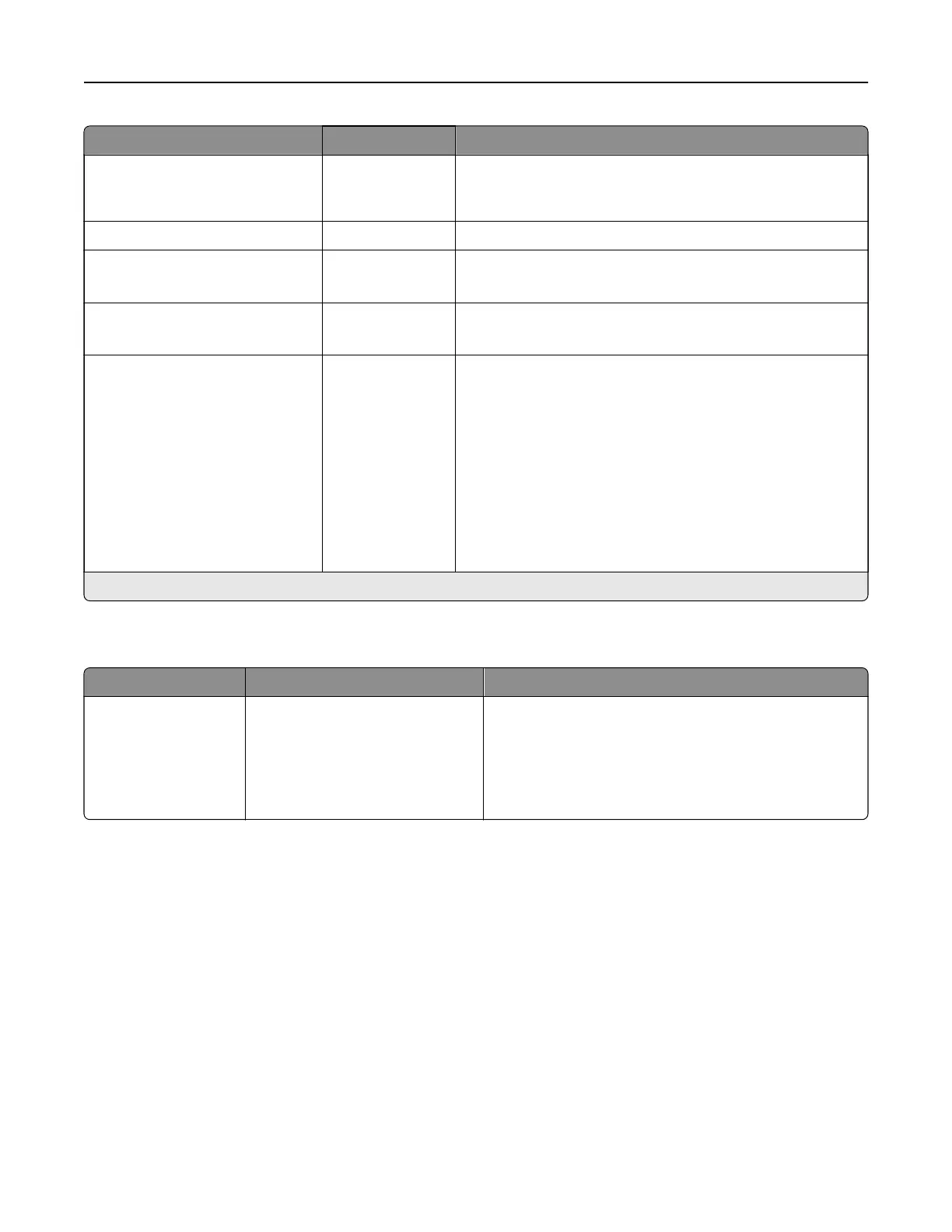
Menu item Settings Description
Prolong Screen Timeout O*
On
Let the user remain in the same location and reset the
Screen Timeout timer when it expires instead of returning
to the home screen.
Headphone Volume 1–10 (5*) Adjust the headphone volume.
Enable Voice Guidance When
Headphone is Attached
O*
On
Enable Voice Guidance when headphones are inserted into
the headphone jack.
Speak Passwords/PINs O*
On
Set the printer to read out loud passwords or personal
identification numbers.
Speech Rate Very Slow
Slow
Normal*
Fast
Faster
Very Fast
Rapid
Very Rapid
Fastest
Set the Voice Guidance speech rate.
Note: An asterisk (*) next to a value indicates the factory default setting.
Restore Factory Defaults
Menu item Settings Description
Restore Settings Restore all settings
Restore printer settings
Restore network settings
Restore fax settings
Restore app settings
Restore the printer factory default settings.
Printer menus 292



 To Next Page