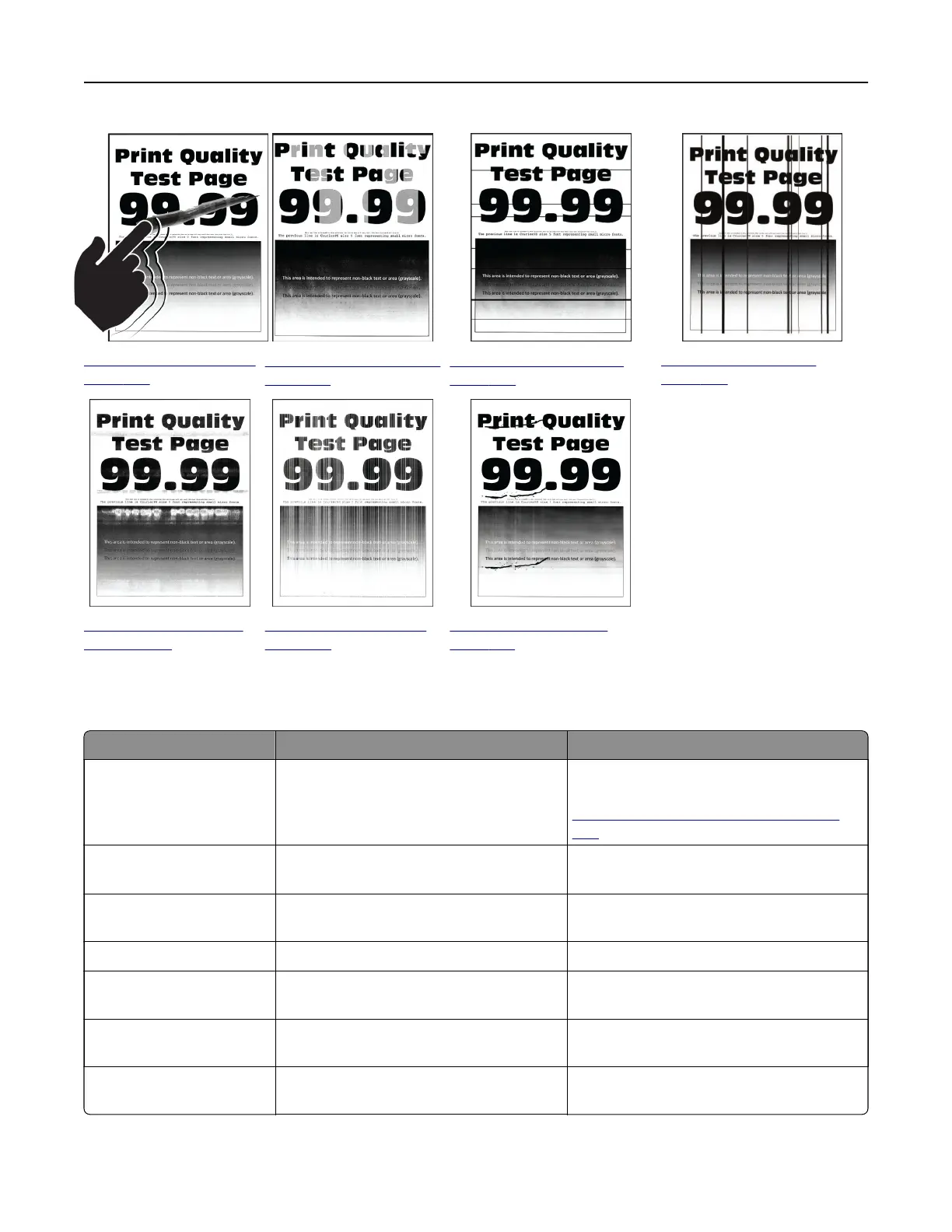
“Toner easily rubs o” on
page 463
“Uneven print density” on
page 463
“Horizontal dark lines” on
page 464
“Vertical dark lines” on
page 465
“Horizontal white lines”
on page 465
“Vertical white lines” on
page 466
“Repeating defects” on
page 467
Printer error codes
Error codes Error message Solution
2.01 Supply needed. Select Cancel Job and order the needed
supply. For more information, see
“Ordering parts and supplies” on page
383.
3.01 The standard output bin is
full.
Remove the paper from the bin, and then
select Continue.
3.02, 3.03, 3.04 Remove paper from bin [x]. Remove the paper from the bin, and then
select Continue.
7.13, 7.23, 7.33,7.43 Insert tray [x]. Insert the indicated tray.
8.01 Close the front door. Keep the front door closed unless
performing maintenance.
8.02, 8.03, 8.04, 8.05,
8.08, 8.10, 8.11
Close door [x]. Keep the indicated door closed unless
performing maintenance.
8.06 Reattach the 1500‑sheet tray. Make sure that the tray is properly attached
to the printer.
Troubleshoot a problem 443



 To Next Page